How Jetpack Compose Helps Build Flexible Media Apps: EasyBangumi Case Study
Know that feeling when you want to watch your favorite series or anime, but have to switch between five different sites, close endless banners, and fight with broken players? Open-source community developers often solve these problems radically — they write their own aggregator.
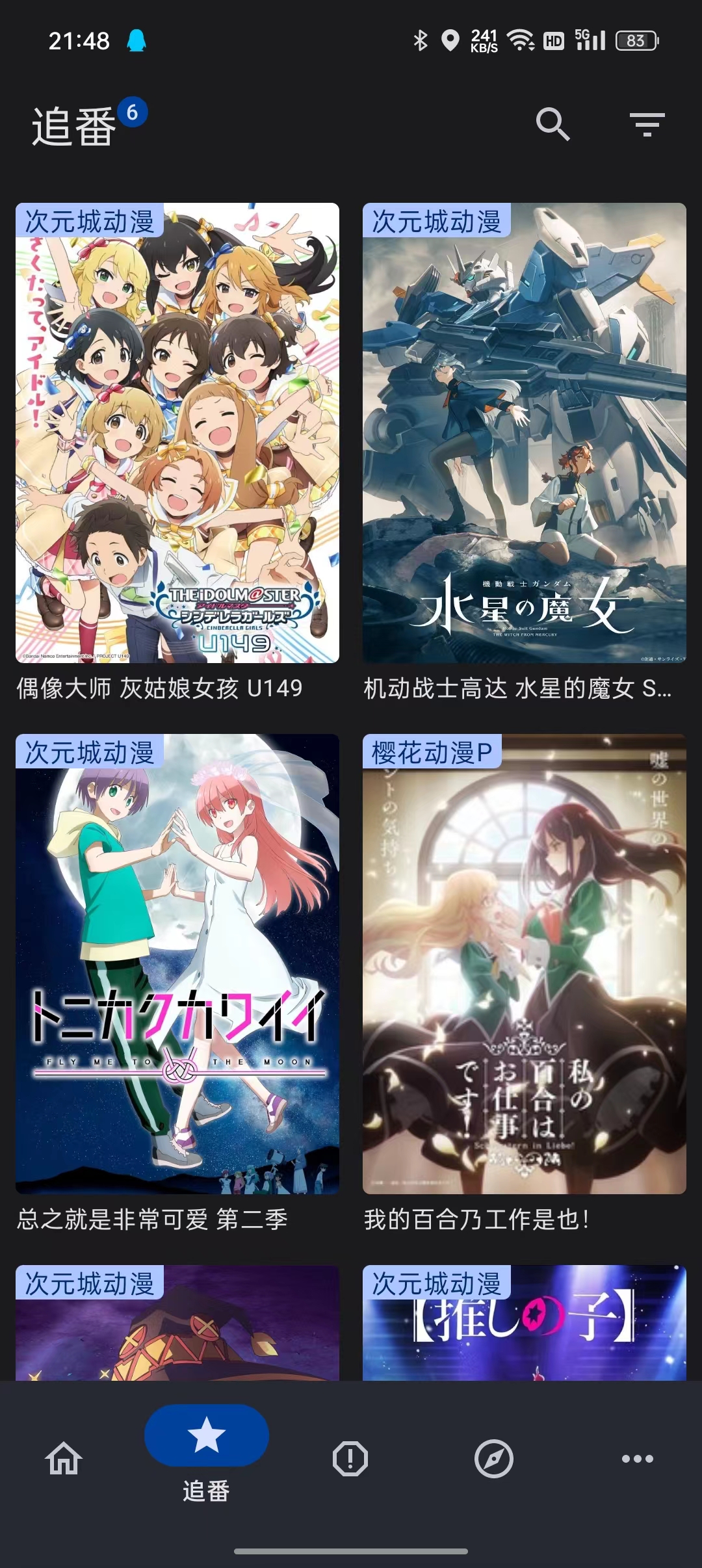
The EasyBangumi project (or "Clean Anime Viewing", as the authors call it) is not just another player. It's a full-featured Android client built on a modern tech stack that transforms the chaos of different content sources into a single, tidy library. What's interesting is that the project was originally created as a training ground for testing Jetpack Compose and working with audio-video technologies.
What's Inside This All-in-One App
EasyBangumi operates on a modular principle. The app itself is an empty shell with player and cataloging logic. All content flows in through a plugin system. This frees the authors from copyright issues and gives users complete freedom.
The app already implements a decent list of features:
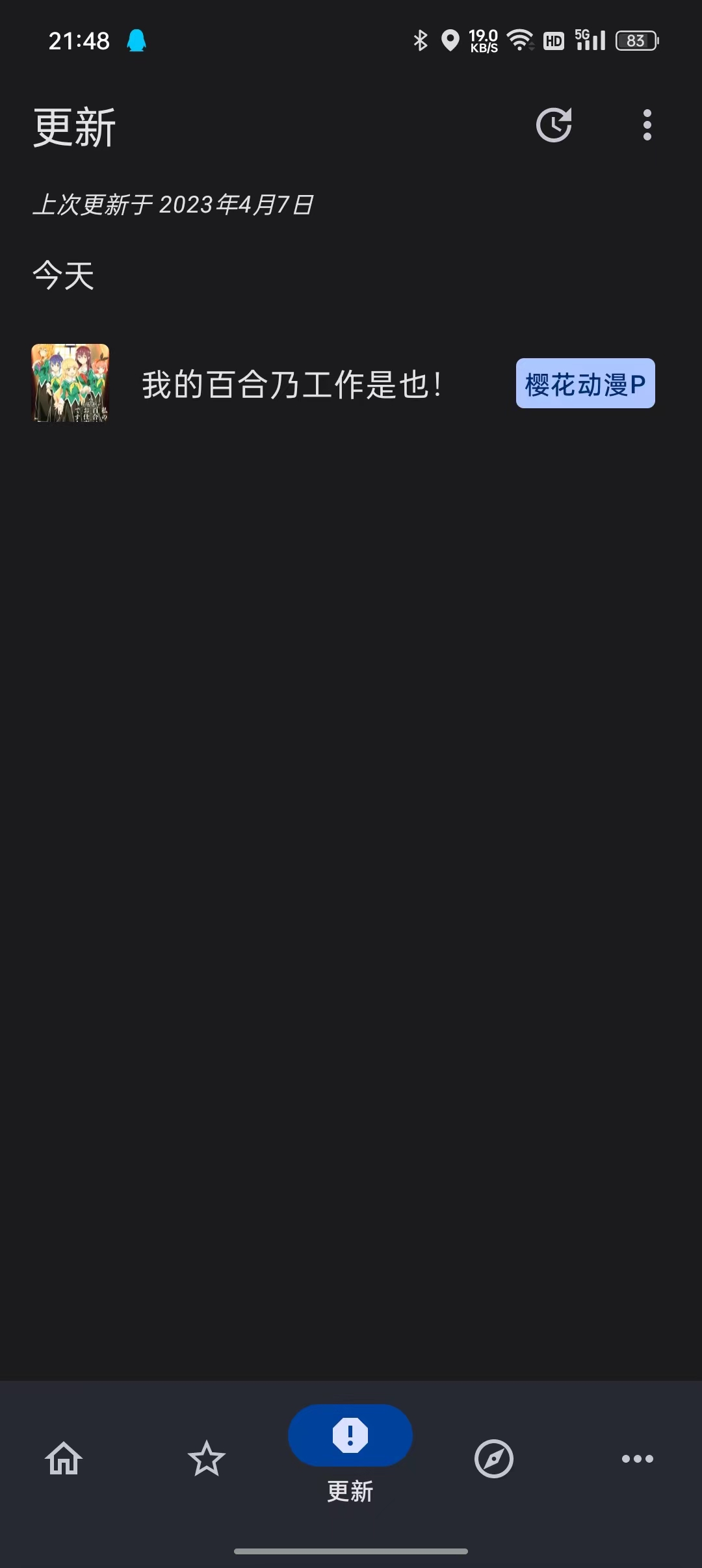
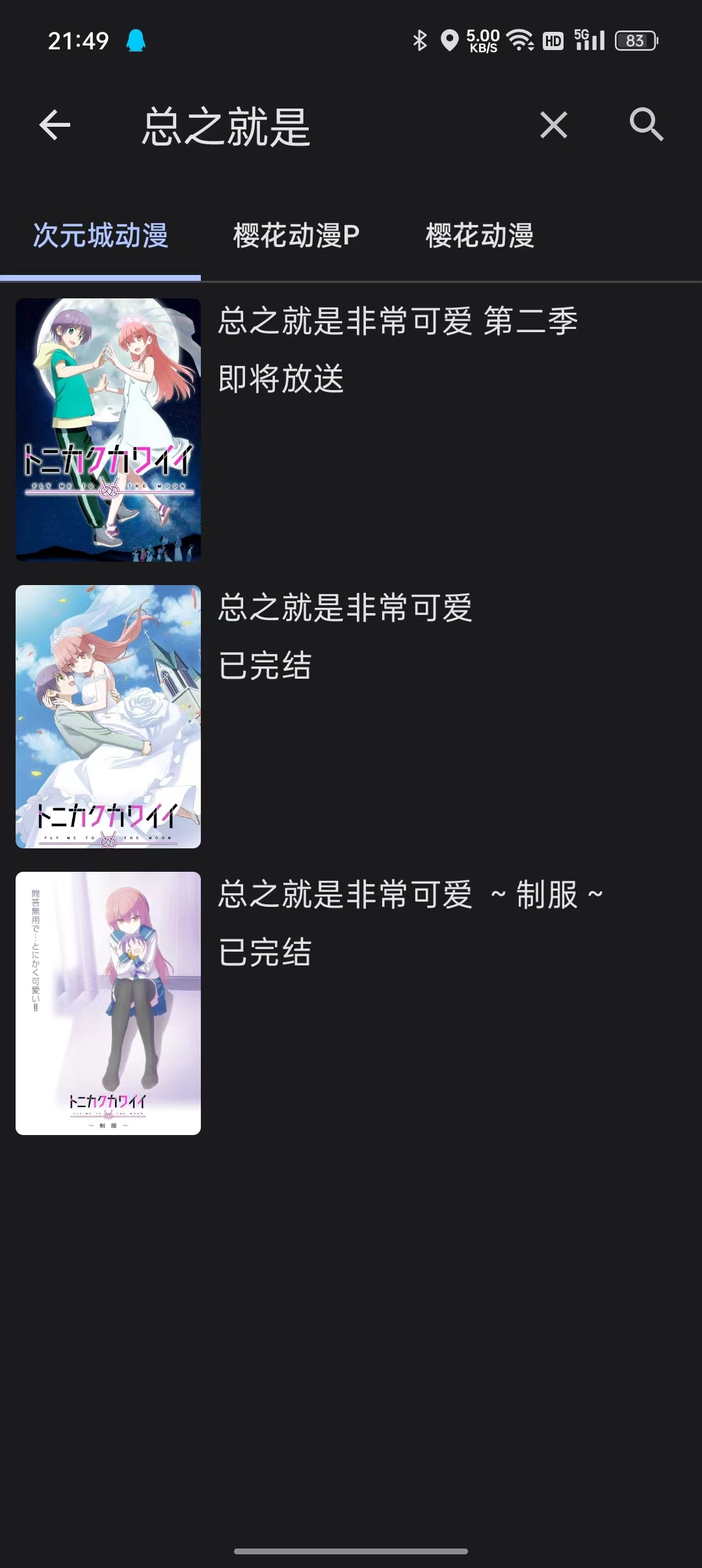
- Full search and recommendations on the home screen.
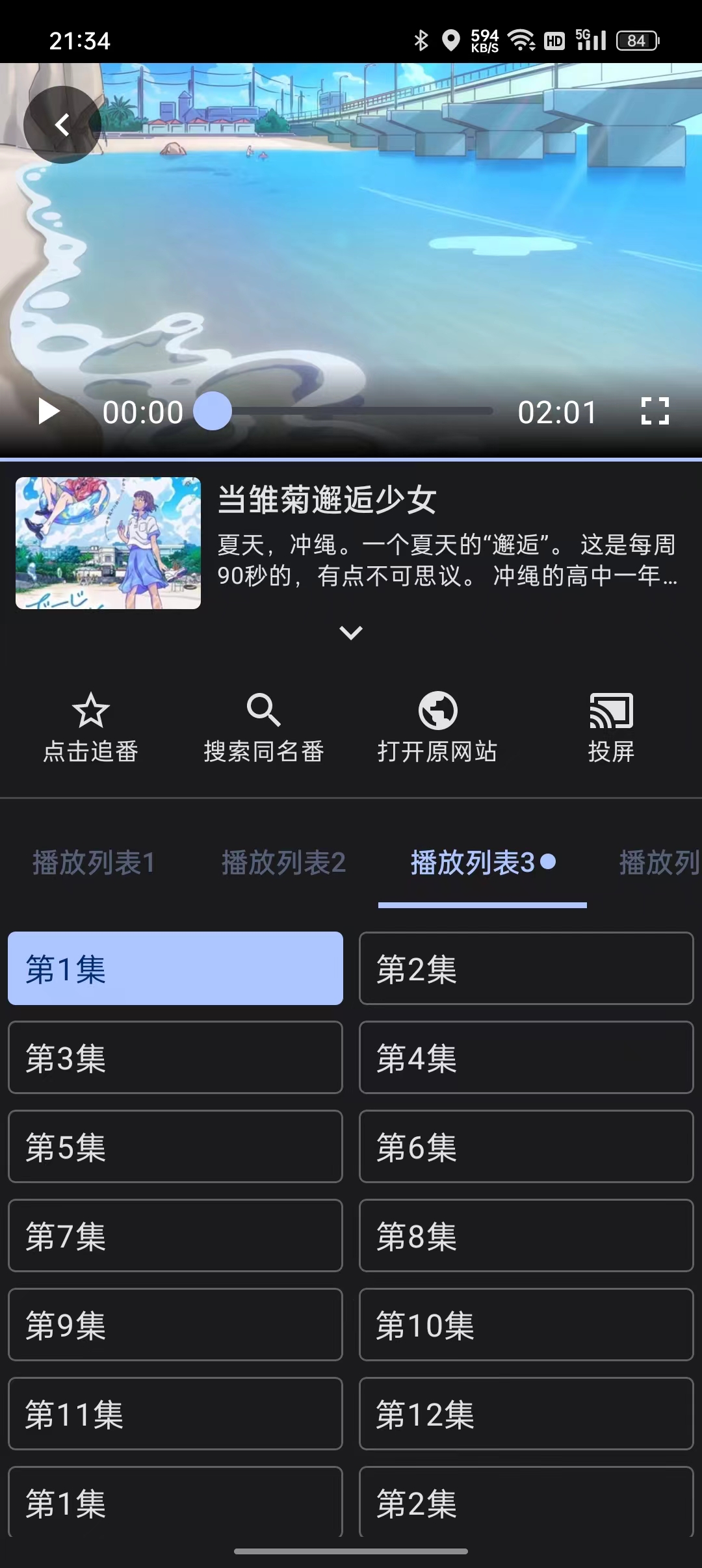
- A "favorites" system for tracking new episodes.
- An advanced player with theme switching, playback speed control, and watch history.
- Cast support for streaming to TVs.
- Episode downloads for offline viewing.
- Recording video clips as GIFs on the fly — a fun feature rarely seen in mobile players.
Technical Stack and Architecture
If you look at the source code, it's immediately clear that the authors are firmly on Kotlin. The project is a great example of what modern Android development looks like without the legacy of old XML views.
Jetpack Compose at the Core
The entire interface is written in Compose. This made it possible to implement dynamic themes and very smooth transitions. If you're just transitioning to declarative UI, the EasyBangumi code shows how navigation and state management are organized in a fairly large application.
Plugin System
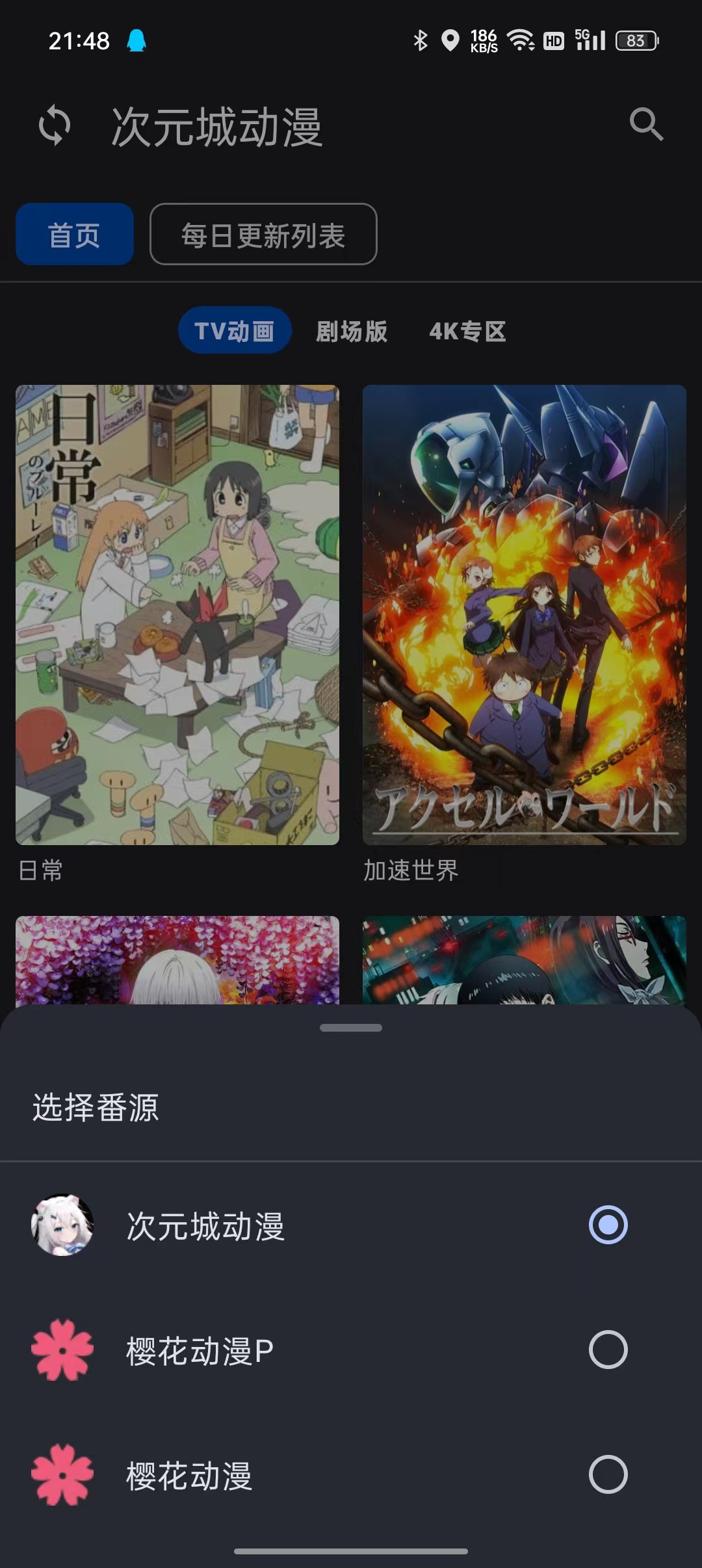
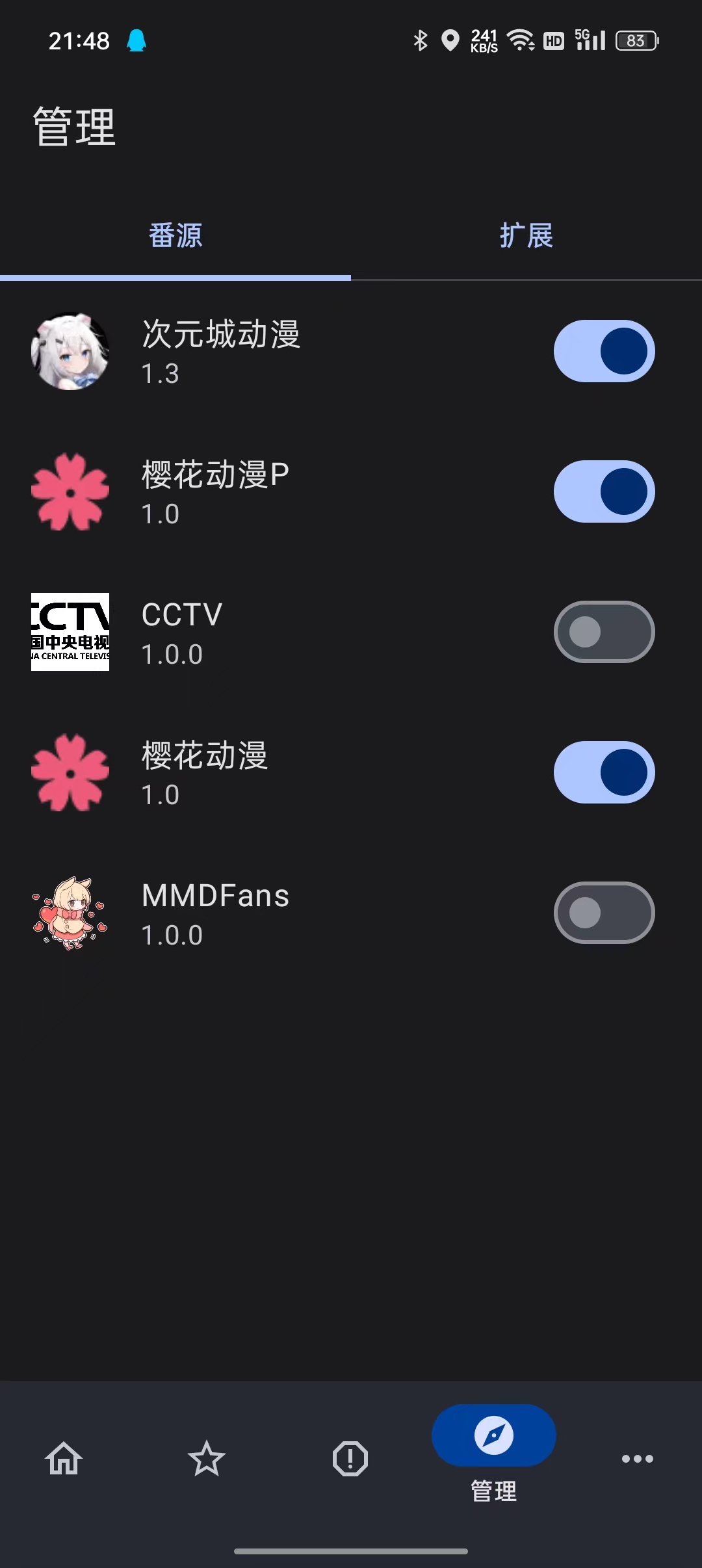
The most valuable part for developers is the "sources" mechanism. The app has a built-in plugin marketplace. This is implemented through dynamic loading, which allows adding new source sites without updating the app itself.
|  |
|  |
|  |
|:---------------------------------:|:----------------------------------:|:----------------------------------:|
|
|
|:---------------------------------:|:----------------------------------:|:----------------------------------:|
|  |
|  |
|  |
|

Why You Should Study This
Even if you're not an anime fan, EasyBangumi is interesting as an architectural case study. Tutorial projects often limit themselves to a simple to-do list or weather client. Here we see real work with heavy content:
- Data caching: how to store history and video progress without slowing down the interface.
- Video processing: implementing a custom player based on ExoPlayer (or Media3) with custom UI overlay.
- Network handling: parsing third-party resources and bypassing restrictions.
By the way, the developers plan to launch a PC version and cloud data sync. Given that the project has gathered nearly 4,000 stars on GitHub, the community is actively pushing the authors to expand.
Who Will Benefit from This Project
First and foremost — mid-level Android developers. Learning Compose from Google tutorials is one thing, but seeing how a real app with tons of screens, plugins, and a complex player is built on it is a completely different experience.
Second — those who want to build their own media center "to their liking". The code is open under the Apache 2.0 license, so no one forbids forking and adapting it for your own needs (for example, for an online cinema with movies or educational courses).
One caveat: the README and part of the interface are originally in Chinese, but the code structure is transparent, and the plugin logic is clear to anyone who has ever written parsers.
If you want to see how modern Kotlin works with Compose on a real task — take a look at the EasyBangumi repository.
Ähnliche Projekte