VibeNVR or How to Set Up Local Video Surveillance Without Clouds and Suffering
Anyone who has tried to set up home video surveillance on their own servers knows this pain. The good old ZoneMinder looks like a relic from the late nineties. Shinobi periodically acts up with memory leaks. Frigate is cool and performant, but manually editing kilometer-long YAML configs just to add one camera gets tiring fast. Cloud vendor solutions like Tuya or Xiaomi are even worse: subscription fees for archive storage and the risk of losing recordings when the internet goes down rarely appeal to enthusiasts.
Recently stumbled upon an interesting project called VibeNVR. It's a modular local NVR packaged in Docker, designed to balance a user-friendly interface with reasonable resource usage.
Under the Hood
The architecture is cleanly divided into four microservices:
- Frontend: SPA built with React and Vite, featuring a clean interface and mobile support.
- Backend: FastAPI service handling authorization, token issuance, audit logging, and media streaming via secure cookies.
- VibeEngine: Custom Python video processing engine. It uses PyAV and FFmpeg for RTSP stream ingestion, OpenCV for motion detection, and TFLite or YOLOv8 for object recognition.
- Database: Standard PostgreSQL for storing events, logs, and camera settings.
The developer honestly notes in the README that this is a vibe coding project, however the codebase looks tidy and the functionality covers practically all everyday needs.
What Makes This Project Interesting in Practice
Three-Tier Low-Latency Streaming
Most web surveillance interfaces either serve heavy MJPEG or force you to wait several seconds for HLS buffering. Here, the engineers went with adaptive switching:
- WebCodecs (WebSocket + H.264). Primary mode when working over HTTPS or on localhost. Video is decoded directly by the browser's hardware with less than 200 milliseconds of latency.
- MSE via JMuxer. If you opened the panel via a direct local IP address without SSL certificates, the system switches to Media Source Extensions. Latency increases to about one and a half seconds, but the picture stays smooth at 30 frames per second.
- MJPEG Polling. Fallback option for legacy browsers or channels with severe packet loss.
Recording Without Transcoding
If your camera already streams in H.264 or H.265, there's no point in re-encoding it on the server CPU. The VibeNVR engine can dump the incoming RTSP stream directly to disk (Direct Stream Copy). This keeps the CPU of a home microserver or NAS almost idle.
At the same time, it supports working with two streams simultaneously. The monitoring grid displays a lightweight low-resolution substream, while the archive records the main stream at maximum quality.
Flexible Detection and Neural Networks
Motion processing can be configured for your existing hardware. There are three options:
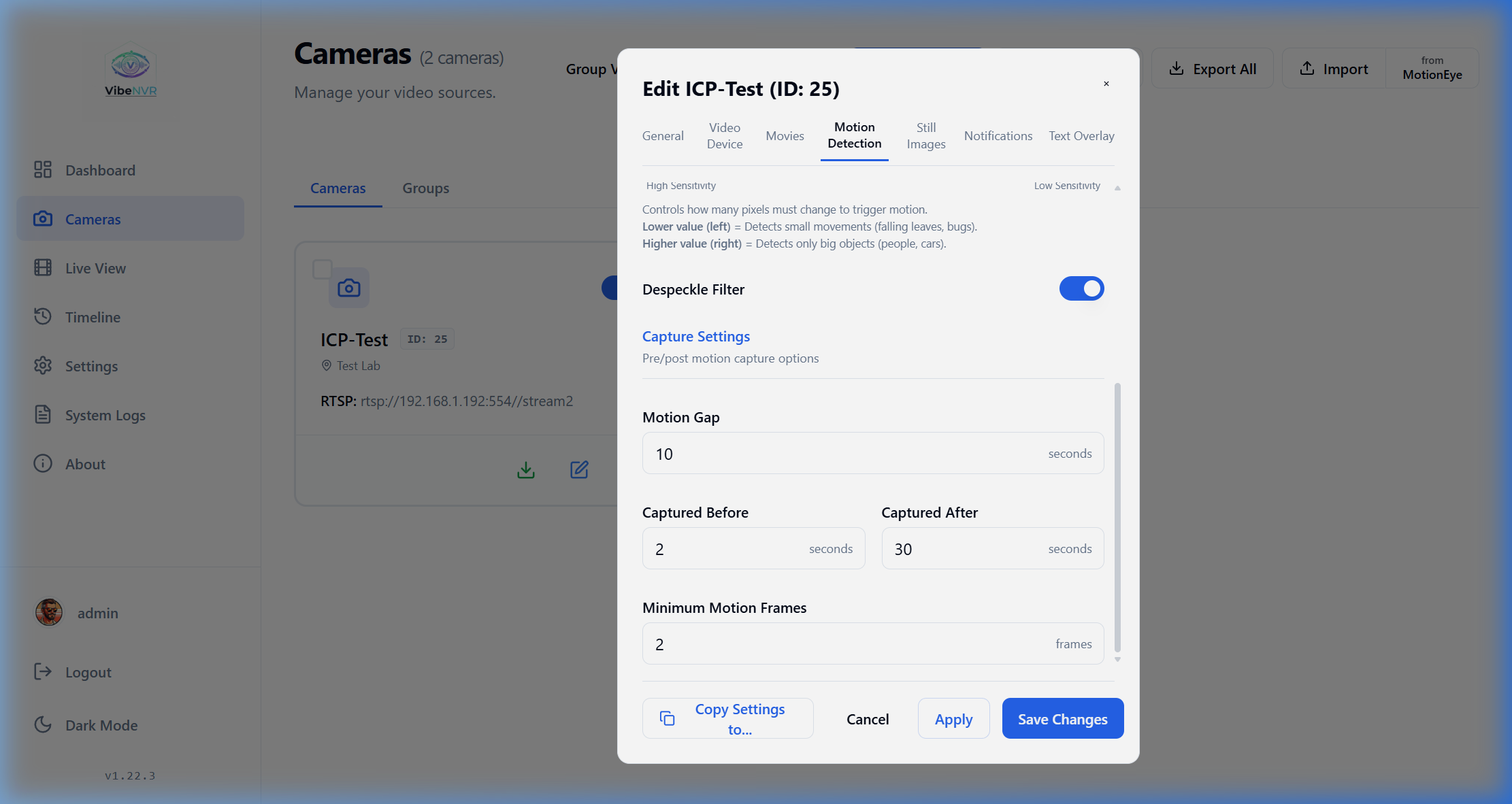
- Classic OpenCV based on pixel changes in the frame, with the ability to set exclusion masks;
- ONVIF Edge, when the camera itself performs analysis and sends a signal to the server;
- AI detectors YOLOv8 or MobileNet SSD v2 with filtering for people, vehicles, and animals.
If you connect a Google Coral Edge TPU accelerator, object recognition happens almost instantly without heating up the CPU. There's a master toggle in settings: if you disable AI entirely, heavy models are simply unloaded from RAM.
Interface and Integration Capabilities

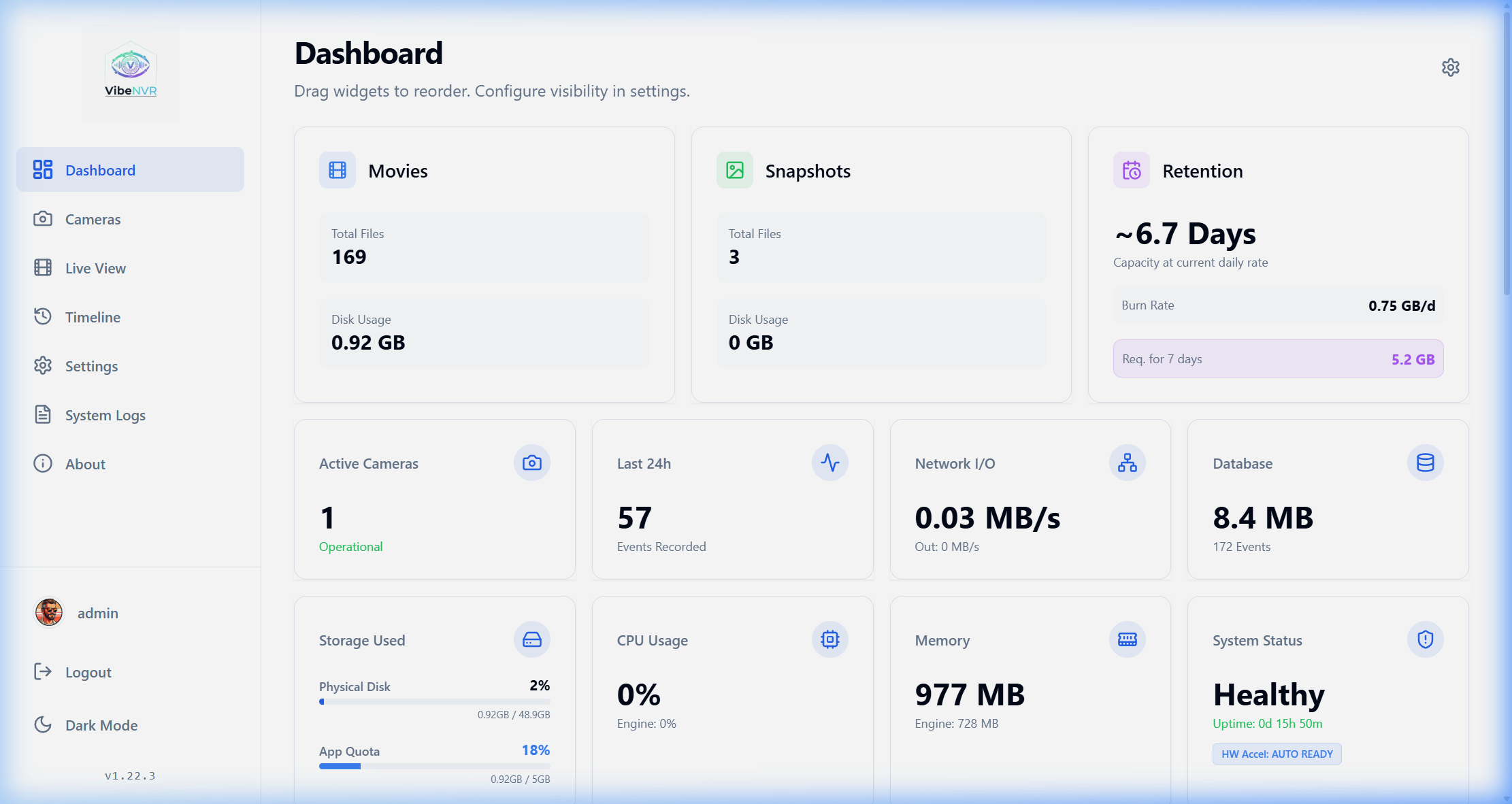
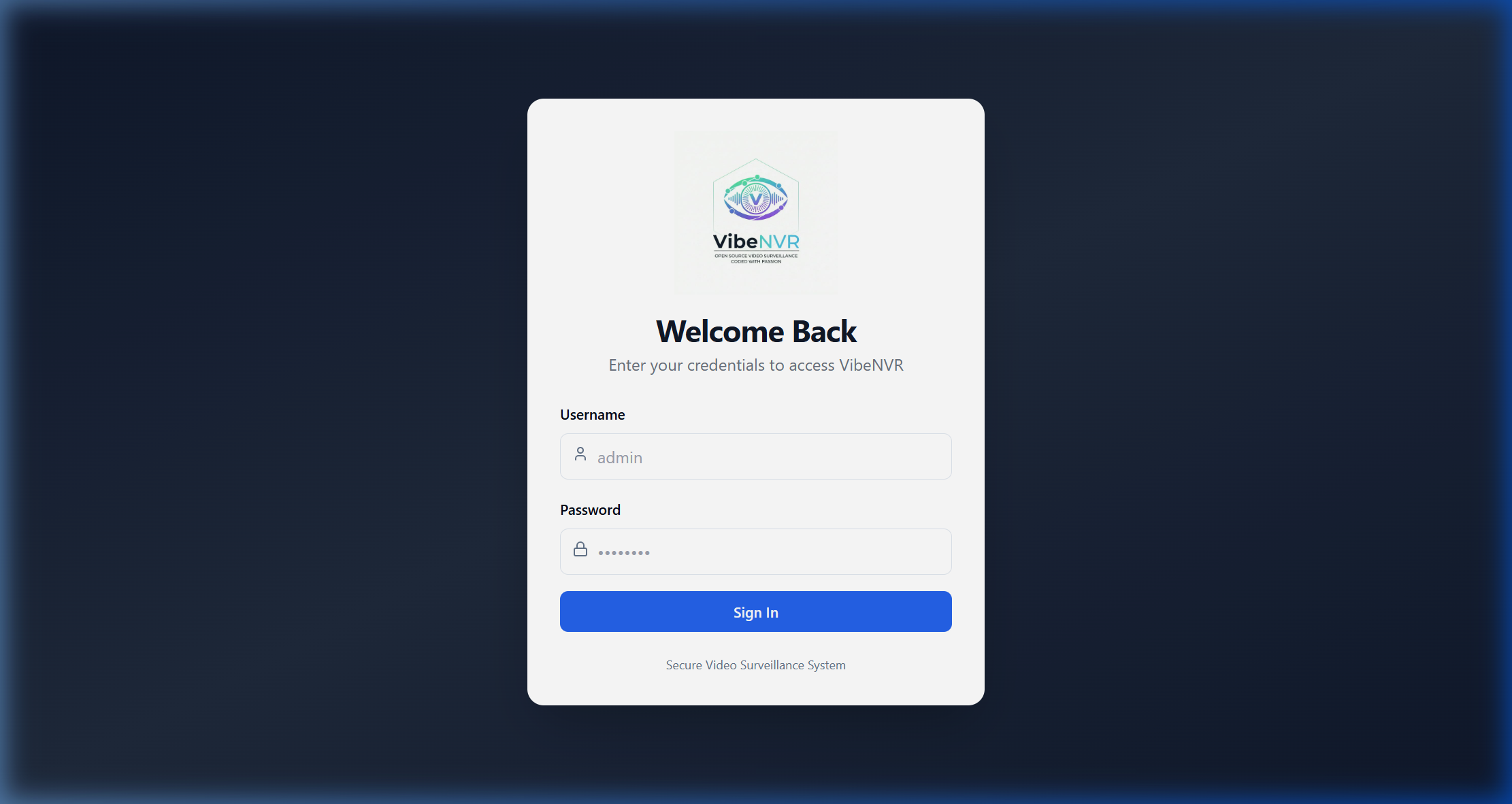
The web panel has everything users of modern systems have come to expect: an event timeline with filtering by recognized object types, camera discovery on the local network via ONVIF, PTZ camera control, and privacy zone configuration.
| Login Screen | Archive Playback |
|:---:|:---:|
|  |
| 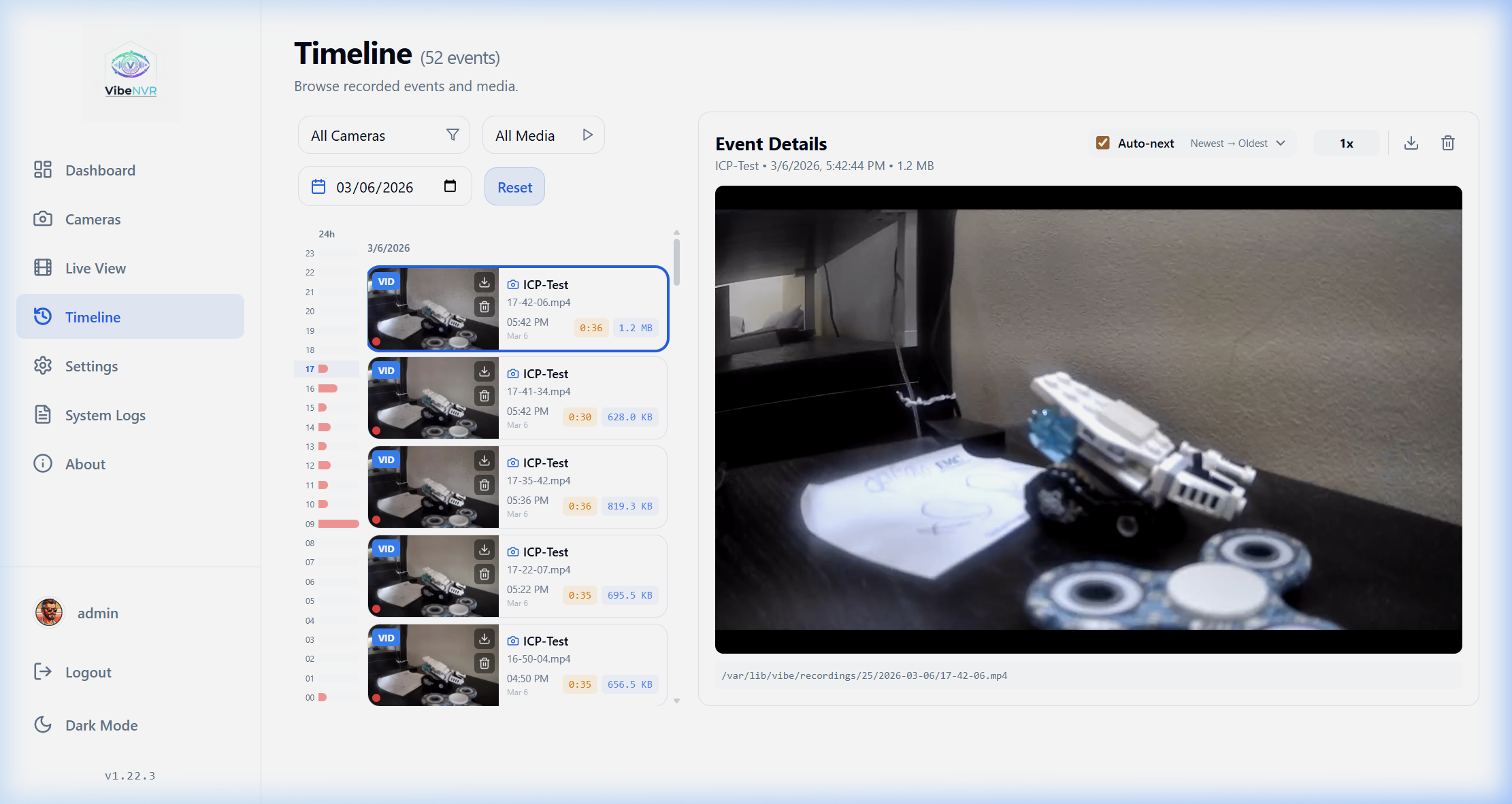 |
|
| Camera Grid | Event Timeline |
|:---:|:---:|
| 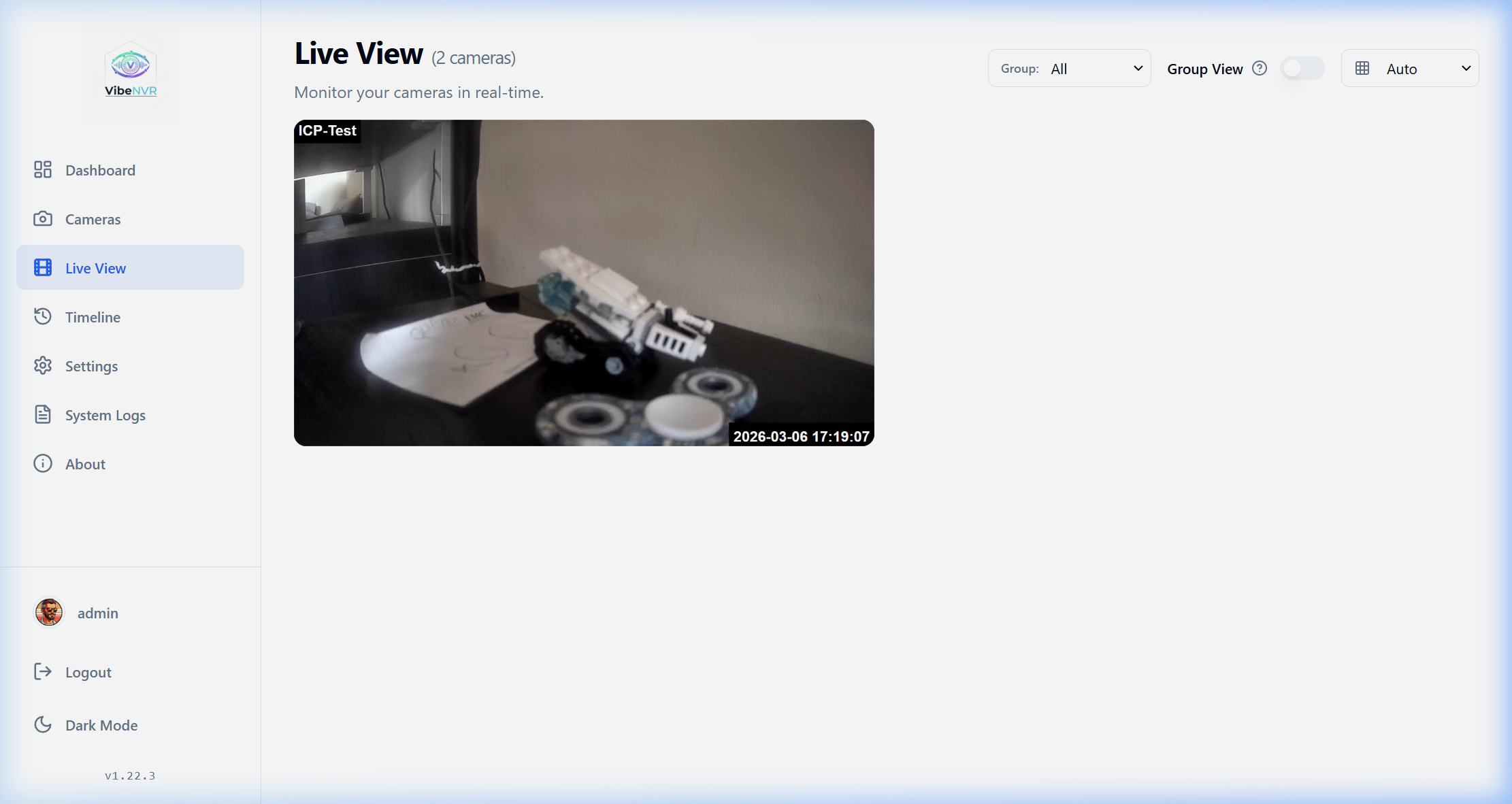 |
| 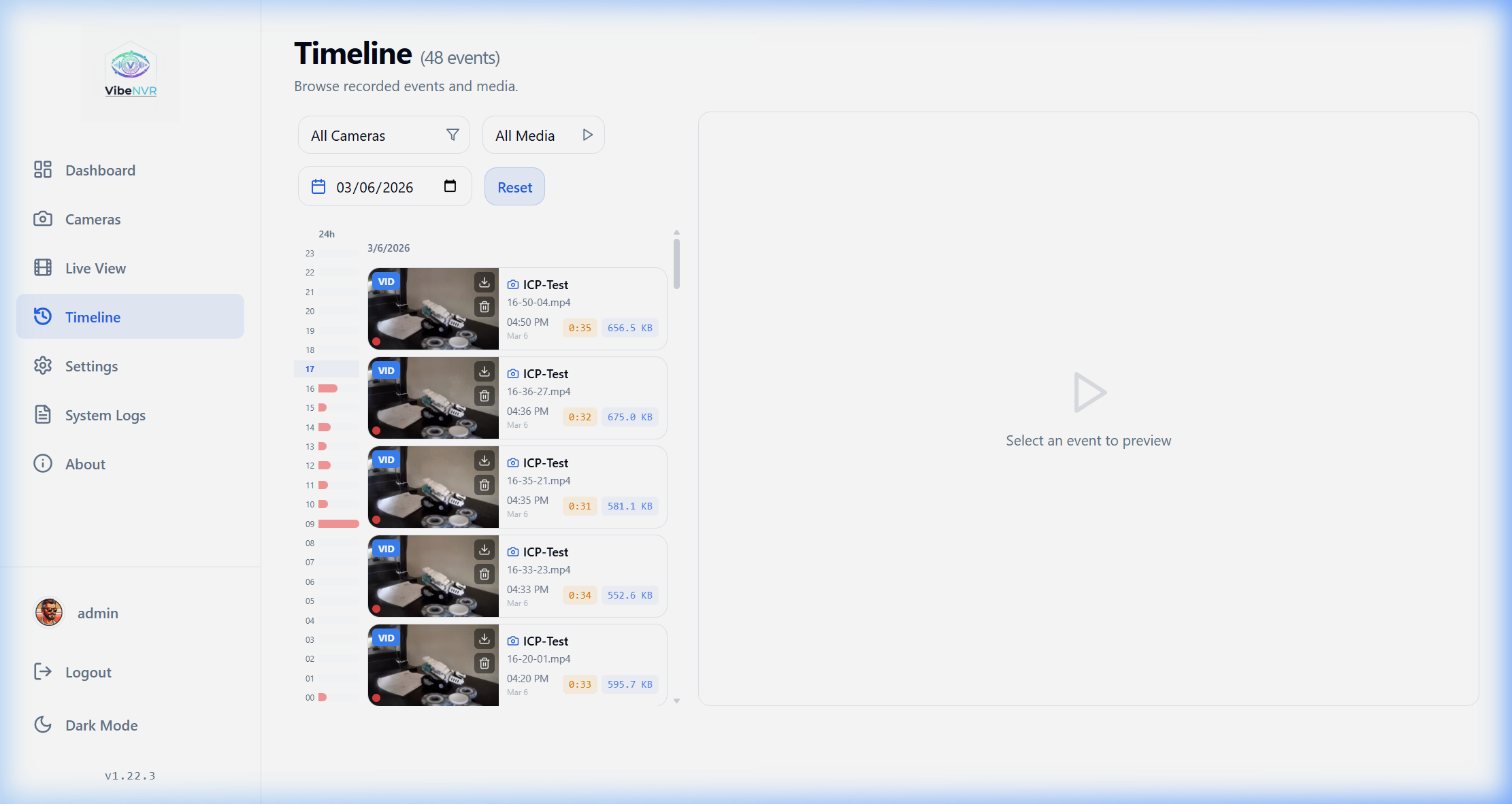 |
|
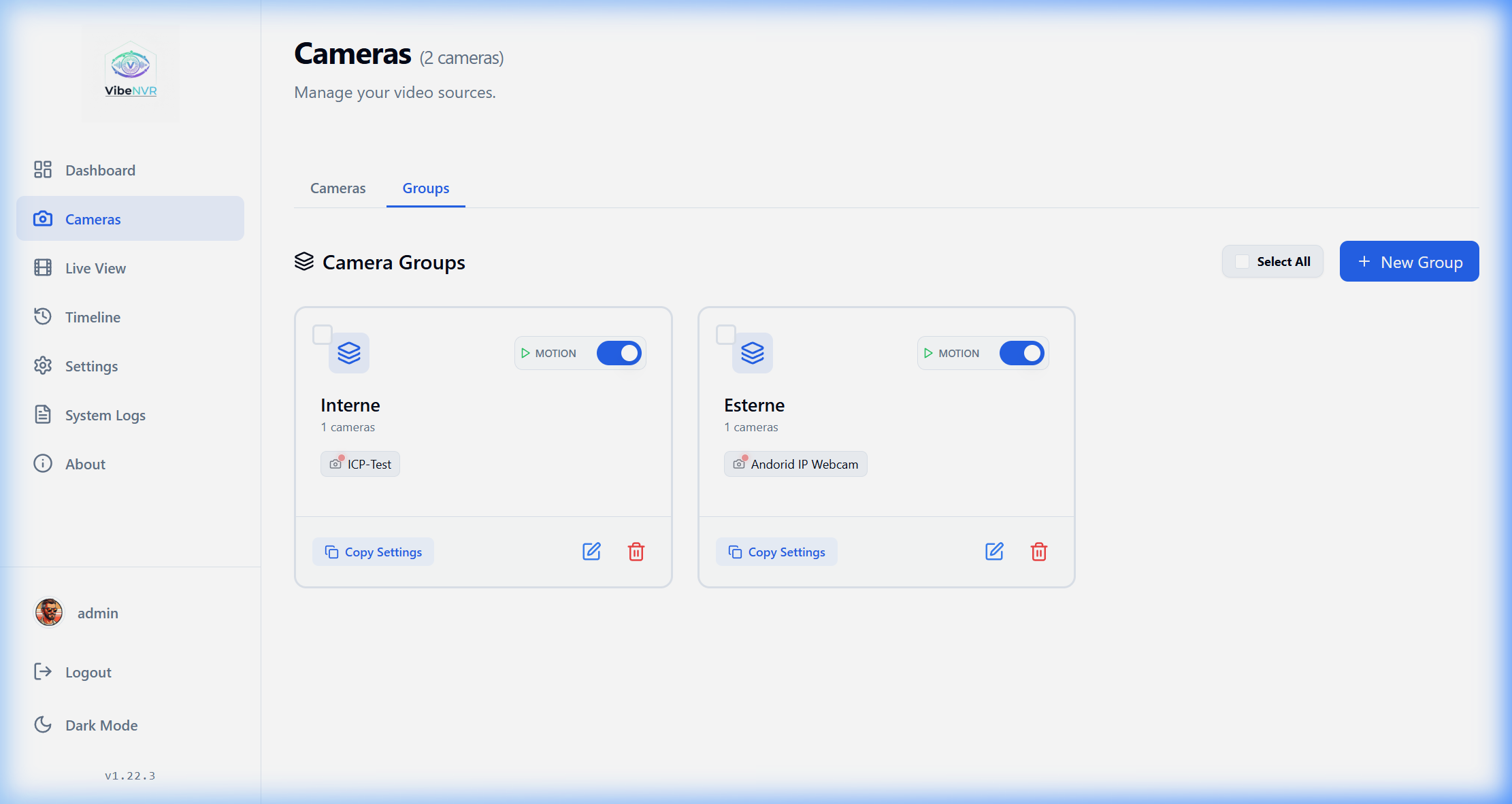
For smart home enthusiasts, there's a built-in MQTT client with Home Assistant auto-discovery support. Camera statuses, motion detection events, and recognized object labels are immediately published to broker topics.
| Network Scanner | Camera Groups |
|:---:|:---:|
| 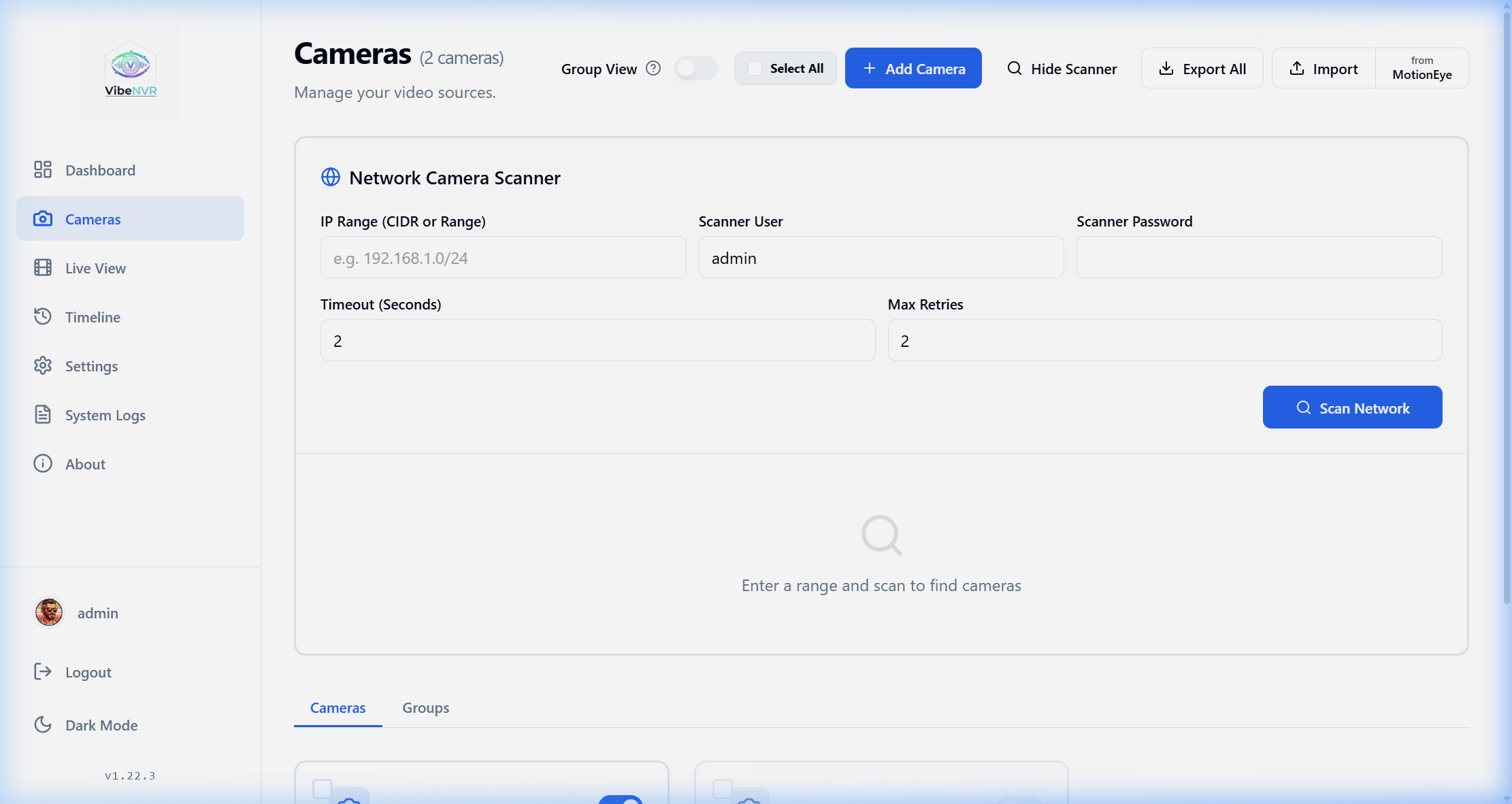 |
|  |
|
How to Deploy
The stack is deployed the standard way via Docker Compose.
First, download the configuration file:
git clone https://github.com/spupuz/VibeNVR.git
cd VibeNVR
Copy the environment file and set strong keys:
cp .env.example .env
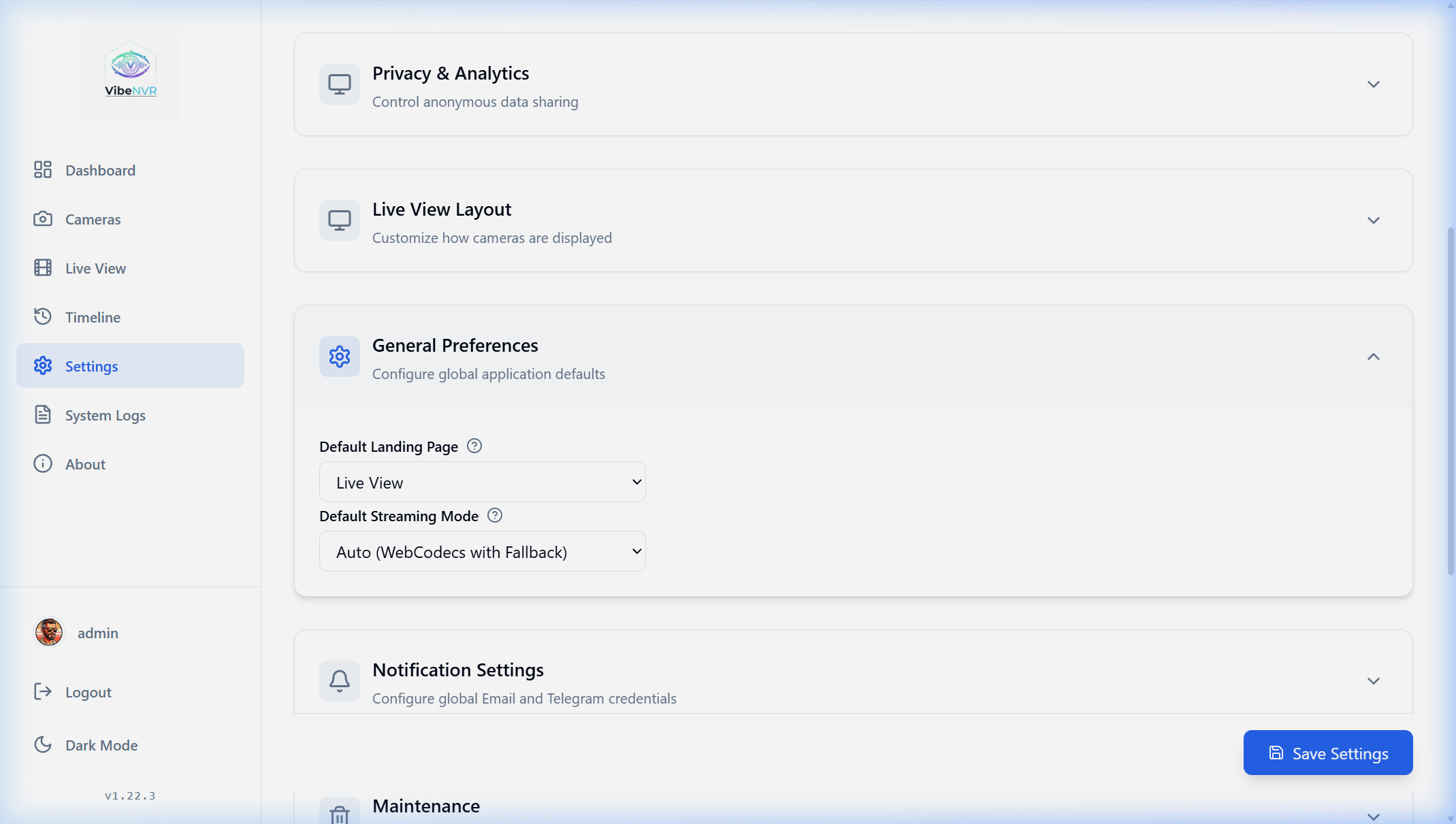
In the .env file, you must fill in SECRET_KEY and WEBHOOK_SECRET with strings at least 32 characters long, otherwise the application will refuse to start for security reasons. You can also select the hardware acceleration type here (HW_ACCEL_TYPE=intel, nvidia, or amd).
Startup is done with a single command:
docker compose -f docker-compose.prod.yml up -d
By default, the interface will be available on port 8080. For proper WebCodecs functionality and minimal video latency, the developers recommend securing the service with a reverse proxy (such as Nginx Proxy Manager) and issuing an SSL certificate.
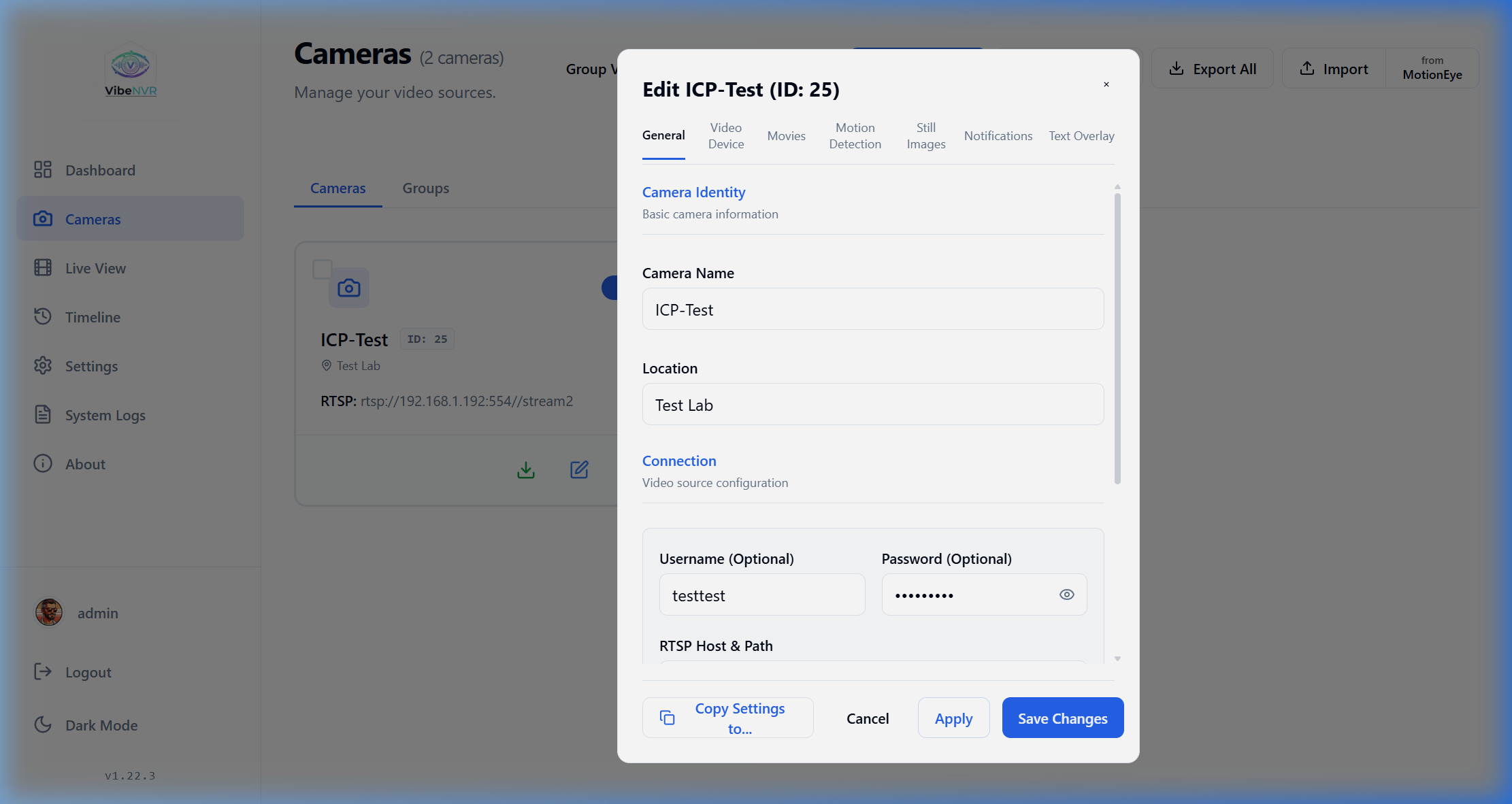
| General Camera Settings | Motion Detection Settings |
|:---:|:---:|
|  |
|  |
|
| System Parameters | Notification Channels |
|:---:|:---:|
|  |
|  |
|
Installation Nuances for NAS and Proxmox
The documentation specifically addresses a common issue with permissions on Proxmox kernels (pve-kernel), OpenMediaVault, Synology, and QNAP systems. Due to AppArmor and seccomp restrictions, PostgreSQL or backend containers may crash with exit code PermissionError: [Errno 13].
This is fixed by adding security parameters to docker-compose.yml:
security_opt:
  - seccomp:unconfined
  - apparmor:unconfined
As a last resort, you can set privileged: true, but for isolated systems the first option is usually sufficient.
Mobile Interface
The web app is adapted for smartphone screens. No separate native app is required: the interface correctly scales the camera grid, analytics cards, and timeline strip.
| Phone Dashboard | Mobile Live View | Mobile Timeline |
|:---:|:---:|:---:|
|  |
|  |
|  |
|
Who This Project Is For
VibeNVR fits perfectly on a home server or small office needing to connect 2 to 15 IP cameras without excessive costs. If you're tired of manually configuring streams in Frigate's text files and want a convenient web panel with human-friendly recording search, this project is definitely worth trying. The MIT license gives you full freedom to experiment.
Source code and setup instructions are available in the project repository on GitHub.
Proyectos relacionados