Organizing Your Local Video Collection with JavBoss
Many people have gigabytes of videos, movies, or niche content gathering dust on home servers or external drives. Filenames like IPX-633.mp4 or SSIS-001.mkv don't tell you much when you want to quickly find a specific video clip or look up an actress's profile. Full-featured media servers like Plex or Jellyfin often struggle with niche Asian releases: they simply can't parse codes like IPX-633 or fetch proper cover art.
Recently I came across an interesting open-source project on GitHub called JavBoss. It's a local web server built with Go and React, designed specifically for indexing, cataloging, and comfortable viewing of JAV content and arbitrary video recordings.
How the cataloging system works
The author approached the task from a practical usability standpoint. The application works as a local web service: it scans specified directories, extracts codes from filenames, fetches metadata from several external databases, and builds a clear gallery.
The main feature is complete autonomy from your files. JavBoss runs in read-only mode. It doesn't rename source video files or clutter your video folders with NFO files or images. The SQLite database, cover cache, and storyboards are stored strictly in the data/ directory.
Breaking down the main features
Let's look at what sets this project apart from conventional command-line scrapers.
-
Automatic code and metadata parsing. The application extracts codes in
IPX-633,SSIS-001format or subtitle suffixes. Metadata is pulled from multiple third-party sources simultaneously. Cards include titles, release dates, studios, tags, and actress measurements (height, age, dimensions). If auto-detection makes a mistake, you can easily link a card manually. -
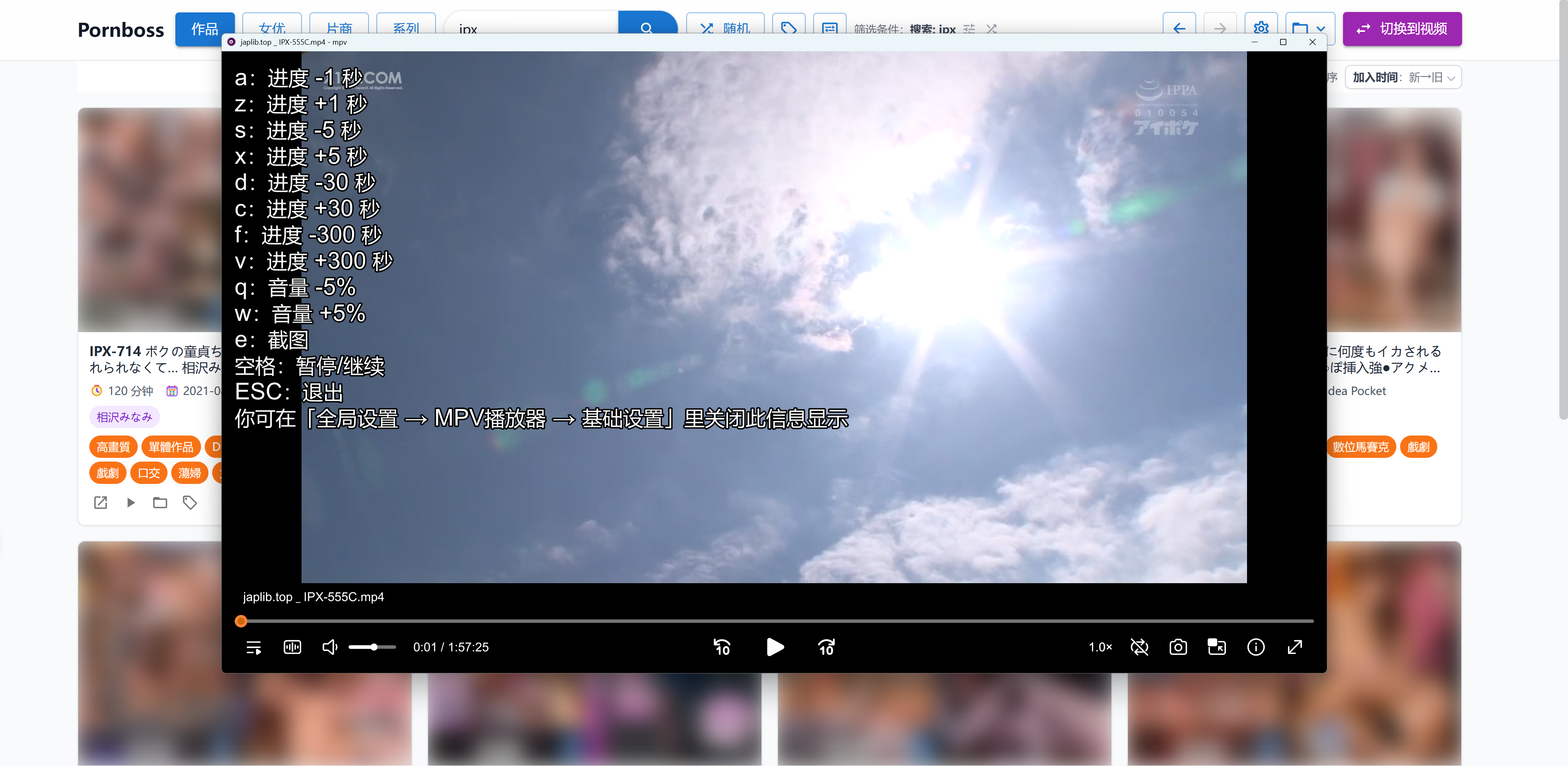
mpv player integration. Web media players are often limited by browser codecs. The JavBoss developers found a simple solution: the desktop version can directly invoke local mpv. You get a full-featured player with support for any video format, customizable hotkeys, and the ModernZ interface. While watching in mpv, you can take screenshots with a single button, and they'll immediately appear on the video timeline in the web interface.
-
File relocation tracking. The indexer monitors added directories in the background. Moved a file to another drive or renamed a folder? The database updates the paths. User tags are preserved because they're tied to the video file's digital fingerprint. If you disconnect an external hard drive, the cards remain in the database, and when you reconnect the drive, they become active again.
-
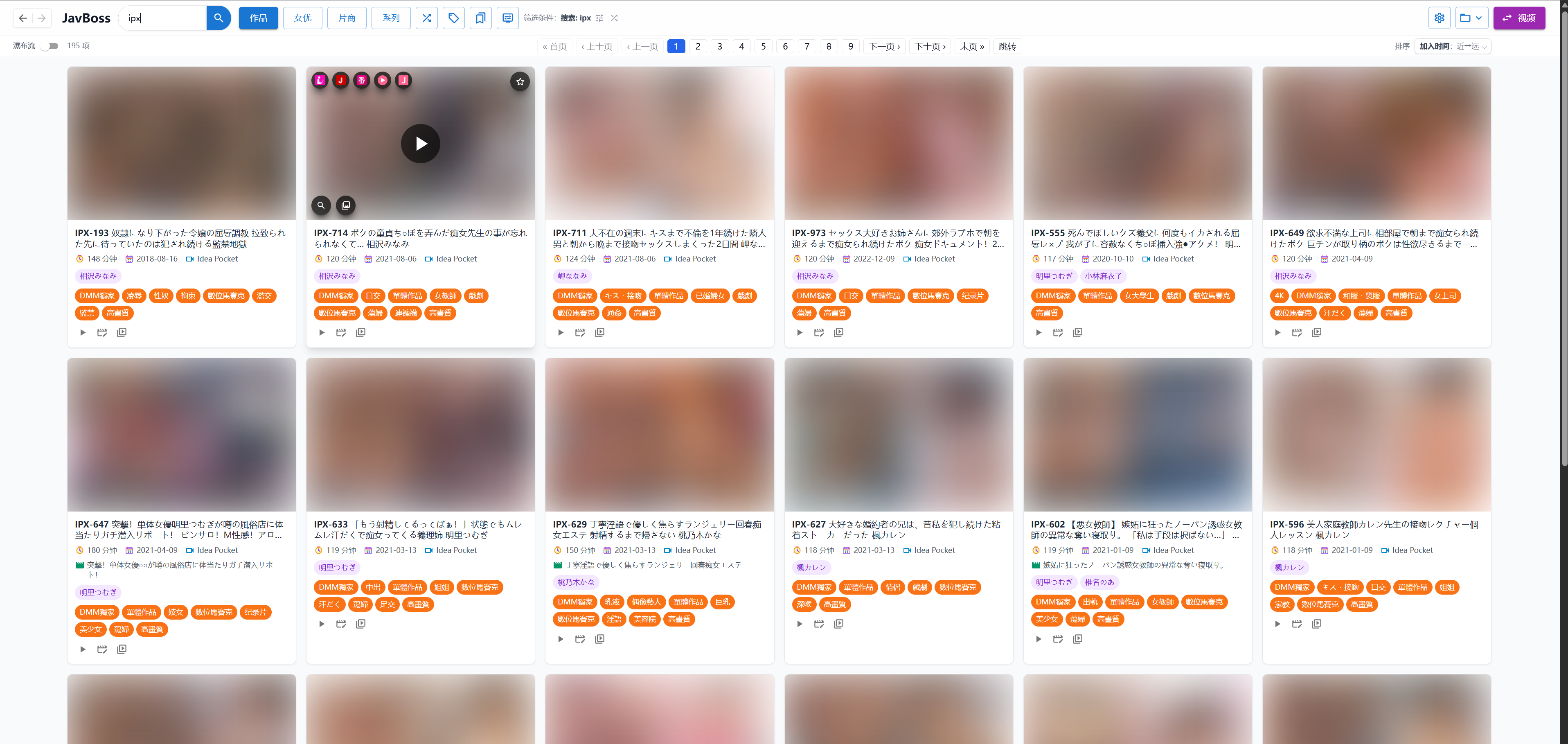
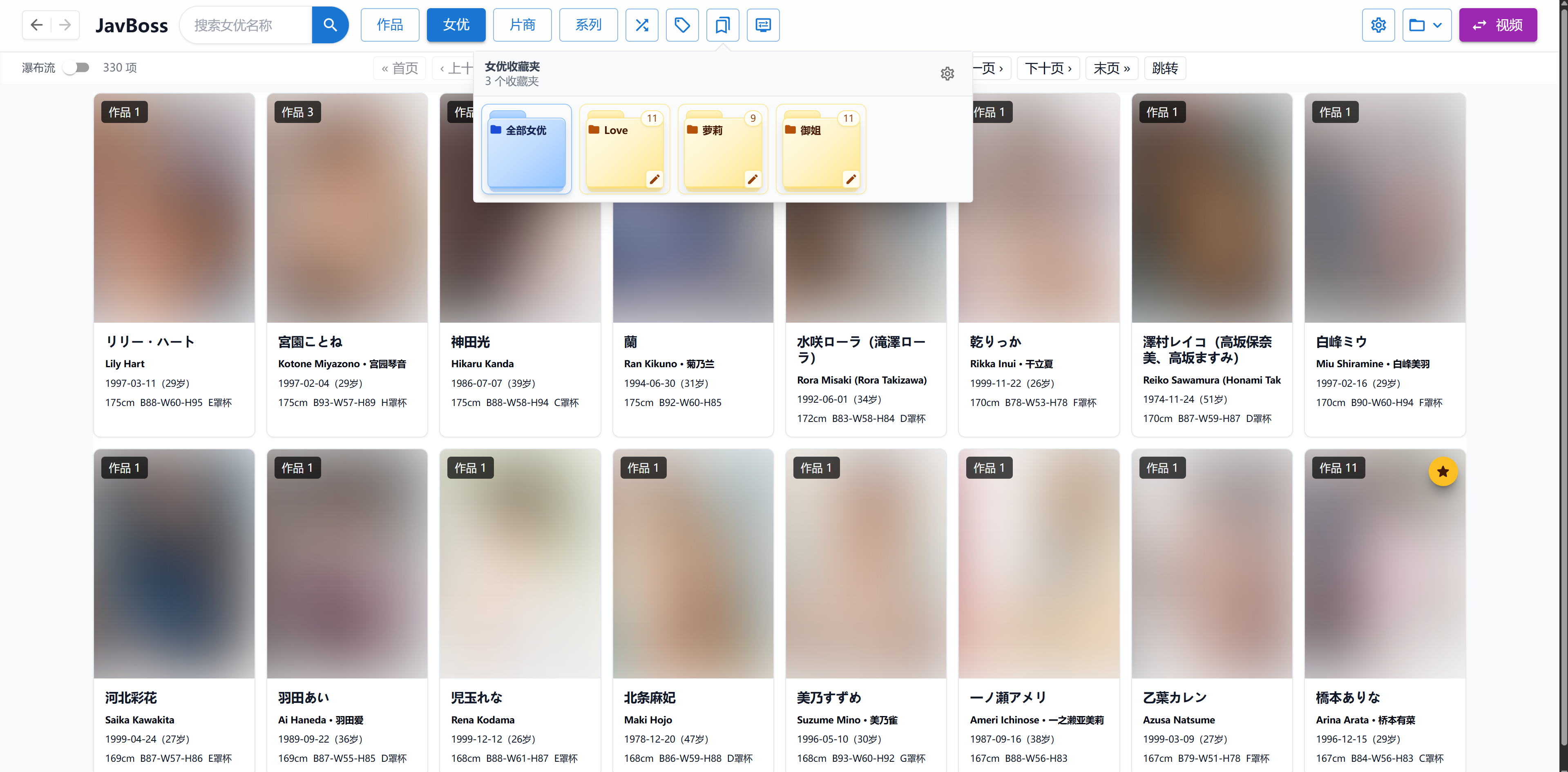
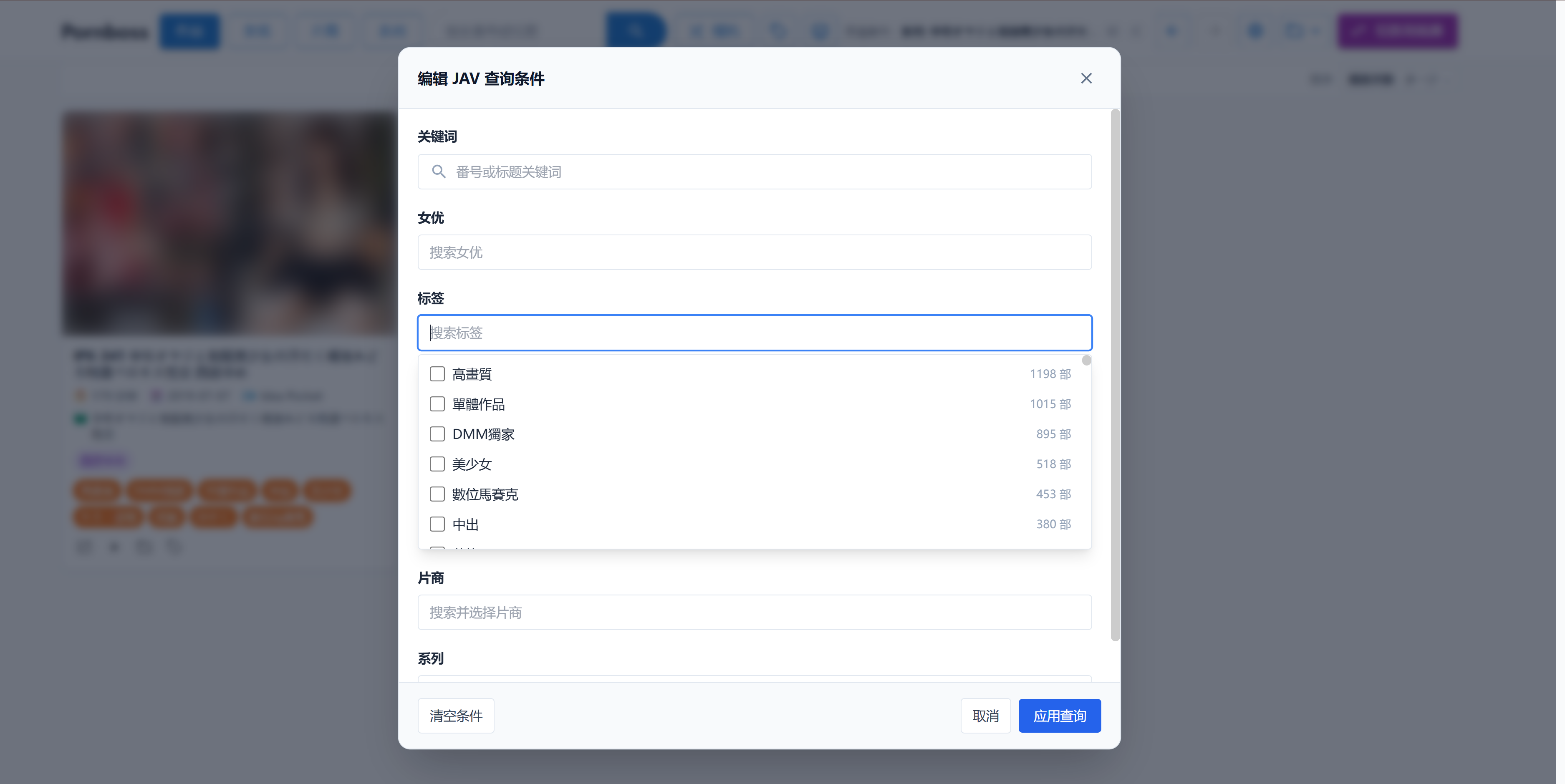
Navigation and filtering. You can find videos by tags, studios, actresses, or release date. There's a convenient random selection feature that works across your entire media library or within a specific set of filters.
The interface looks clear and isn't cluttered with unnecessary menus:
Technical stack and deployment
The project architecture is clean. The backend is written in Go using the Gin framework, GORM, and built-in SQLite database. ffprobe is used for reading video technical parameters, while previews and storyboards are generated through mpv or ffmpeg.
The frontend is built with React, Vite, Tailwind CSS, and Zustand. By default, the service runs on port 8655. You can install it with an automated script, by downloading a binary, or via Docker Compose:
services:
  javboss:
    image: ghcr.io/solr159/javboss:latest
    container_name: javboss
    ports:
      - "8655:17654"
    volumes:
      - ./data:/app/data
      - /:/host:ro
    restart: unless-stopped
In the container, videos play through the built-in HTML5 player in the browser, and local paths from the host system are automatically forwarded.
Pros and specific considerations
This tool will be useful for anyone who maintains a local collection and is tired of chaos in their file system.
Project strengths:
- Zero interference with the original folder structure.
- Simple database transfer between systems via straightforward
data/copying. - Using multiple sources for metadata aggregation.
- Convenient web interface with support for opening pages in different browser tabs.
There are some limitations to consider. Initial import of a large collection will take time for background preview generation and cover downloading. If external metadata sites are unavailable, automatic scraping will pause, although the locally stored database will continue working offline.
Conclusion
JavBoss turned out to be a practical, specialized solution. The author didn't try to build another bulky media system but solved a specific problem of cataloging niche content. If you need order on your drives without extra manual work, this project is definitely worth trying.
Projets similaires