How to Search Torrents on Android Without Ads and Browser Redirects

Searching for torrents on your phone through a browser is not for the faint of heart. You open a site, tap the search bar, and immediately get redirected to five pages of casinos, banners, and suspicious APKs. By the time you close all the tabs and get to the coveted magnet link, the desire to download anything is completely gone.
Recently stumbled upon the TorrentSearch repository by developer prajwalch. It's a neat Android client for searching across dozens of trackers simultaneously. The project is interesting not only from a practical standpoint, but also as a clear example of how modern mobile apps are built with Kotlin and Jetpack Compose.
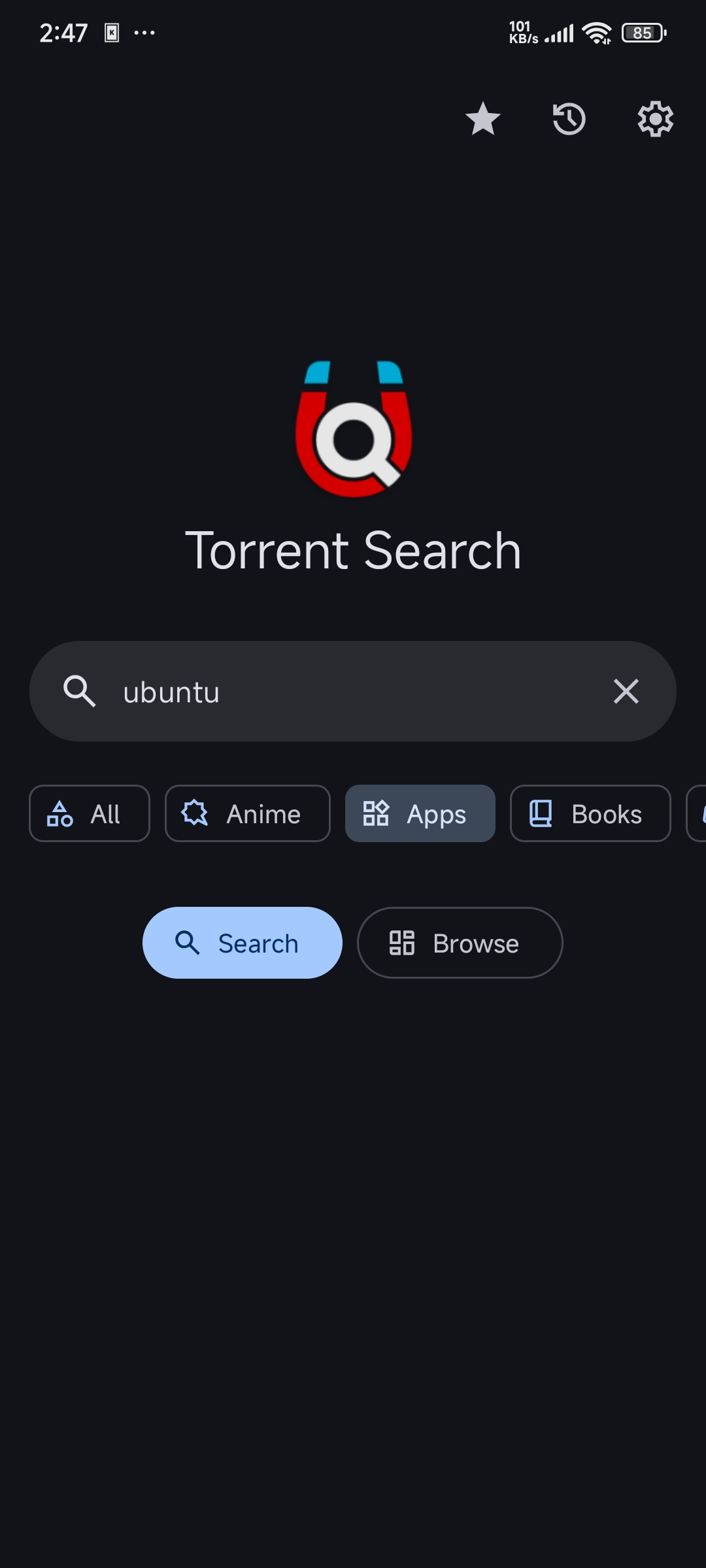
What the app can do
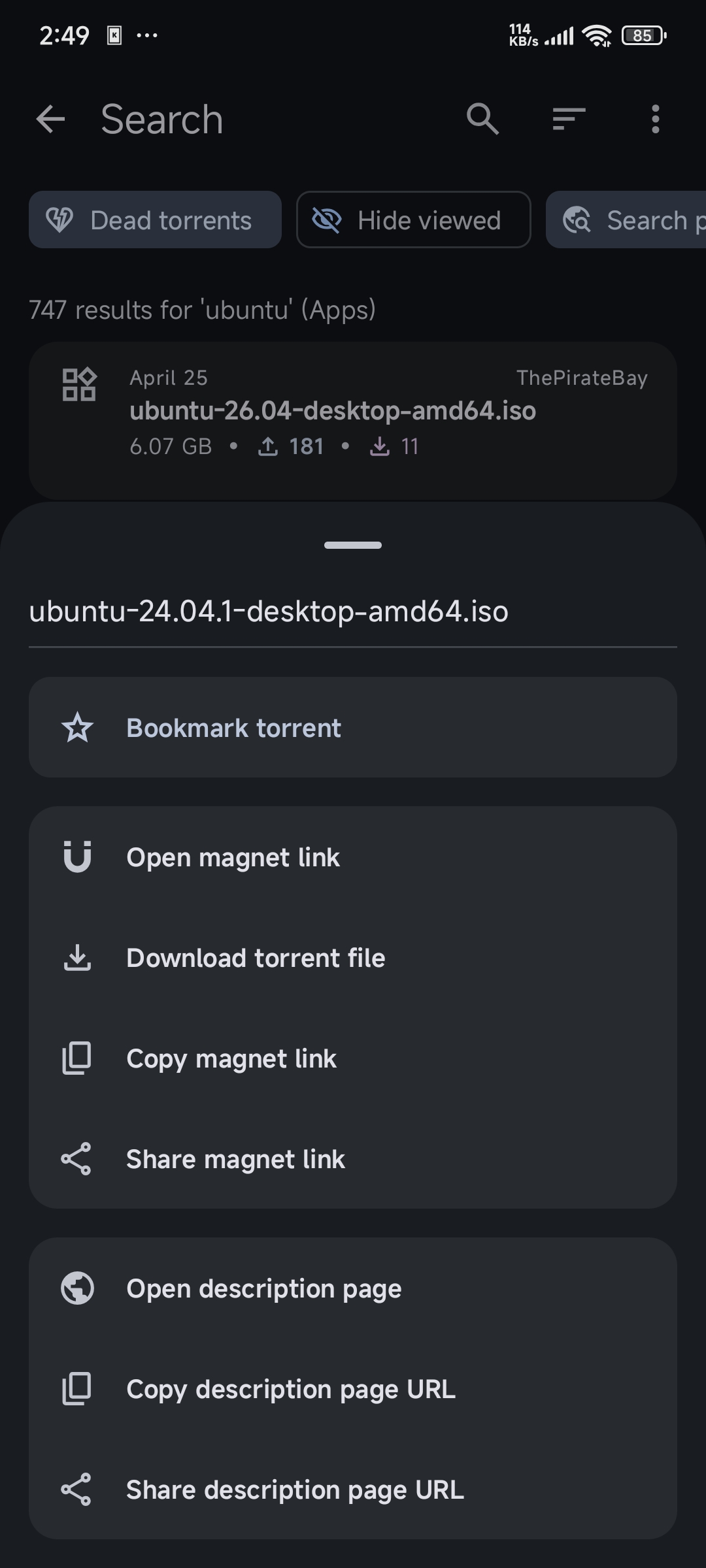
TorrentSearch works as a metasearch engine. It sends a query to multiple trackers at once, parses the responses, and displays everything in a unified list with filtering. The app itself doesn't download or seed anything — there's no built-in torrent client. Instead, it hands off a ready-to-use magnet link or .torrent file to your favorite downloader like LibreTorrent or Flud.
Streaming results and filtering
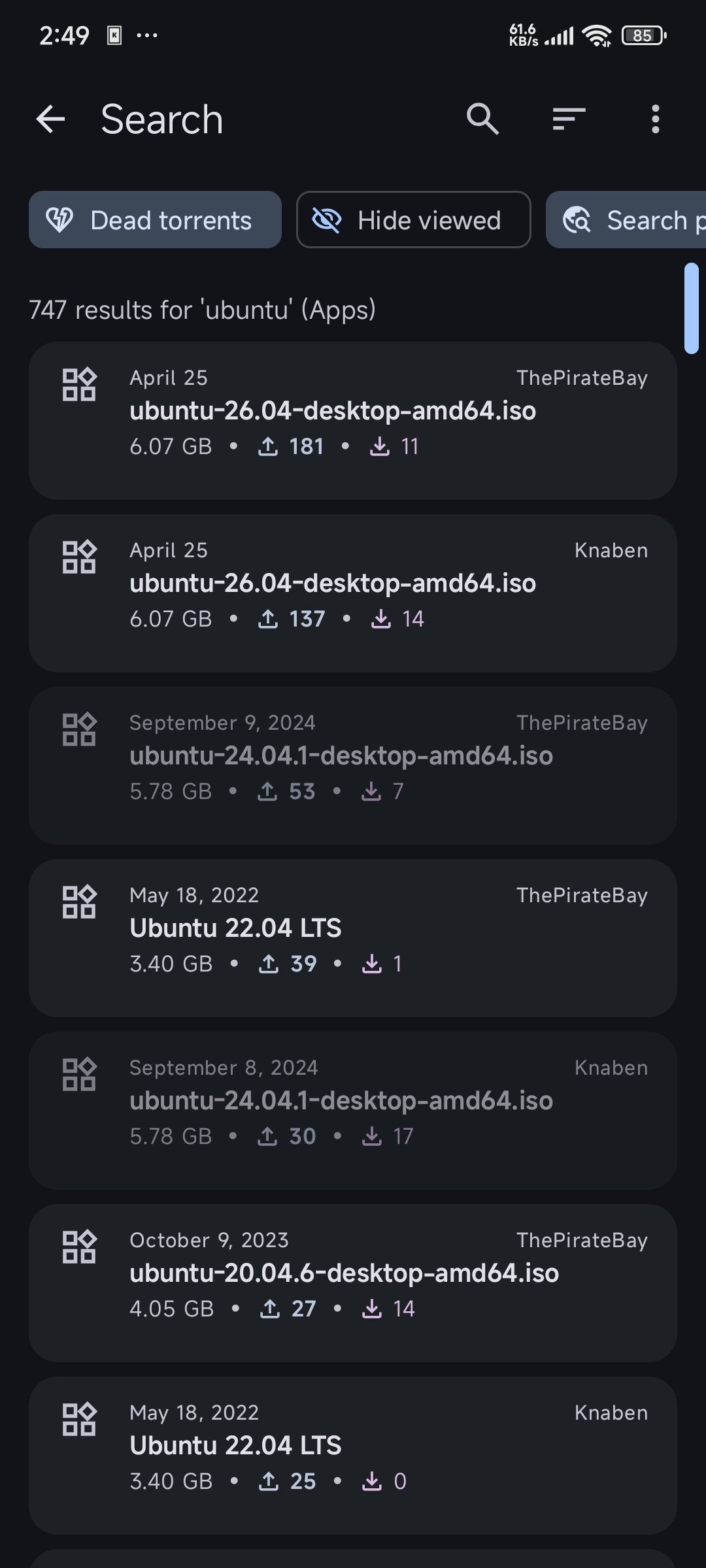
Typically, metasearch engines wait for all sources to respond before displaying results. Here, results stream in asynchronously. As soon as the first site delivers data, cards appear on screen immediately.
The list shows all the necessary information at a glance:
- Number of seeders and peers
- Exact file size
- Publication date
- Source of the torrent
- Content category
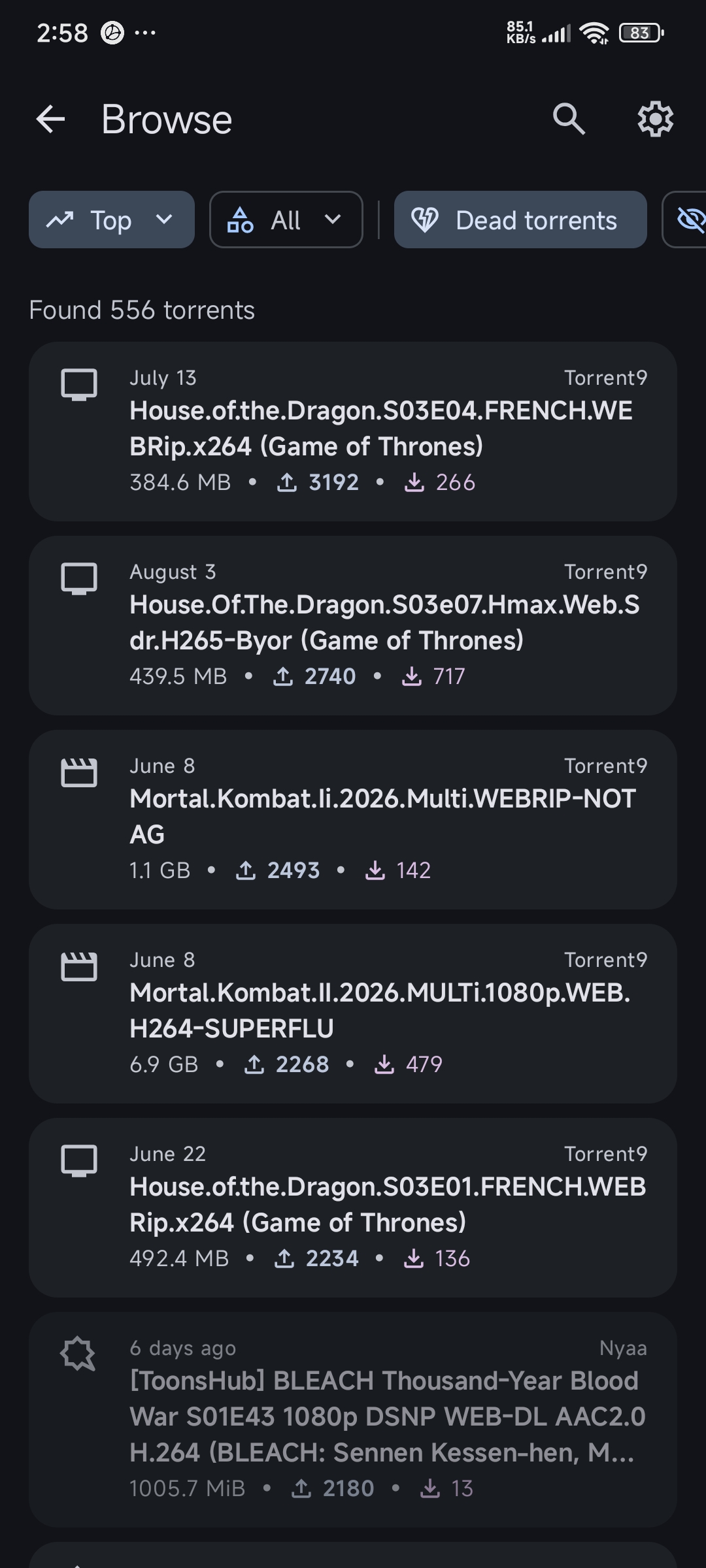
Torrents with no seeders can be filtered out with a single toggle so you don't waste time on dead torrents. There are also built-in sorting options by size, date, or number of seeders.
Native detail screen without WebView
Most similar utilities open the torrent page in an embedded browser, collecting all the tracker ads. In TorrentSearch, page parsing is handled inside the app.
You open a card and see a clean native screen with a poster, screenshots, description, and technical torrent data. If the description contains images, they render directly in the layout. For adult content posters, automatic blurring is applied, which can be disabled in settings if desired.
Torznab support for home servers
If the built-in providers aren't enough, you can connect your own indexers via the Torznab API. The app connects seamlessly to Jackett, Prowlarr, or other services from the home media server ecosystem. This solves the problem of accessing private trackers right from your phone.
Bookmarks and export
Favorite torrents can be saved to bookmarks. The bookmark database exports and imports via JSON, making it easy to transfer your list when switching phones.
Under the hood: architecture overview
For Android developers, the repository is valuable primarily for its codebase. The project follows Google's Modern App Architecture guidelines and is fully open source under the MIT license.
Project stack:
- Language: Kotlin
- UI: Jetpack Compose with Material 3 and dynamic system colors support
- Networking: Ktor Client
- HTML parsing: Jsoup
- Local data: Room and Jetpack DataStore
- Dependency injection: Hilt
- Async: Kotlin Coroutines and Flow
- Image loading: Coil
The code is refreshingly clean with no hacky workarounds. Network requests to public trackers are parsed using Jsoup and Ktor, with results streamed to the UI through Flow. This allows the Compose interface to update smoothly as new batches of data arrive.
How to build the project locally
Building requires no special tricks. Just open the folder in Android Studio or build the APK via terminal.
Before building, you'll need:
- JDK version 17 or higher
- Android SDK installed
Clone the repository and start the debug build:
git clone https://github.com/prajwalch/TorrentSearch.git
cd TorrentSearch
./gradlew assembleDebug
The ready APK will appear at app/build/outputs/apk/debug/.
If compiling sounds like too much effort, the project is officially available on F-Droid, IzzyOnDroid, and the GitHub releases page. Android 7.1 or newer is required.
Who is this for
TorrentSearch solves two problems at once. For regular users, it provides a fast tool for searching torrents without intrusive ads and spam.
For Android developers, it's an excellent example of a modern open-source Compose app. Here you can see how to organize modular architecture, set up streaming processing of multiple network sources, and neatly implement Material You theming. Try exploring the project in your free time or install the APK on your phone.
Related projects