Scriberr: Your Personal Transcriptionist That Doesn't Eavesdrop
Sound familiar? You recorded an important meeting, an interview, or just dictated a brilliant idea in a voice message. And now you need to convert all of that into text. And that's where the trouble starts: either paid cloud services with monthly subscriptions, or free ones with questionable privacy where your data goes off to who-knows-where. In my practice, I often encounter developers—and not only them—looking for a balance between convenience, cost, and, most importantly, confidentiality.
What Is This Project and Who Is It For
This is exactly why Scriberr was created — a project I recently found on GitHub that genuinely impressed me. It's an open-source application for transcribing audio and video, developed specifically for those who value privacy and prefer to keep their data under full control. The main highlight of Scriberr is that it works completely offline. No sending your recordings to third-party servers, no subscriptions, no hidden payments. Everything happens right on your machine.

Key Features: Not Just Transcription
Scriberr is not just an "audio-to-text converter." It's a whole ecosystem for working with voice data that offers a range of truly cool features:
Complete Privacy and Offline Operation
Perhaps this is the main reason why Scriberr stands out. The project author, Rishikanth, himself encountered the problem of privacy and high prices for cloud services when he bought a Plaud Note recorder. His recordings were being sent to third-party servers, and the subscription cost up to $240 per year. Scriberr solves this problem radically: all computations happen locally. This means your confidential conversations, ideas, or notes will never leave your computer. For self-hosters, this is a real gem!
Smart Speaker Recognition (Diarization)
Imagine: you have a recording of a meeting with multiple participants. Usually, transcription outputs a wall of text, and good luck figuring out who said what. Scriberr uses advanced models to automatically identify different speakers and labels who said which phrase. This is incredibly convenient for analyzing interviews, podcasts, or group discussions.
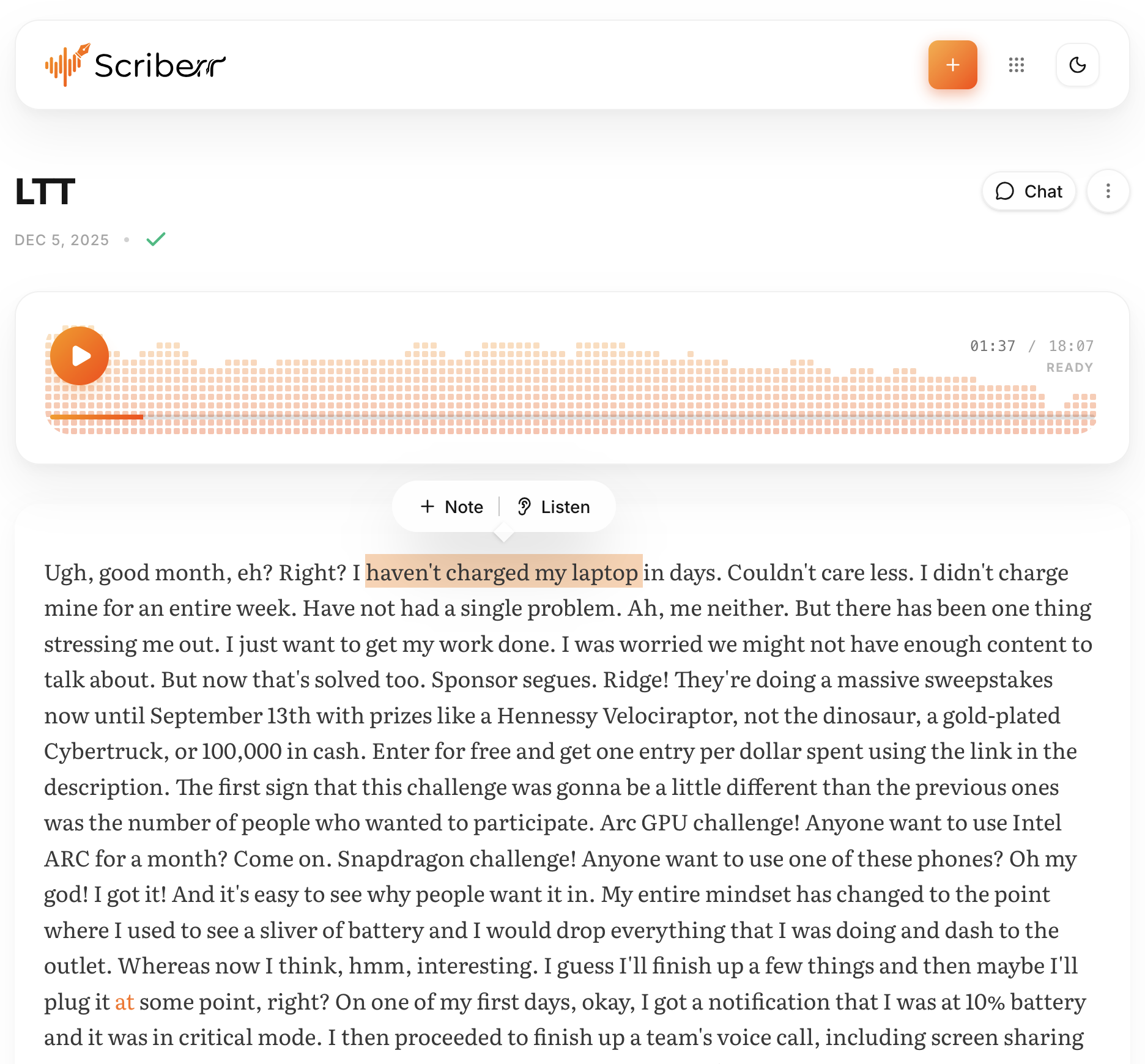
Transcript with playback tracking and text search.
Chat with Your Audio: The Power of LLM Right in the App
This, in my opinion, is one of the most interesting features. Scriberr can integrate with local LLMs (via Ollama) or with the OpenAI API. What does this give you? You can:
- Generate concise summaries of long recordings.
- Ask questions about the transcript content.
- Have full conversations with your audio!
Imagine you recorded a multi-hour lecture, and then you simply ask Scriberr: "What were the main conclusions on topic X?" or "Who mentioned concept Y and in what context?". It's like having a personal assistant who listened to everything for you.
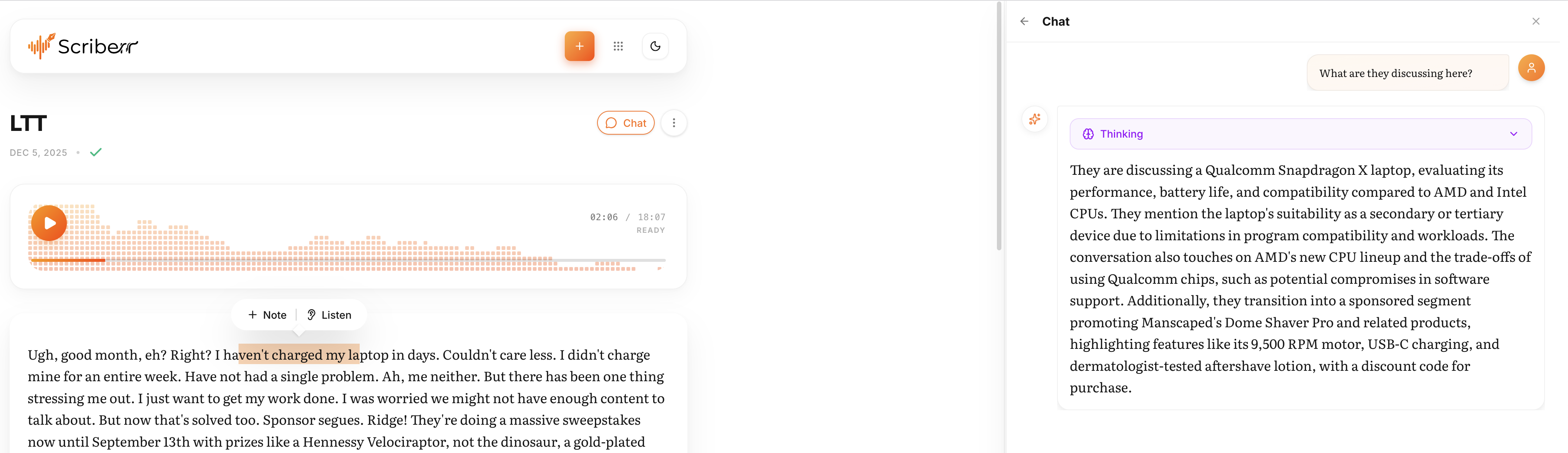
Chat with your transcripts using local LLMs or OpenAI.
Integration into Your Workflow
Scriberr is not just a standalone application. It's designed to become part of your automation. Thanks to an extensive API and the "Folder Watcher" function, which automatically processes new files in a specified folder, you can easily integrate it into your existing pipelines. For example, set up n8n or another automation tool to send new audio files to Scriberr and receive ready transcripts.
Ease of Use and a Beautiful Interface
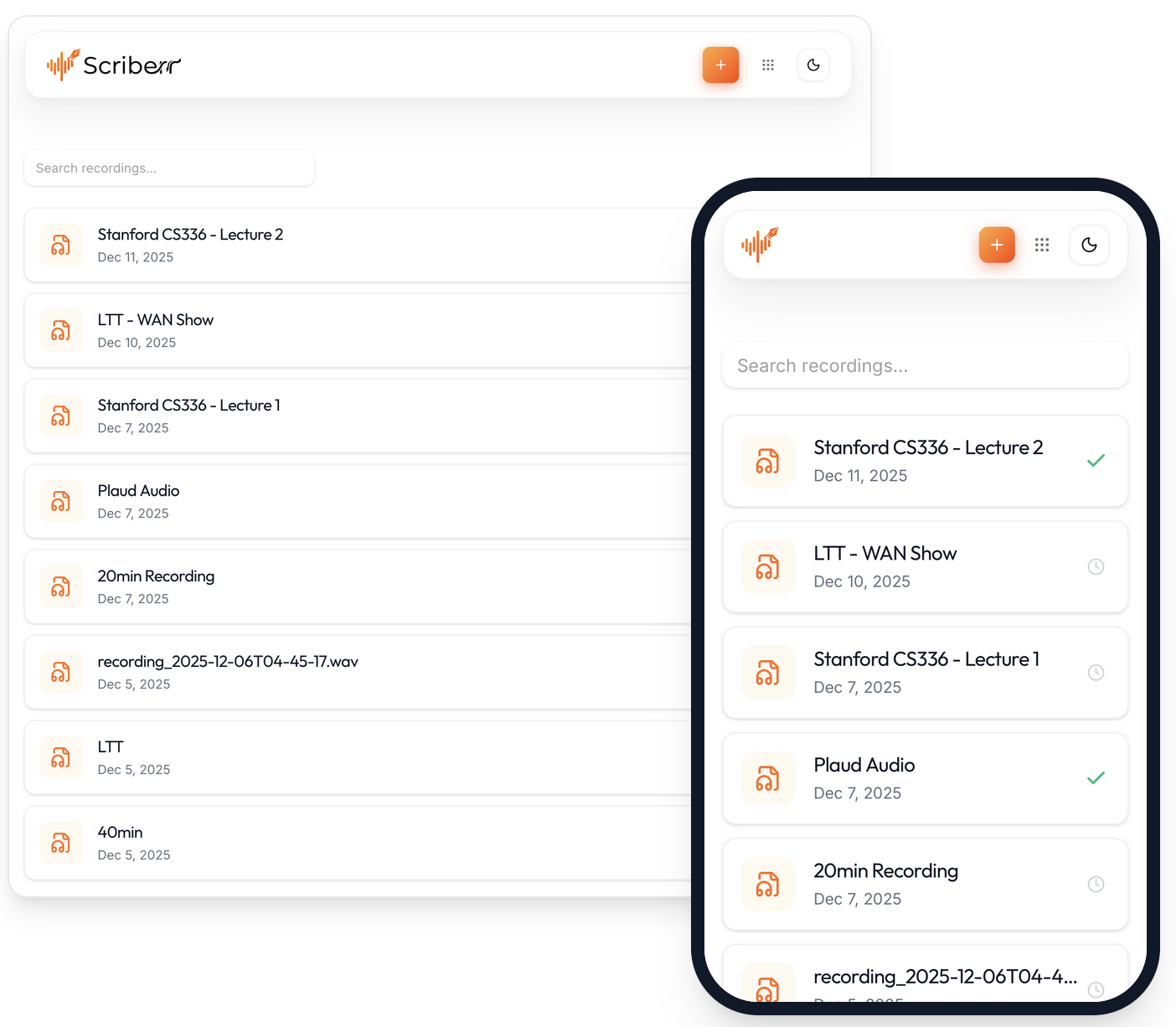
Despite all the power under the hood, Scriberr offers a very pleasant and responsive user interface. There's a built-in audio recorder for quick notes, features for highlighting key moments and adding comments directly in the transcript. And PWA (Progressive Web App) support allows you to install it as a native application on desktop or mobile, providing a seamless experience.
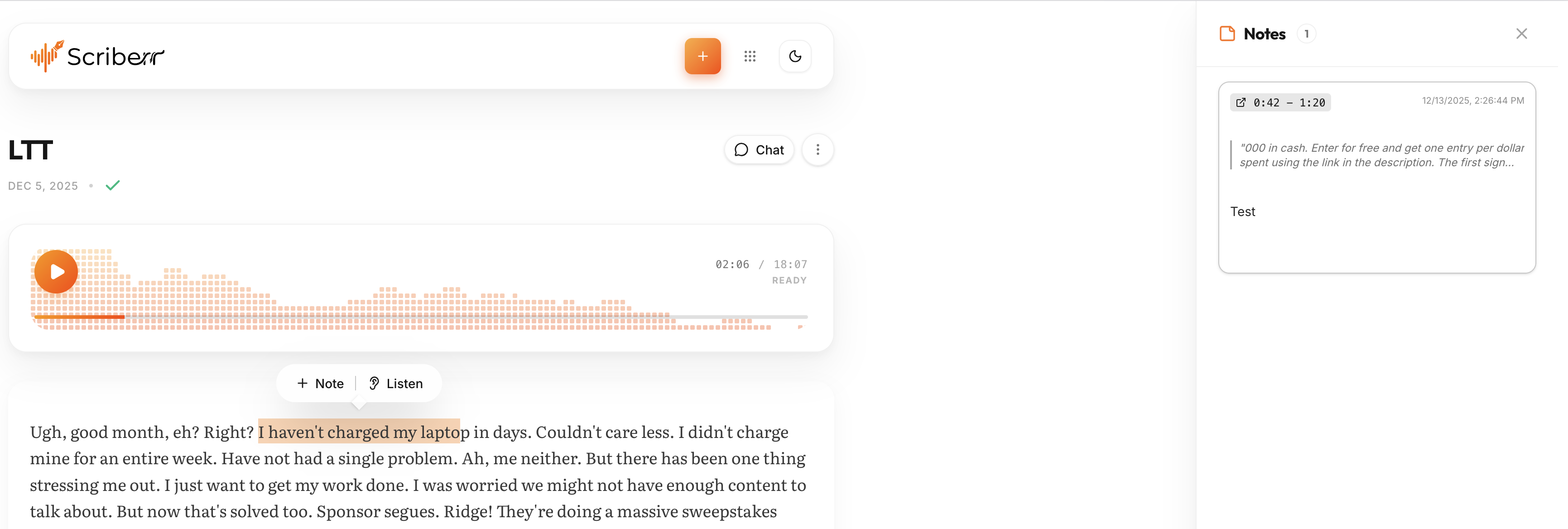
Highlight key moments and take notes while listening.
Under the Hood: Technologies and Architecture
Interestingly, Scriberr is written in Go, which ensures high performance and cross-platform compatibility. For transcription itself, state-of-the-art machine learning models are used, such as NVIDIA Parakeet, Canary, and, of course, the popular Whisper. This guarantees high accuracy in text recognition with per-second timing for each word.
For deployment, the project offers several convenient options:
- Homebrew: For macOS and Linux users, this is the simplest way to install.
- Docker: If you prefer containerization, there are ready-made
docker-composefiles for both CPU and NVIDIA GPU (CUDA). By the way, for owners of new RTX 50-series cards, there's even a separatescriberr-cuda-blackwellimage due to PyTorch and CUDA compatibility specifics. This speaks to the author's attention to detail and the relevance of the technologies used.
The first launch may take some time, as Scriberr initializes Python environments, downloads necessary ML models (Whisper, PyAnnote, NVIDIA NeMo), and sets up the database. But subsequent launches will be much faster, since all models are stored locally.
Practical Applications: Where Scriberr Will Shine
Where can Scriberr become your indispensable assistant?
- Developers and analysts: Quick transcription of meetings, standups, user interviews. The ability to ask LLM questions about the meeting results is pure magic!
- Students and researchers: Recording lectures, seminars, interviews. Automatic note-taking and keyword search.
- Content creators: Podcasters, YouTubers. Subtitle generation, transcriptions for blog posts, quick search for needed fragments in audio.
- Journalists: Transcribing interviews, press conferences. Quick search for quotes and facts.
- Anyone who values privacy: If you're concerned that your voice data might be used or analyzed by third-party companies, Scriberr is your choice.
Conclusions: Who Should Take a Closer Look at Scriberr?
Scriberr is not just another tool, it's a complete solution for those seeking a powerful, private, and flexible system for transcribing audio and video. If you:
- Are a self-hoster and like to keep everything under your control.
- Value privacy and don't want to send your data to the cloud.
- Are tired of monthly subscriptions for transcription.
- Want to use LLM capabilities for audio analysis, but locally.
- Are looking for a tool that easily integrates into your workflow.
Then Scriberr definitely deserves your attention. It's a great example of how you can create a high-quality product using modern technologies while staying true to open-source and privacy principles. Try it, and perhaps it will become your new favorite tool for working with audio!
Powiązane projekty