bpytop: Resource Monitoring with Elegance and Power

Do you know that feeling when you need to quickly understand what's straining your server or local machine, but standard utilities like top look too spartan? Meet bpytop — a visually appealing and functional system resource monitor that turns routine monitoring into a pleasure.
What is bpytop?
bpytop is a Python port of the popular bashtop project, offering a convenient interface for monitoring:
- CPU
- Memory
- Disks
- Network
- Processes
The project is actively developed (over 10k stars on GitHub) and runs on Linux, macOS, and FreeBSD.
5 reasons to try bpytop
-
Beauty with purpose
- Colored graphs and intuitive data visualization
- 24-bit color support (truecolor)
- Theme selection options
-
Full mouse support
Unlike many console utilities, bpytop fully supports the mouse:- Clicks on highlighted elements
- Scrolling through the process list
- Interactive menus
-
Flexible configuration
- All parameters can be changed directly from the interface
-
Powerful monitoring capabilities
- Detailed information about each process
- Process filtering (multiple filters simultaneously)
- Various sorting options
- Sending signals to processes (SIGTERM, SIGKILL)
-
Cross-platform
- Works on Linux, macOS, and FreeBSD
- Available via pip, brew, apt, and other package managers
What does it look like?
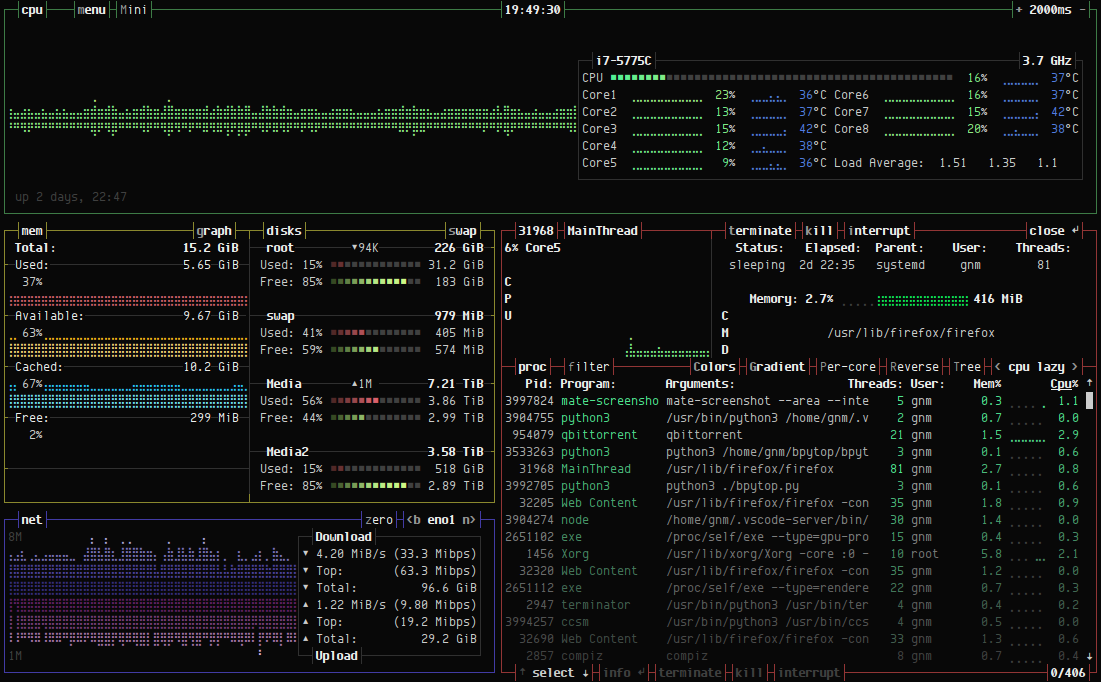
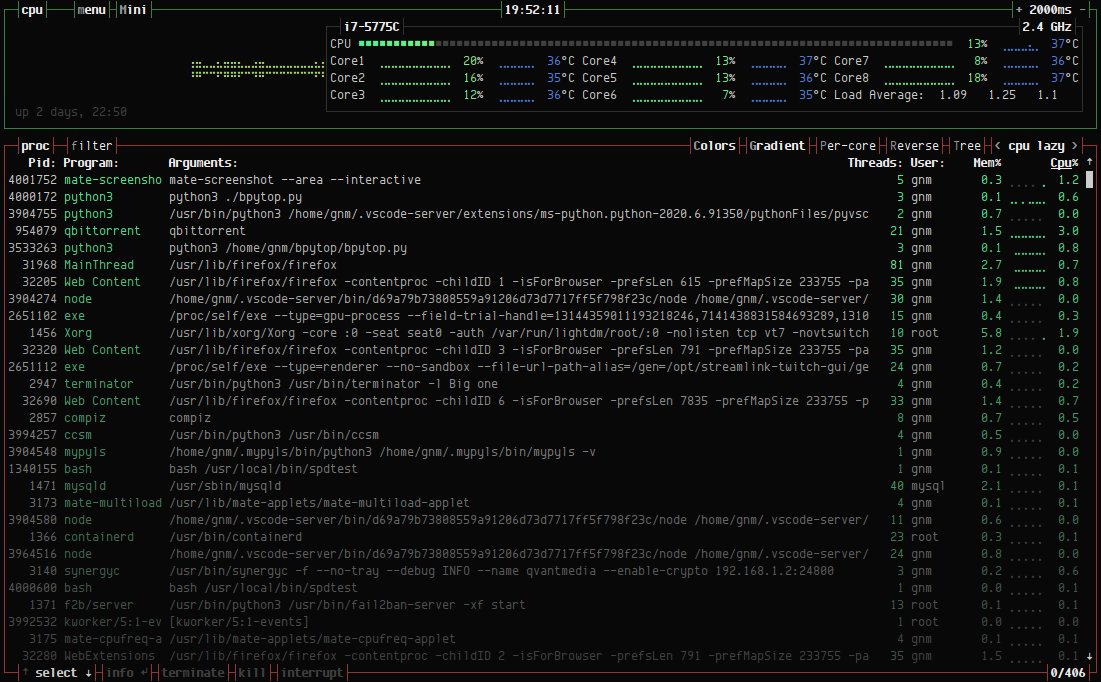
Technical highlights
bpytop is written in Python 3.7+ and uses:
- The psutil module for collecting system information
- Unicode characters for building graphs
- INI-formatted configuration files
Fun fact: the author is already working on a C++ version of the project called btop, which promises to be even more performant.
Installation in a minute
The easiest way (via pip):
- pip install bpytop
For Linux users:
- sudo apt install bpytop
For macOS users:
- brew install bpytop
Who will find it especially useful?
- System administrators for quick server monitoring
- Developers when debugging resource-intensive applications
- Fans of beautiful console utilities
- Anyone tired of top/htop
bpytop is a rare case where a utility combines a pleasant interface with serious functionality. If you haven't tried it yet — now is the time to install it and see how system monitoring can be not only useful but also visually appealing.
The project is actively developed, is open source (Apache 2.0), and is supported by the community. What resource monitor do you use?
Related projects