Power Options — Linux Power Management Without Compromise
When Two Profiles Aren't Enough
Sound familiar? You configure TLP or auto-cpufreq, choosing between "battery" and "plugged in," but realize it's not enough for real-world scenarios. Power Options solves this by offering a truly flexible power management system with unlimited profiles.
Under the Hood
Power Options is a Rust application that combines best practices from Arch Wiki, Gentoo Guides, and popular utilities like TLP. But unlike similar tools, it offers:
- Graphical interface (GTK and WebKit variants)
- Intelligent profile creation based on system analysis
- Granular control over literally every aspect of power consumption
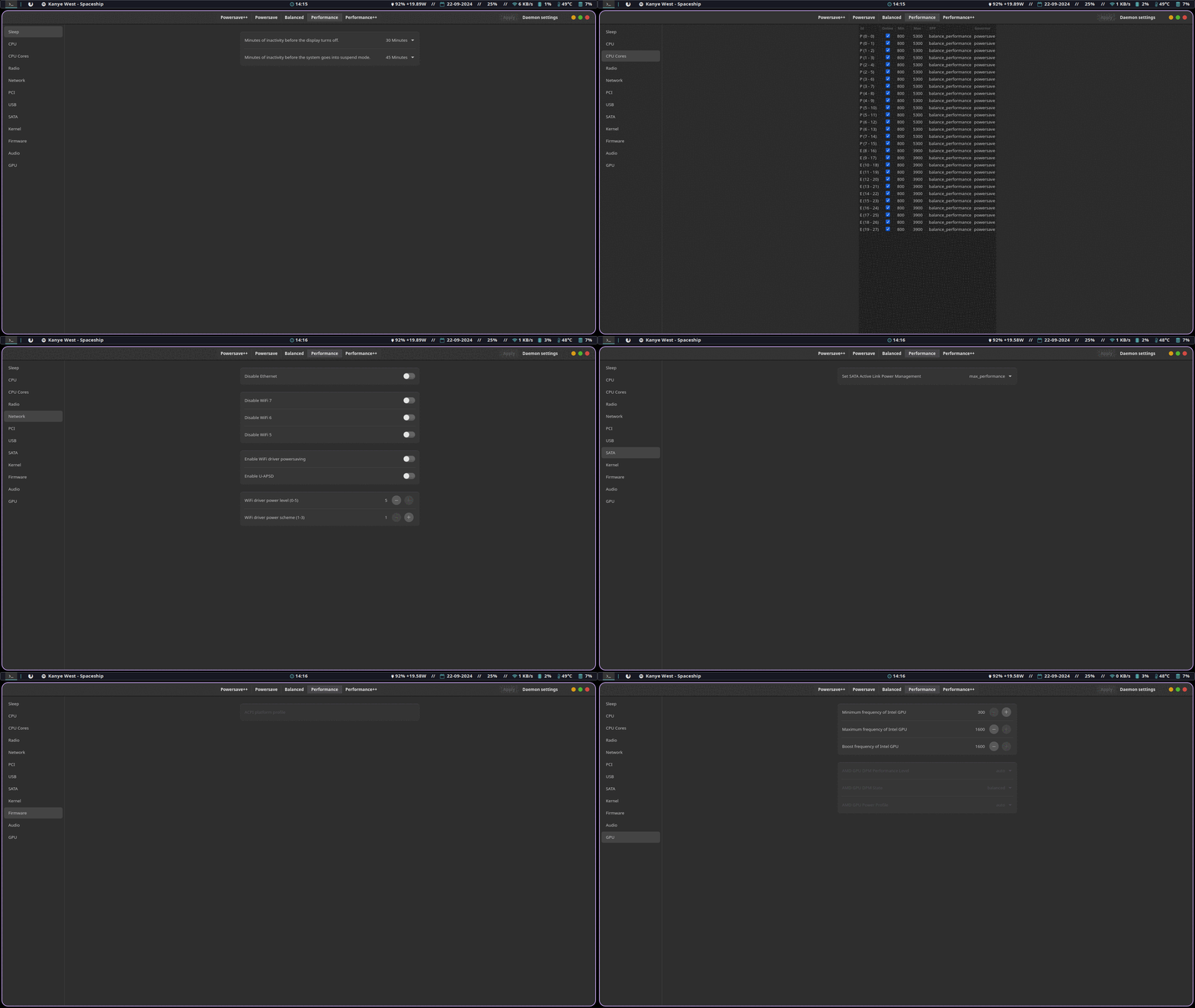
The Three Pillars of Power Options
-
Next-generation profile system
- Unlimited number of profiles
- Temporary and permanent overrides
- Automatic generation of optimized profiles
-
Hardware control
- Individual settings for each CPU core
- GPU management (Intel/AMD)
- ASPM, PCI, USB, and SATA settings
- Radio module control (Wi-Fi, Bluetooth)
-
Two interfaces to choose from
- GTK — lightweight and minimal
- WebKit — advanced features for power users
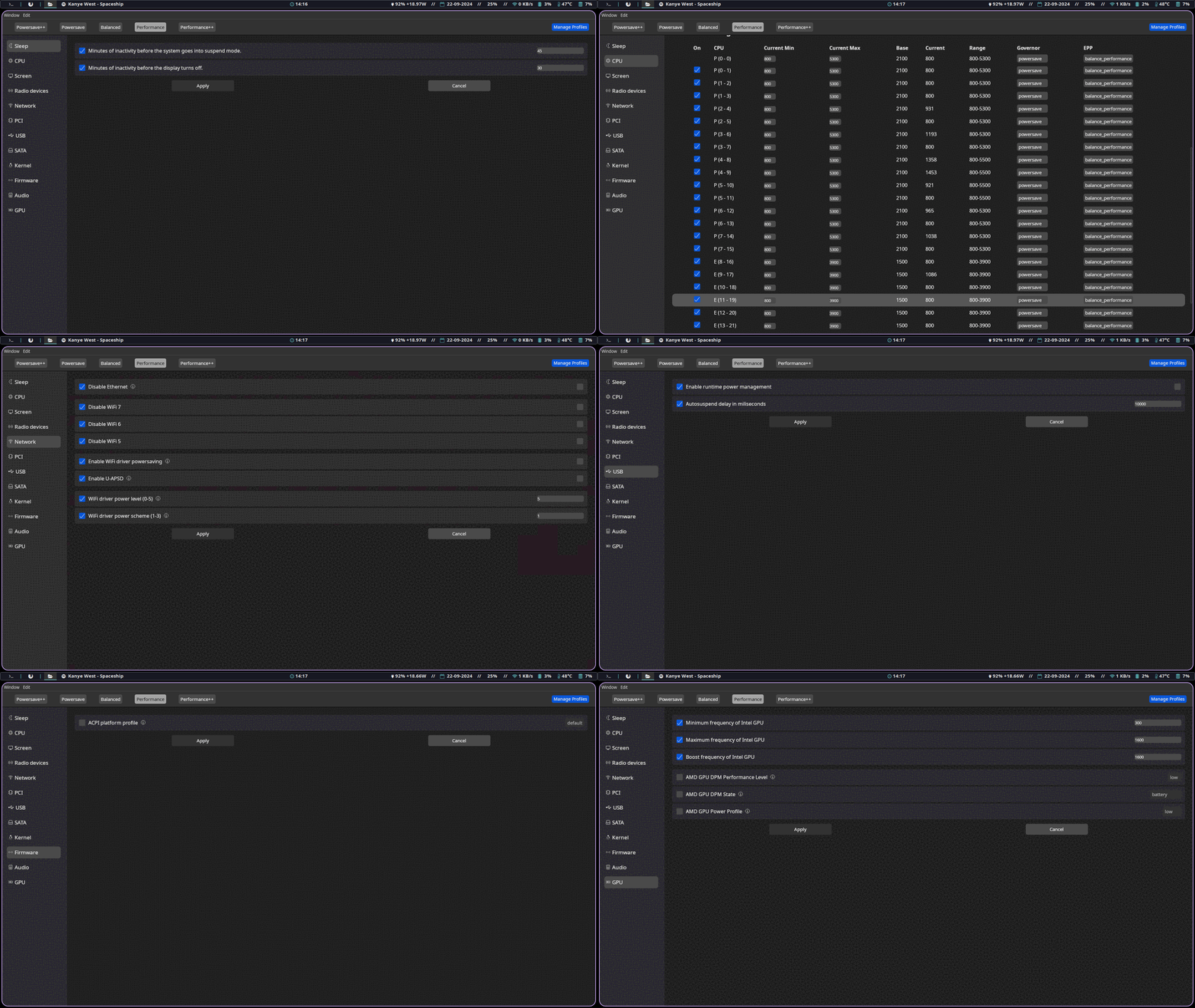
Technical Details
The project is written in Rust using:
- GTK4 and libadwaita for a native interface
- WebKitGTK for the web interface
- System calls for hardware component management
Interestingly, the developer designed a modular architecture — you can install just the daemon and work through TOML configuration files, or add one of the interfaces.
Who Is This For?
- Laptop users — real battery savings with fine-tuned settings
- Enthusiasts — control over every aspect of the system
- Developers — an inspiring example of a Rust + GTK application
- Administrators — centralized power management for multiple machines
How to Try It?
For Arch Linux, packages are available in AUR:
yay -S power-options-gtk  # для GTK интерфейса
yay -S power-options-webview  # для веб-интерфейса
For other distributions, you can build from source:
git clone https://github.com/TheAlexDev23/power-options --depth=1
cd power-options/scripts
chmod +x *.sh
./install-gtk.sh  # или install-webview.sh
Power Options is a rare example of a project that combines technical depth with usability. If you've been looking for a truly comprehensive Linux power management solution, it's worth your attention. The profile system is particularly impressive — finally, you can create separate settings for working at a café, presentations, and resource-intensive tasks.
The project is actively developed, has clear documentation, and supports major distributions. The downside is limited hardware support (currently only Intel/AMD), but developers are open to pull requests.
Related projects