Dissecting zyfun — a modular player for streams and IPTV built on Electron
If you've ever tried to set up IPTV or network video playback on a desktop, you've likely run into two extremes. On one side are bulky all-in-one solutions like Kodi, which pull in hundreds of megabytes of dependencies and overwhelm with complex interfaces. On the other side are spartan utilities where you have to manually embed playlists into text configs with no proper search or synchronization.
Recently I came across zyfun. It's a direct successor to the popular ZY-Player, completely rewritten using a modern stack. The project has already gathered over 8,800 stars on GitHub, but few outside the Asian community know about it. The reason is simple: documentation is in Chinese, and machine translations aren't always accurate. Yet the engineering behind the project is worth examining.

What's under the hood
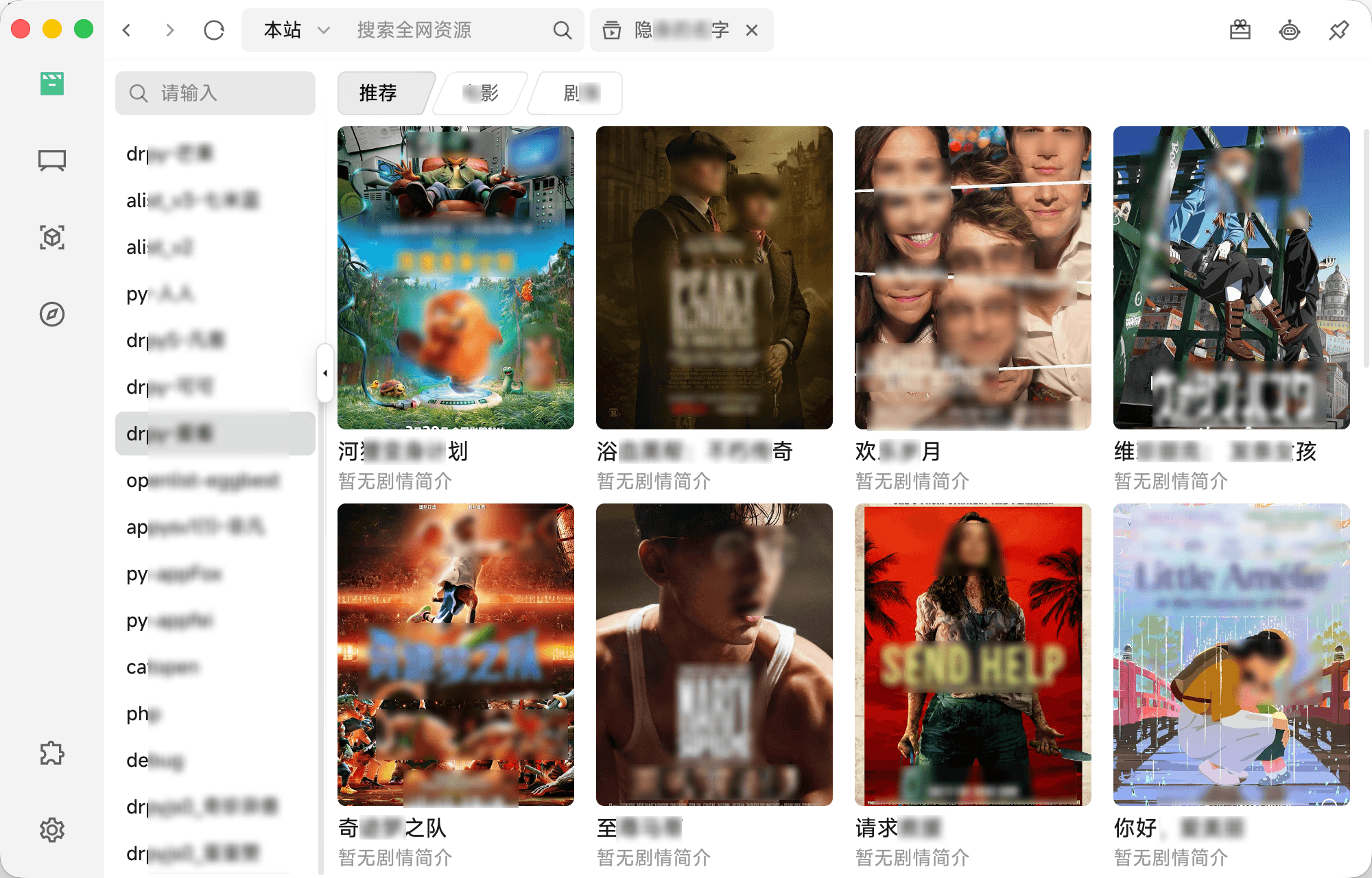
Architecturally, zyfun is a desktop application built on Electron, Vue 3, Vite, and TypeScript. The authors chose TDesign as the component library for the interface.
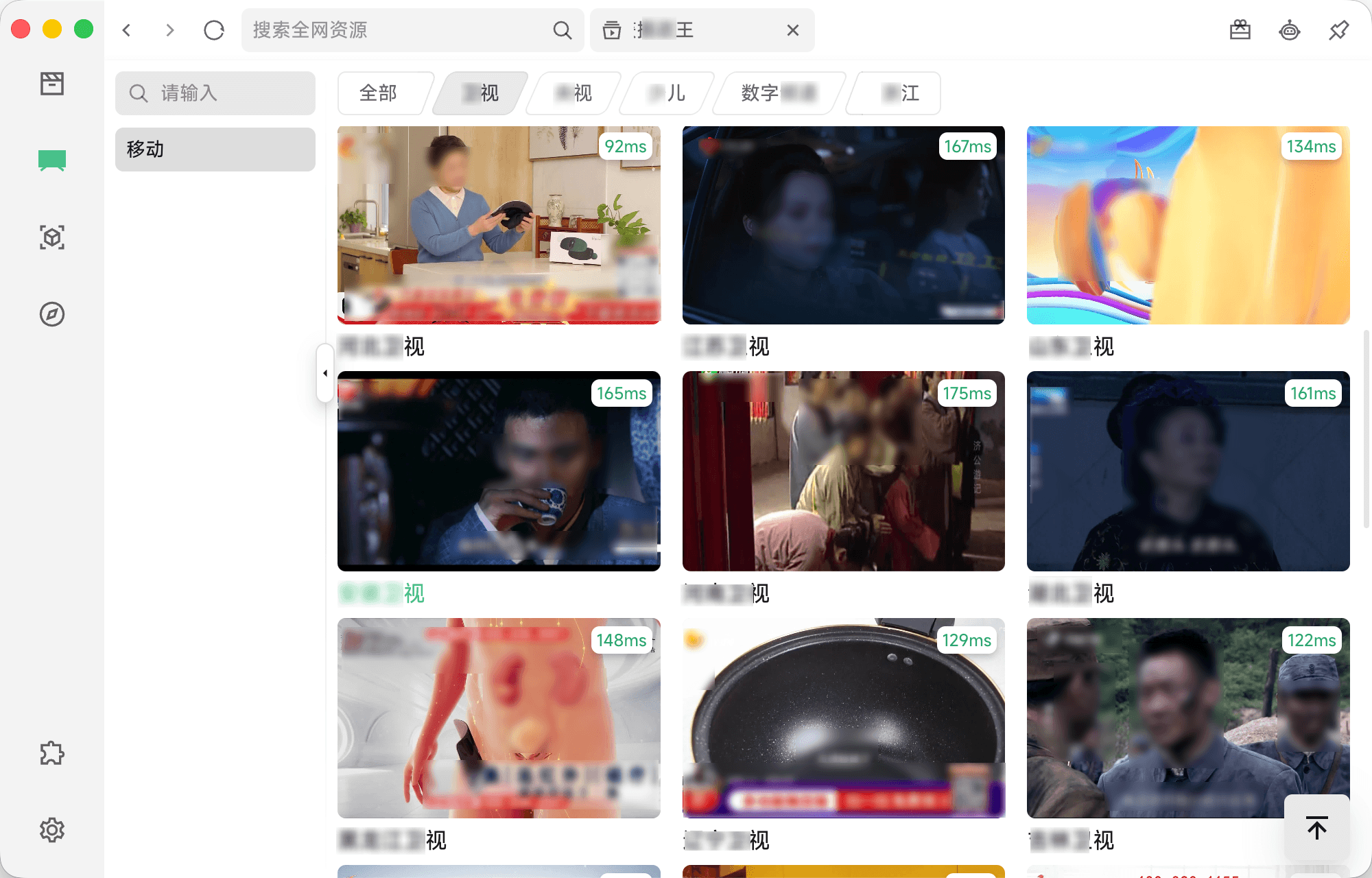
The application works as a thin client. It contains no built-in content and acts as a handler for external sources. You feed the client a structured JSON config, and the application takes care of data parsing, filtering, catalog search, and stream playback.
Key engineering decisions
The project's codebase contains several interesting solutions that set it apart from typical homebrew players.
1. Modular source adapters
Instead of rigid parsing logic, the authors implemented an adapter system (types T0 through T4). This helps connect completely different backends:
- T0 and T1: classic REST interfaces with XML or JSON responses.
- T3 and T4: script adapters supporting execution of custom handlers in JavaScript (DRPy), CatVod, and Python.
- File storage connections via the Alist protocol.
Thanks to this, you can add a new movie site or home NAS catalog simply by describing the field mapping schema in the configuration file, without rebuilding the binary itself.
2. Stream sniffer via Chrome DevTools Protocol
Many online cinemas hide direct stream links behind complex scripts. Usually such tasks are solved through hidden iframes, which often breaks the page.
In zyfun, stream interception is implemented via CDP (Chrome DevTools Protocol). The application opens the target URL in an isolated Chromium context, subscribes to network-level events Network.requestWillBeSent, and catches file links .m3u8 or .mp4. This approach works more reliably than heuristic regex matching.
3. Swappable video cores
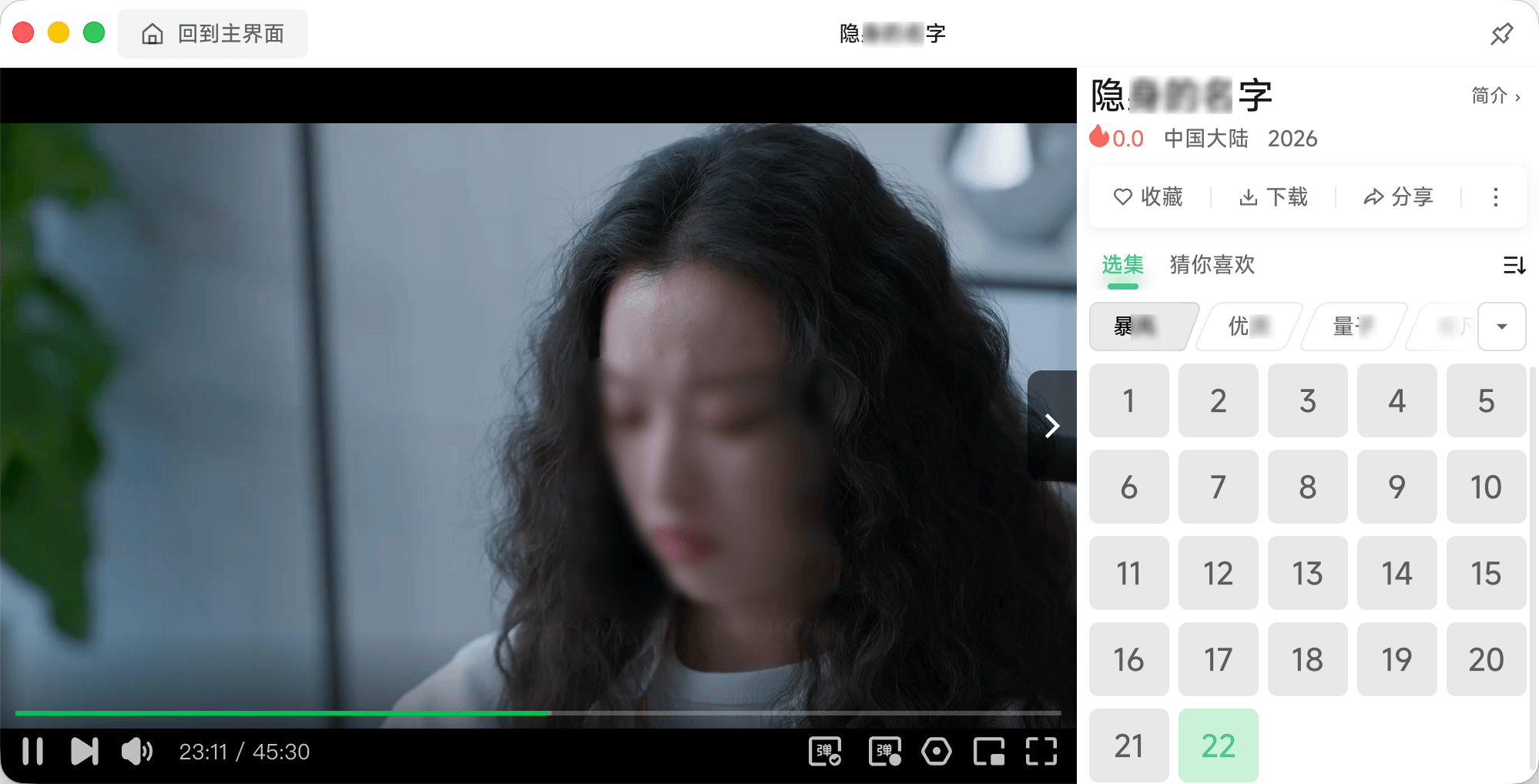
Inside the application, there's no hard binding to a single player. You can select the desired engine in settings:
- XGPlayer (developed by ByteDance team)
- ArtPlayer
- External binary via system call (for example, mpv or VLC with hardware decoding)
If the native web player can't handle heavy bitrate or specific codec, the stream goes to external mpv with one click.
4. Synchronization and built-in AI
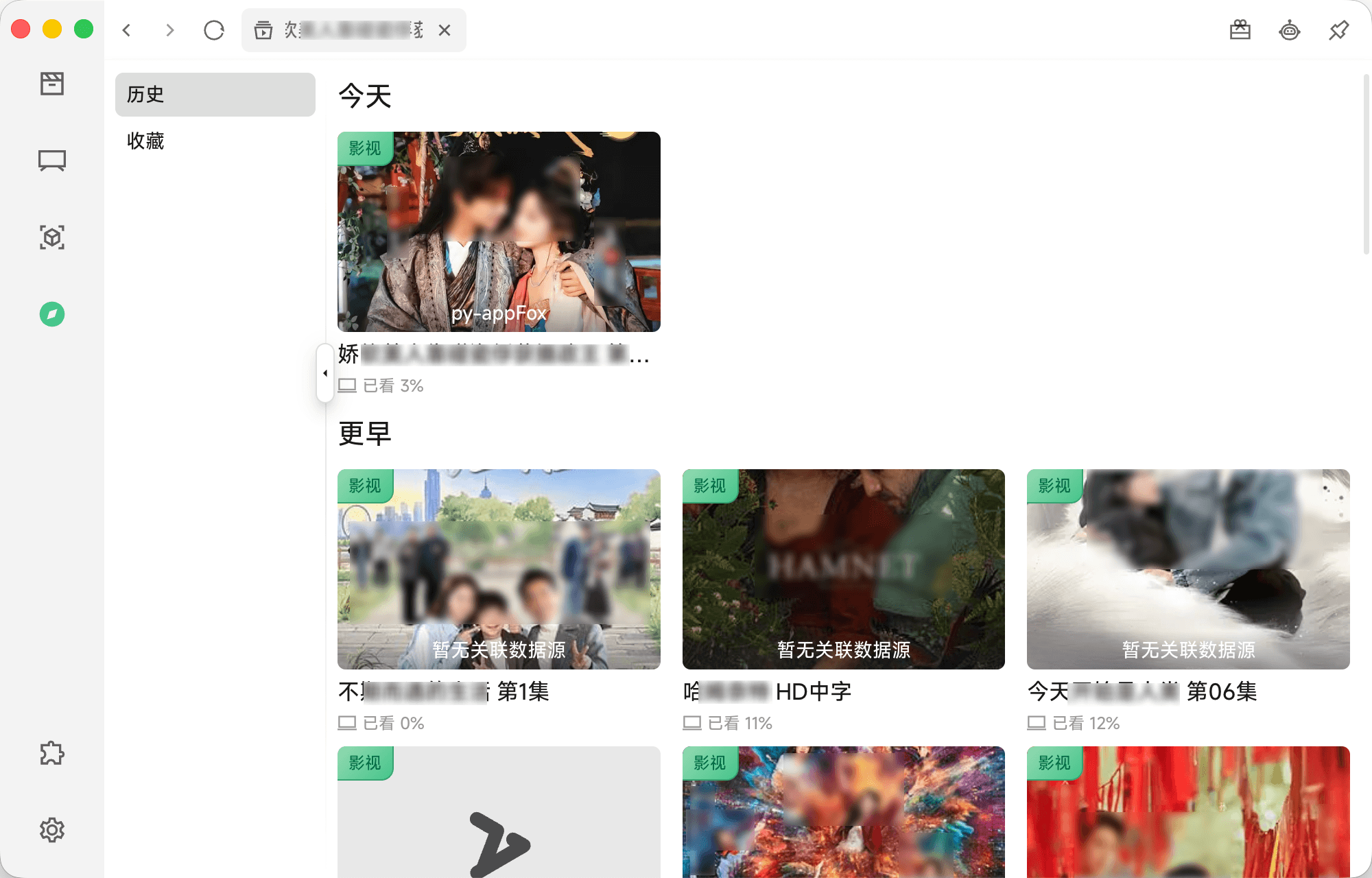
Viewing history, bookmarks, and source configuration sync via WebDAV or iCloud. This is convenient if you use the app on multiple machines.
The authors also added integration with the OpenAI API. The client can send requests to the selected language model to quickly get a brief plot summary or recommendations for similar releases.
Among the nice everyday touches: the settings include a Boss Key function. Pressing the hotkey (Shift+Cmd+Z by default on macOS) instantly hides the window to the tray and mutes sound.
How the configuration works
All source databases are imported via a single JSON document. The structure is divided into independent blocks: site for VOD catalogs, iptv for playlists, channel for individual streams, and analyze for link resolvers.
Here's what a standard source description looks like:
Installation and platforms
Pre-built packages are available for Windows (x64, arm64), macOS (Intel and Apple Silicon), and Linux (AppImage, deb, rpm, AUR package).
When installing on macOS, the system may block the launch of an unsigned application. This is bypassed by the standard quarantine attribute reset:
On Linux, when running AppImage on some distributions, the libfuse2 library will be required:
Summary
zyfun turned out to be a solid tool for those who want to control their media streams without being tied to proprietary services.
Who will the project benefit:
- IPTV enthusiasts who need a clean player with EPG support and convenient channel grouping.
- Home media server owners who want to consolidate different APIs into a single client.
- Vue and Electron developers looking for a working example of Chrome DevTools Protocol integration for background network traffic analysis.
Sources are open under the AGPL-3.0 license. If you're looking for an all-consuming streaming client, the repository is definitely worth checking out.
Related projects