How to Turn a Pile of Textbooks into an Interactive Podcast with PageLM
A familiar situation: a 100-page PDF in front of you, an exam tomorrow, and nothing but white noise in your head? In the past, we frantically re-read the same paragraphs hoping for a miracle. Today, the miracle is called LLM, but simply "chatting with a document" is already a thing of the past. The real magic starts when the neural network itself turns your boring lectures into quizzes, flashcards, and even full-fledged audio podcasts.
This is exactly what PageLM does — an open-source alternative to Google's trending NotebookLM. If you've been looking for a tool that doesn't just "read" for you but builds a complete educational environment, this project definitely deserves a spot in your bookmarks.
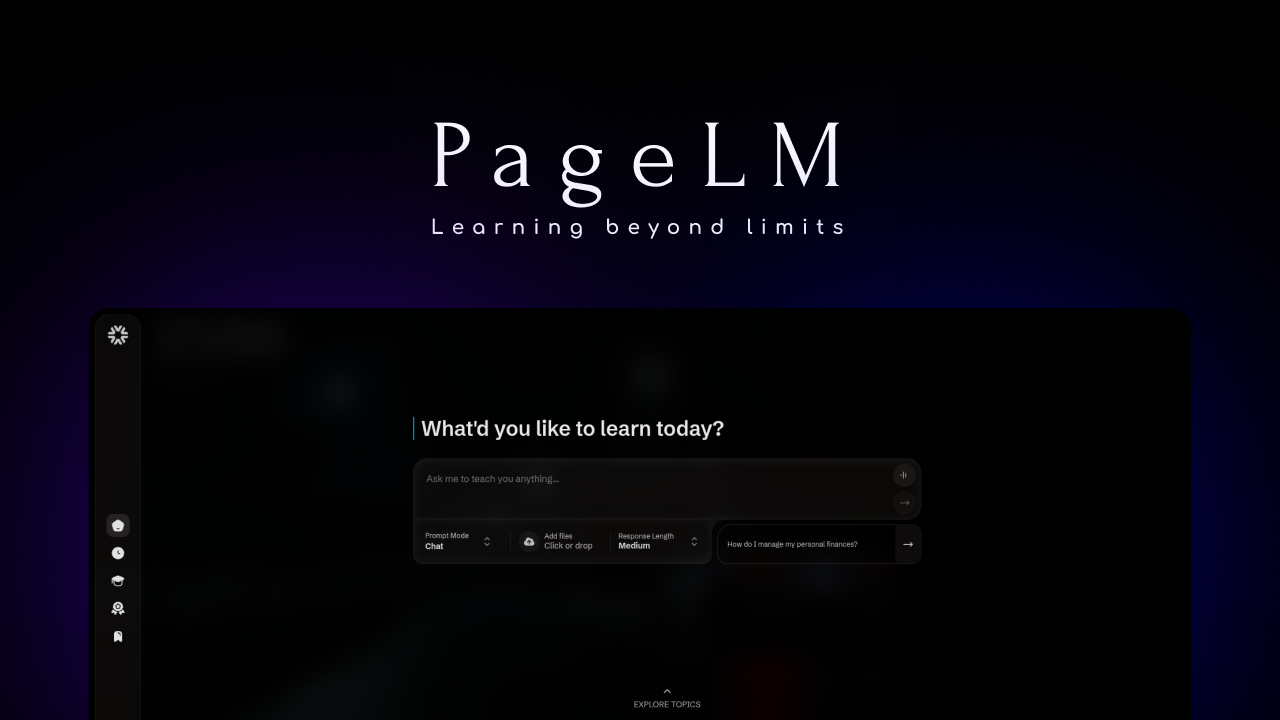
What Is PageLM and Why Should Developers Care
PageLM is an open-source educational platform that transforms any learning materials into an interactive experience. The project is inspired by Google NotebookLM, but with an important difference: you have full control over your data and can choose which "brain" (LLM) to connect.
For developers, this project is doubly interesting. First, it's a ready-made tool for quickly diving into new technologies (upload documentation for a new framework — get a summary and a quiz). Second, it's a great example of a modern full-stack AI architecture built on Node.js and React, with LangChain and vector databases humming under the hood.
Five Features That Change the Learning Approach
The project isn't limited to a basic chat. The CaviraOSS developers have implemented a whole arsenal of tools:
- AI Podcast: Perhaps the most impressive feature. The system takes your notes or documents and generates a dialogue between two hosts discussing the topic. Perfect for listening on the go or at the gym.
- SmartNotes: Forget about chaotic copy-pasting. PageLM can structure information using the Cornell method, highlighting key ideas, questions, and summaries.
- ExamLab and Quizzes: Want to test yourself? The system will create an interactive quiz with hints and detailed explanations of why your answer was (in)correct.
- Flashcards: Automatic extraction of cards for spaced repetition. No more spending hours manually filling out Anki.
- Contextual Chat: You can "feed" the system PDF, DOCX, Markdown, or plain text. Responses will be strictly based on the context of your files.
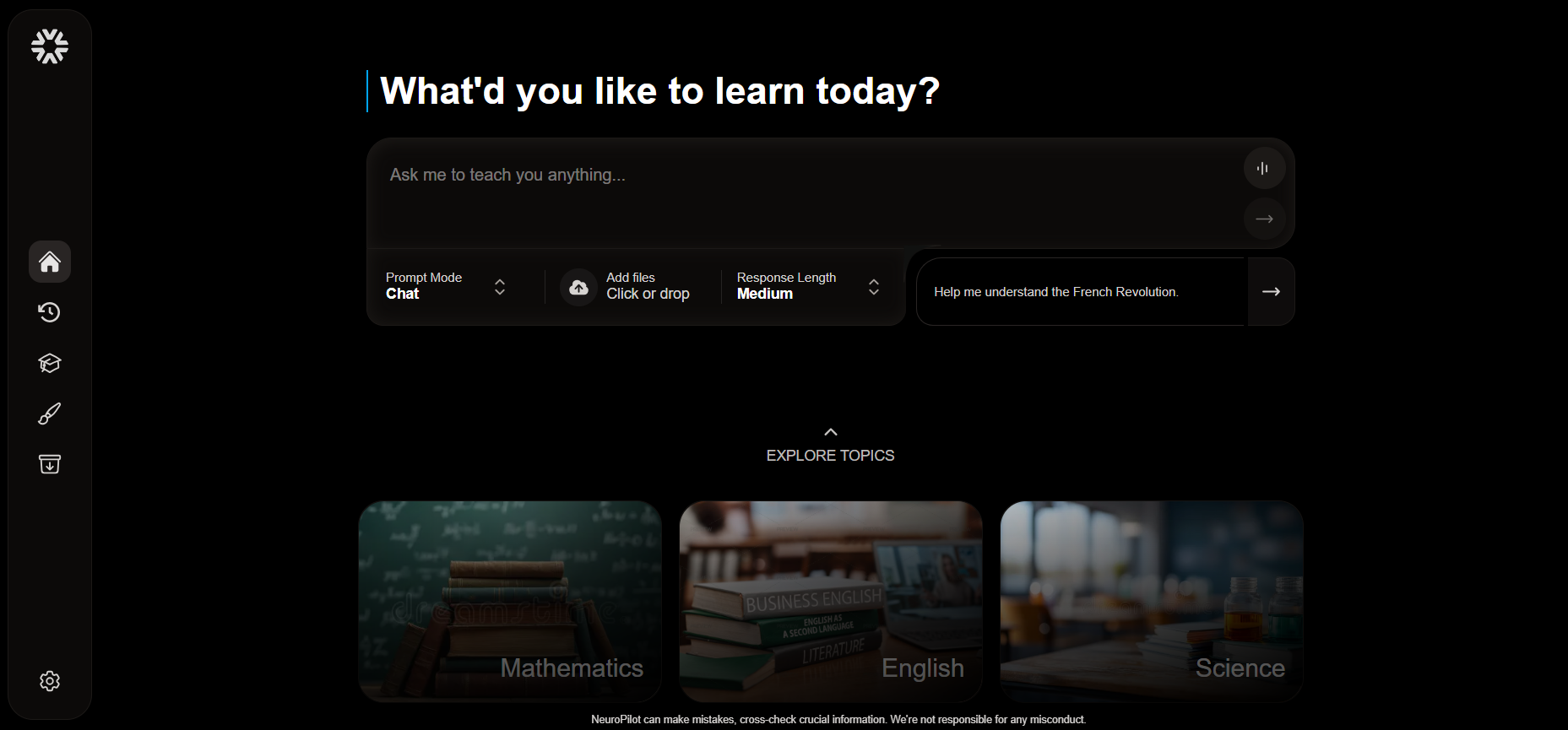
Technical Internals: What's Under the Hood?
If you look into the repository, you'll see a classic but very well-assembled stack. It's an excellent textbook on how to build RAG systems (Retrieval-Augmented Generation) today.
- Backend: Node.js and TypeScript. LangChain and Langgraph are used for working with LLM chains, enabling complex logical paths.
- Frontend: Fast Vite + React paired with TailwindCSS for a nice-looking interface.
- AI Models: The project is maximally democratic. You can use paid APIs (Gemini, GPT-4, Claude, Grok) or run everything locally via Ollama.
- Audio (TTS): Edge TTS, ElevenLabs, or Google TTS are available for podcast generation — your choice.
Interestingly, the project can work even without a heavy vector database by default, using JSON for storing embeddings, which lowers the entry barrier for beginners.
How to Run the Project Yourself
The developers included scripts for quick setup, so you can get the system up and running in literally a couple of minutes.
Local Run (Traditional Way)
First, make sure you have Node.js v20+ and ffmpeg installed (needed for building audio podcasts).
# Клонируем и заходим в папку
git clone https://github.com/caviraOSS/pagelm.git
cd pagelm

# Для Windows запускаем скрипт настройки
Set-ExecutionPolicy -ExecutionPolicy RemoteSigned -Scope CurrentUser
./setup.ps1

# Или вручную устанавливаем зависимости в backend и frontend
# Не забудьте скопировать .env.example в .env и прописать свои ключи
Docker — For Those Who Like Order
If you don't want to clutter your system with dependencies, Docker Compose will handle everything for you:
docker compose up --build
After that, the frontend will be available at http://localhost:5173.
Practical Use Cases: Who Is This For?
- Students and Schoolchildren: An obvious use case. Uploaded a textbook — got ready-made flashcards for exam prep.
- Developers: When you need to quickly learn a new library with massive documentation. PageLM will help highlight the essentials and test your knowledge with a quiz.
- Researchers: For working with large volumes of scientific papers. The "Debate" feature lets you literally argue with AI about the thesis points from an article, helping you better understand the author's argumentation.
- Content Creators: You can transform your long-form articles into podcast scripts or short summaries for social media.
Conclusion: Is It Worth Trying?
PageLM isn't just another wrapper around ChatGPT. It's an attempt to create a full-featured open-source powerhouse for working with knowledge. The project is actively developing, has a lively Discord community, and a clear roadmap.
Of course, the project is still young, and you may encounter some interface rough edges here and there, but the concept of a "local NotebookLM" is compelling. If you value privacy (when using Ollama) and want a powerful tool for self-education — star the GitHub repo and try it out.
Useful links:
How do you use AI in your learning? Share in the comments!
相关项目