How to Stop Configuring Wikis and Start Writing Documentation
A familiar story: your team or you personally need a knowledge base. You open Wiki.js, Outline, or, God forbid, Confluence. An hour later, you find yourself deep in configuring PostgreSQL, Redis, S3 storage, and a three-hundred-line Docker Compose file. At this point, the urge to jot down a couple of smart thoughts usually disappears.
Recently I came across LeafWiki. The project's author apparently shares this pain. It's a no-frills self-hosted wiki that works on the "download and run" principle. No heavy dependencies, just a single Go binary and a data folder.
Under the Hood
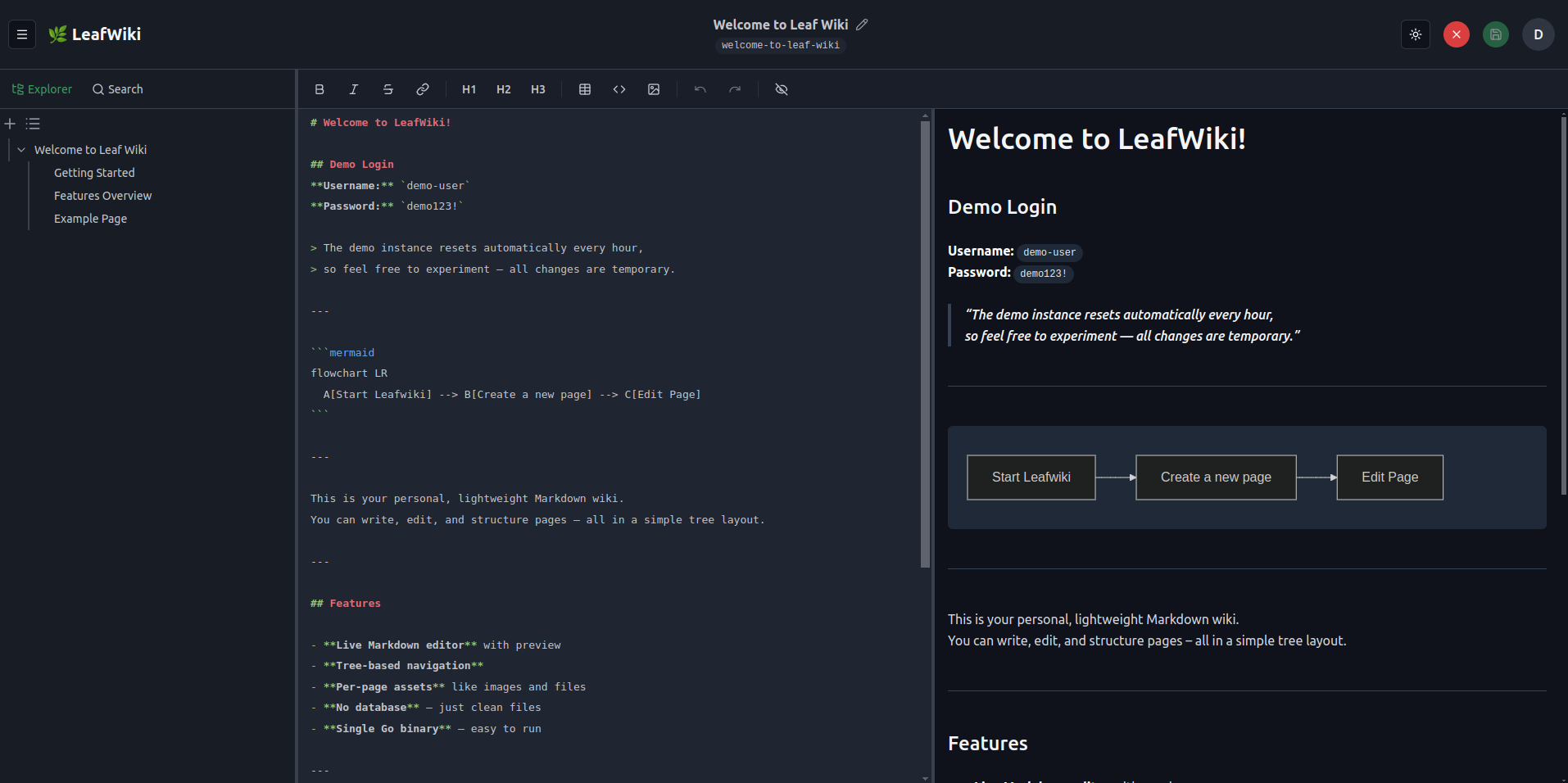
LeafWiki doesn't try to reinvent the wheel. It rests on three straightforward things: Go for the backend, React for the interface, and SQLite for metadata. The best part — the actual page content is stored in plain Markdown files on disk.
This means that if the server suddenly crashes or you decide to move to another tool, your data won't turn into a pumpkin trapped inside a proprietary database. You can open it with any text editor or even Obsidian.
What Makes It Good in Practice
I often see tools that call themselves "simple" but actually require full-blown administration. LeafWiki is more honest about this.
Tree Structure Instead of Chaos
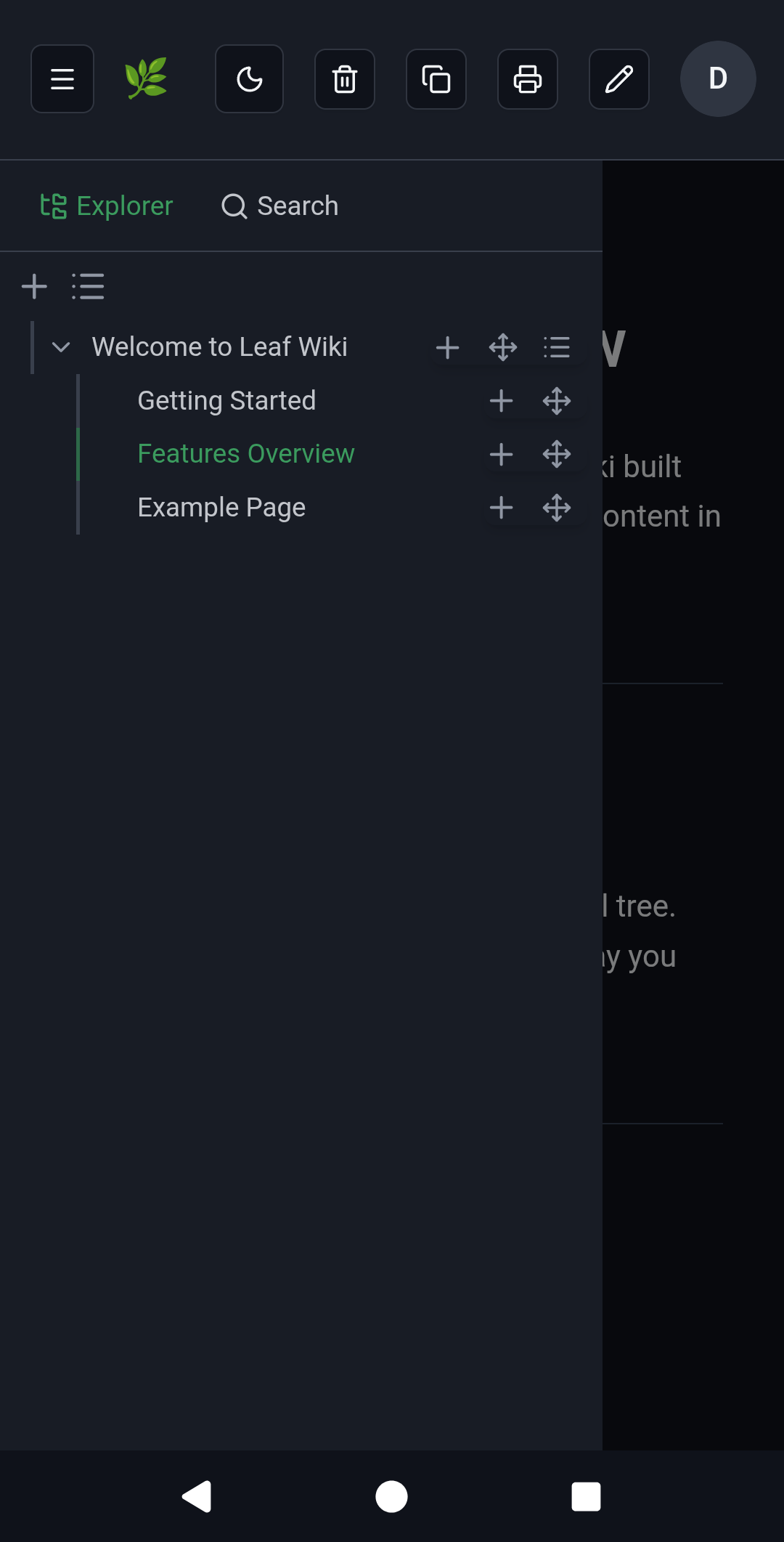
Many modern note-taking tools lean toward "flat" lists with tags. Here you get a classic tree structure. You define the hierarchy yourself, and importantly, you can manually sort pages within sections. This is critical for onboarding or procedural documents where reading order matters.
An Editor That Doesn't Get in the Way
It comes with a built-in Markdown editor with live preview. It supports tables, task lists, footnotes, and even Mermaid diagrams with KaTeX math formulas. There's auto-completion for internal links — start typing another page's name, and the wiki automatically inserts the correct link.
Smart Links
The system tracks backlinks. On every page, you can see what references it. If you rename or move a page, LeafWiki can automatically update links in other documents (this feature needs to be enabled with a flag --enable-link-refactor).
Backup for the Paranoid
Beyond simply copying the data folder, recent versions added experimental Git backup support. The wiki will automatically push changes to your remote repository on a schedule.
Who This Isn't For
Let me be clear upfront: this isn't a Notion replacement. There's no real-time collaborative editing where you see your colleagues' cursors. No complex publishing approval workflows either. If you need ten people simultaneously editing the same paragraph — keep looking.
Also, LeafWiki doesn't yet support granular access control down to individual branches of the tree. Roles exist (admin, editor, reader), but they apply to the entire wiki.
How to Get Started
If you have Docker installed, launching takes about thirty seconds.
docker run -p 8080:8080 \
    -v ~/leafwiki-data:/app/data \
    ghcr.io/perber/leafwiki:latest \
    --jwt-secret=super-secret-key \
    --admin-password=your-password \
    --allow-insecure=true
The --allow-insecure=true flag is needed if you're running the project locally without HTTPS. If you plan to expose it externally via Nginx or another proxy, it's better to remove this flag.
By the way, for minimalism enthusiasts, there's a ready-made installer for Linux that registers LeafWiki as a system service:
sudo /bin/bash -c "$(curl -fsSL https://raw.githubusercontent.com/perber/leafwiki/main/install.sh)"
Working from Mobile Devices
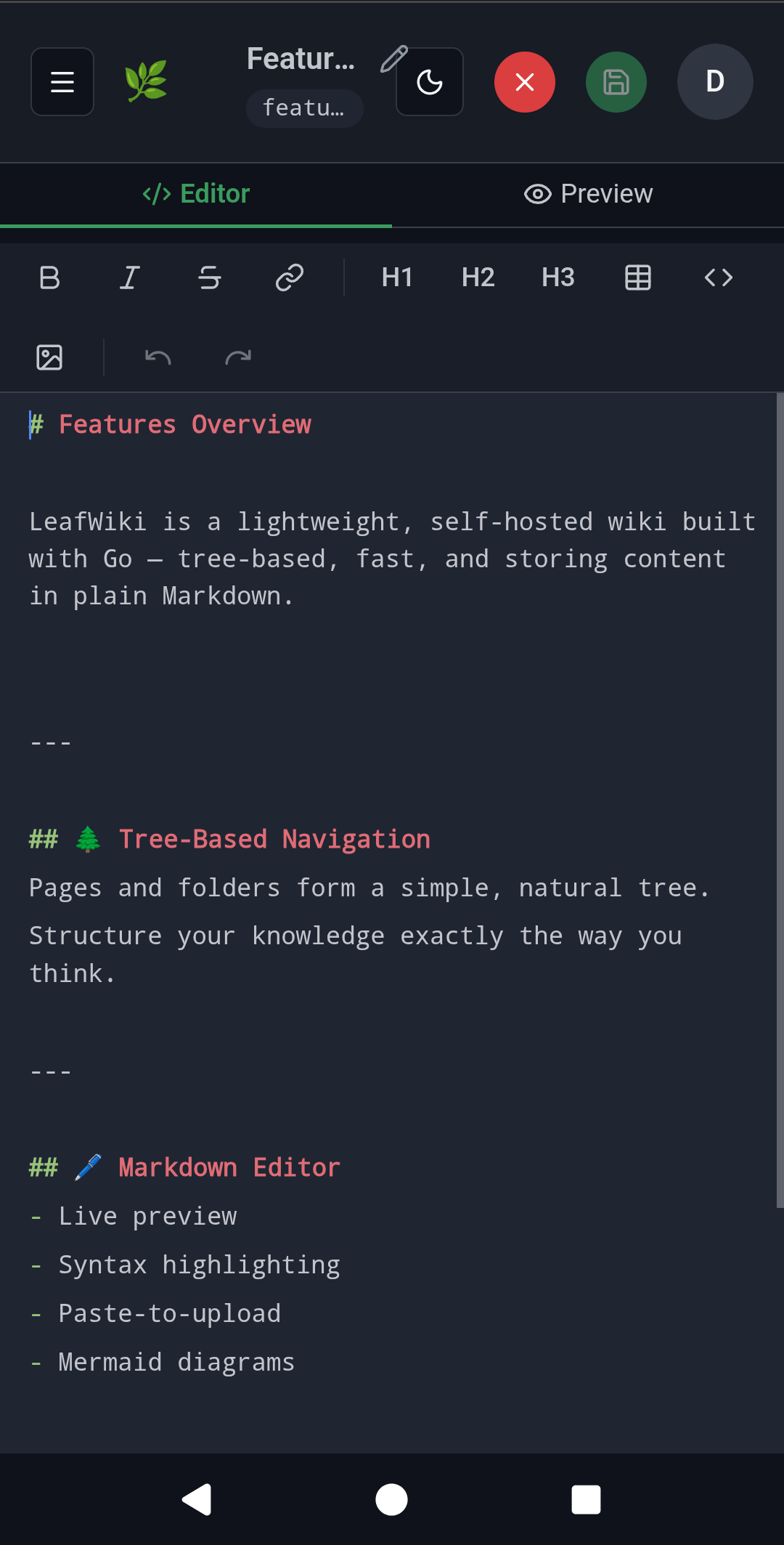
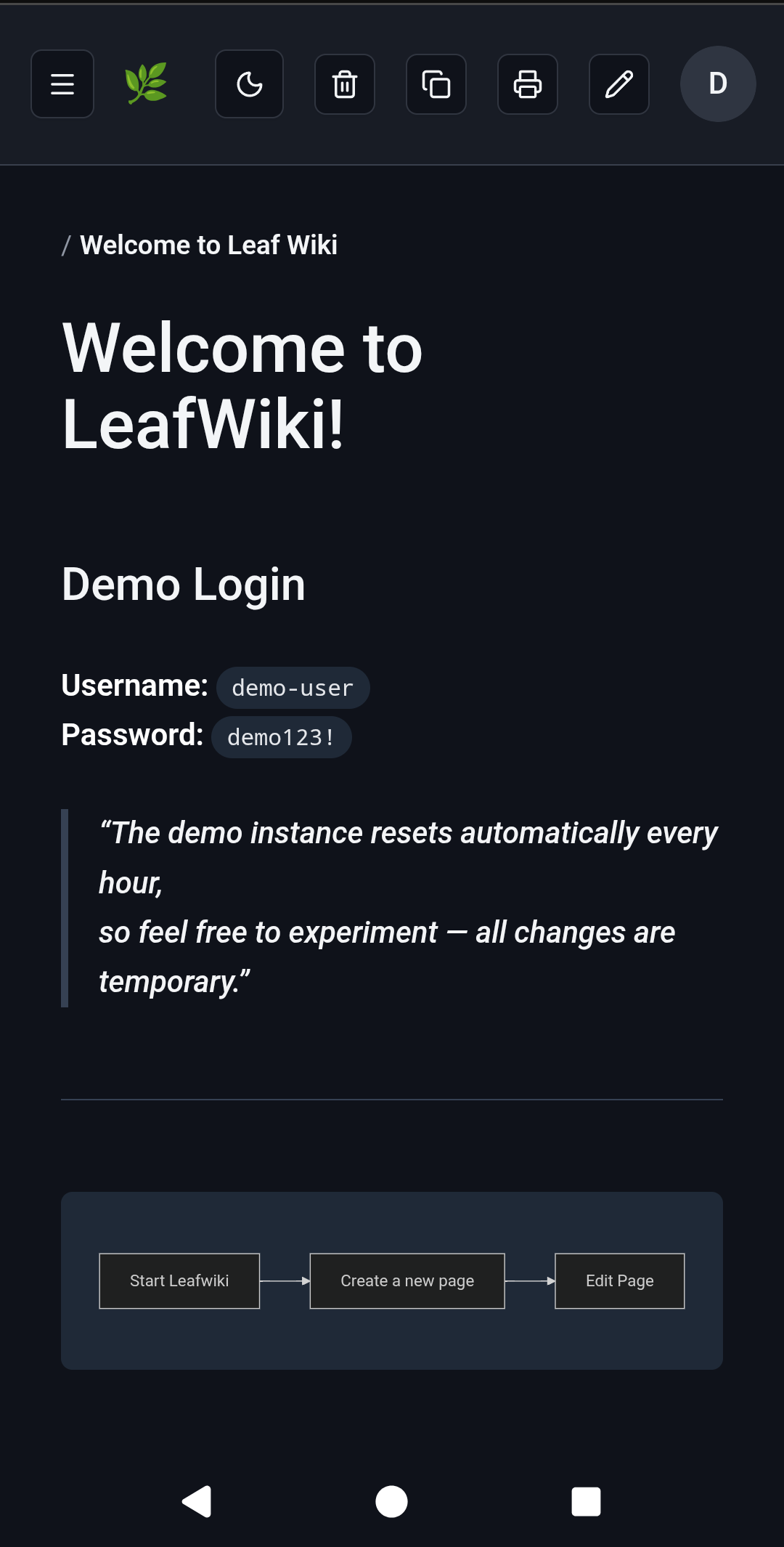
The interface is responsive. Editing text from a phone is a questionable pleasure, but reading documentation on the go or quickly fixing a typo is perfectly doable.
LeafWiki wins you over with its predictability. It's a great fit for:
- A personal technical journal or knowledge base.
- Documentation for a small project.
- Internal runbooks for admins or DevOps engineers.
If you're tired of fighting heavyweight wiki engines and just want to write Markdown that gets neatly organized — give this project a try. It currently has under a thousand stars on GitHub, but it definitely has the potential to become "that simple tool" you've been looking for.
Related projects