AnythingLLM - Your Personal ChatGPT for Working with Documents
Why is this interesting?
Ever been in a situation where you need to quickly find information in a pile of documents, but regular search doesn't understand context? AnythingLLM solves this problem by turning your PDF, DOCX, and other files into a "smart" knowledge base that you can communicate with in natural language.
What is this project?
AnythingLLM is a full-featured application (available as both web version and desktop for Mac/Windows/Linux) that allows you to:
- Upload documents in various formats
- Chat with them through a chat interface
- Use over 20 different LLMs (from OpenAI to local models)
- Create AI agents without writing code
Key features
1. Document handling out of the box
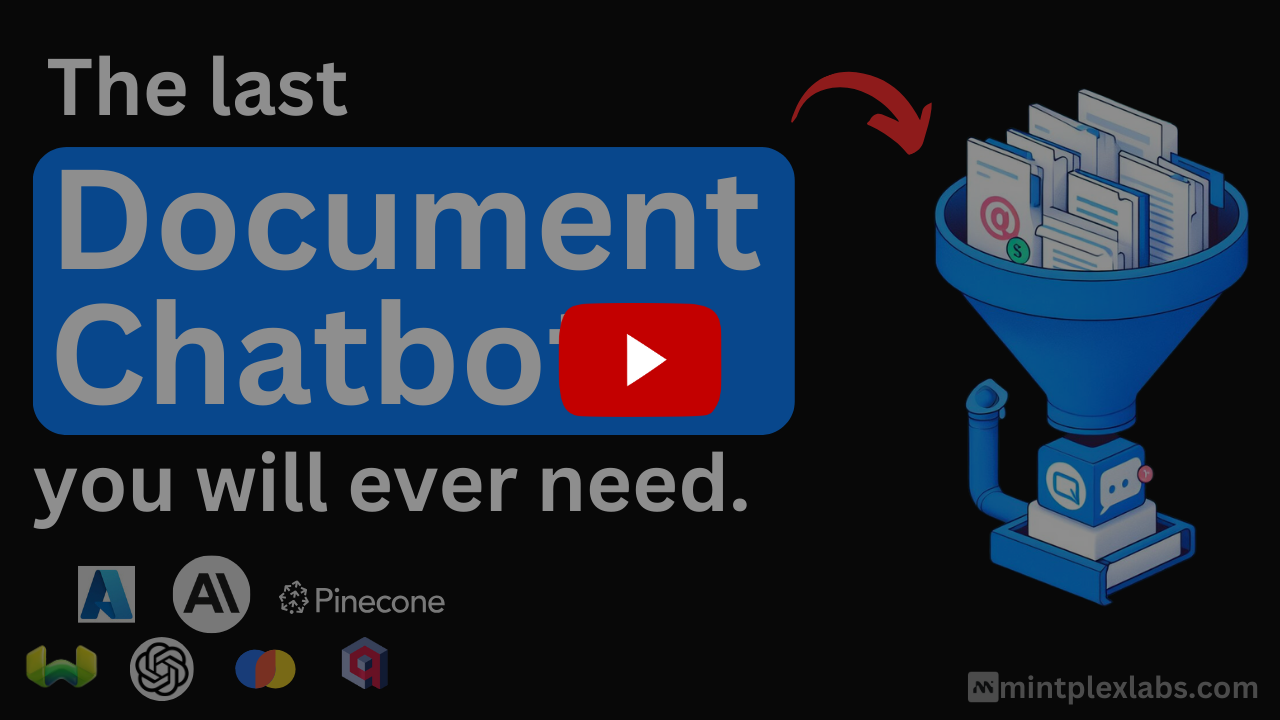
Simply drag and drop files into the interface — the system will automatically:
- Split text into meaningful chunks
- Create vector embeddings
- Prepare everything for intelligent search
2. Support for multiple LLMs
Choose any model from the list:
- Commercial: OpenAI, Anthropic, Google Gemini
- Open-source: Llama 3, Mistral, LocalAI
- Specialized: DeepSeek, Qwen3
3. No-code AI agent builder
Without programming, you can create agents that:
- Search for information on the internet
- Analyze data
- Execute sequences of actions
4. Multimodality
Works not only with text but also:
- Audio (transcription and speech synthesis)
- Images (through supported models)
Technical details
Architecturally, the project consists of:
- Frontend: React + ViteJS
- Backend: Node.js (Express)
- Document processor: Separate service for file processing
- Vector DBs: Support for LanceDB, Pinecone, Weaviate, and others
Practical applications
- Law firms: Quick search for precedents in document archives
- Education: Creating "smart" learning materials
- Customer support: Knowledge base for chatbots
- Personal use: Organizing personal notes and files
How to try it?
The easiest way to get started is with the desktop version or deploy via Docker:
docker-compose up -d
For developers, there's a detailed guide for launching without Docker.
AnythingLLM is one of the most convenient tools for working with documents via LLM. I especially recommend it to:
- Developers who want to integrate "smart" search into their applications
- Teams working with large volumes of documents
- Anyone who's tired of primitive CTRL+F
The project is actively developing (46k stars on GitHub) and supports all modern AI technologies.
Related projects