How to Get the Most Out of Claude Code — A Ready-Made Set of Agents, Hooks, and Rules from an Anthropic Hackathon Winner
When Anthropic launched Claude Code, most developers started using this tool as a regular interactive chat in the terminal. Ask a question — get an answer, ask to fix a file — get a patch. However, this approach quickly reveals the fundamental limitations of LLMs. The context window gets cluttered with unnecessary logs, the model forgets accepted architectural decisions, and token consumption grows with every request.
Affaan Mustafa, winner of the Anthropic x Forum Ventures hackathon and co-author of zenith.chat, approached the issue systematically. Over ten months of continuous commercial product development using Claude Code, he built a unified system of settings, subagents, and automations. All these developments are collected in the open-source repository everything-claude-code.
The author provides two visual guides on basic principles and deep optimization of workflow:
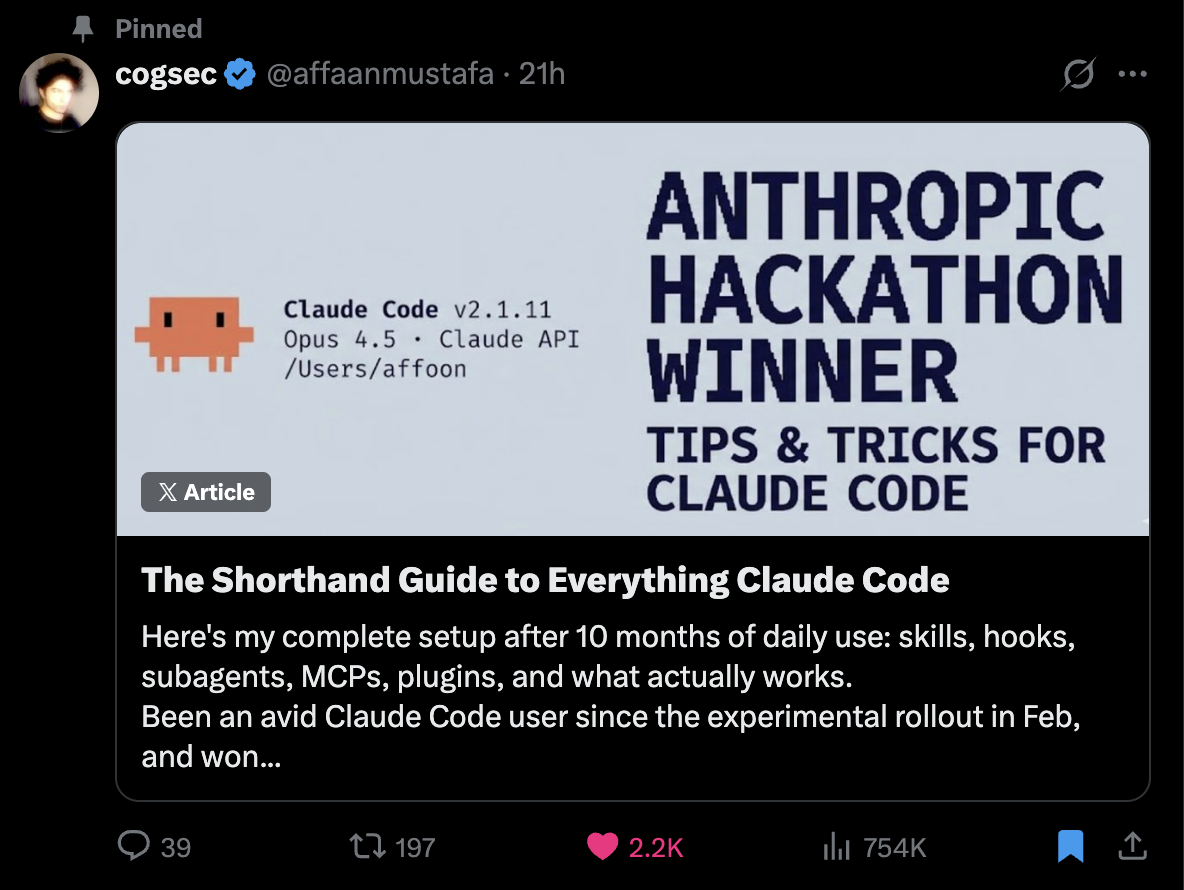
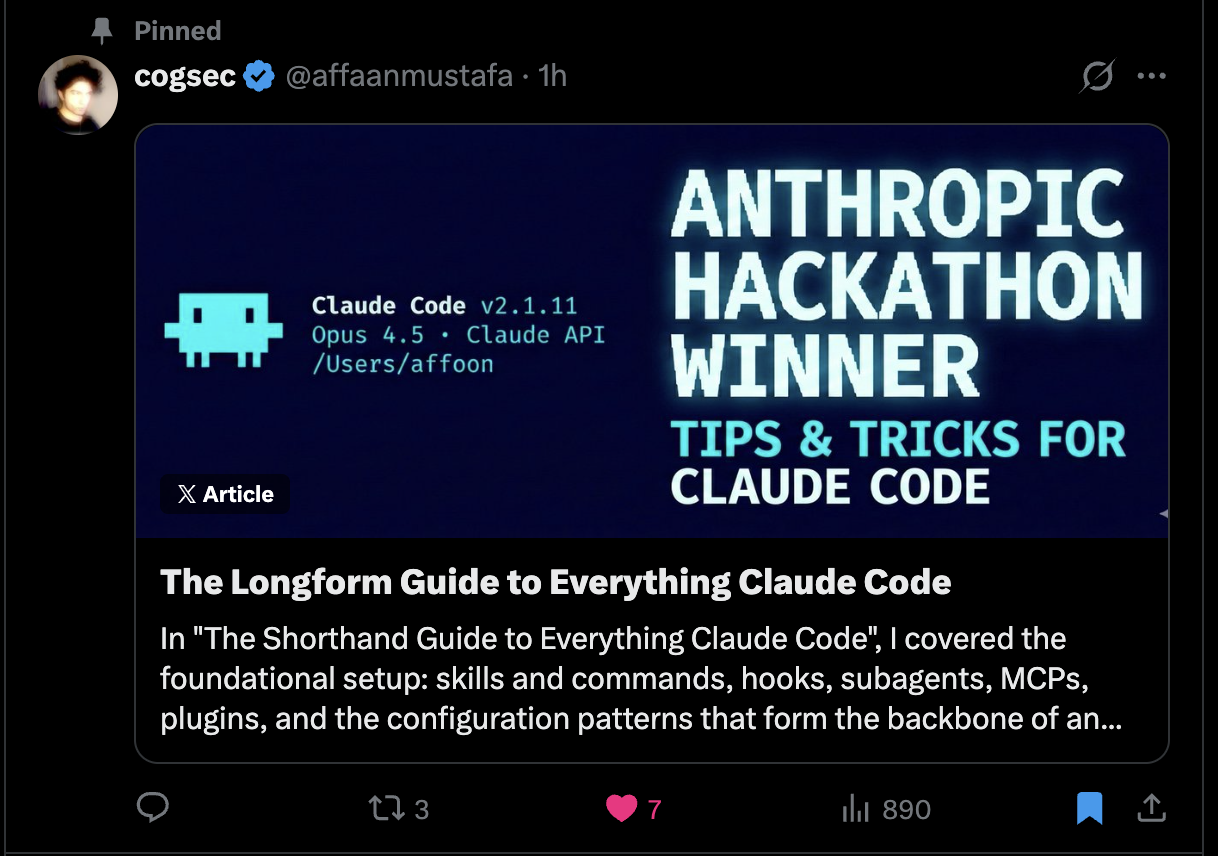
What's in the Repository
The project is designed as a plugin for Claude Code, although components can easily be copied manually. Inside is a ready-made infrastructure for managing the neural network assistant's behavior.
The repository structure divides workflows into several logical layers:
- Agents (Subagents). Files with narrow context and tasks. Instead of a universal prompt, narrow roles are used here:
architect.mdfor design,code-reviewer.mdfor quality assurance,e2e-runner.mdfor Playwright tests, andsecurity-reviewer.mdfor vulnerability scanning. - Commands (Slash Commands). Quick script invocations directly in the CLI. Typing
/tddstarts a test-driven development cycle, while/build-fixforces the model to systematically analyze build errors. - Skills. Detailed instructions for specific technologies and methodologies: from Next.js patterns to legacy code cleanup rules.
- Rules. Instructions that Claude Code considers constantly. They specify test coverage requirements, commit formats, and prohibit direct data mutation.
- Hooks. Node.js scripts tied to events. They run when tools are invoked and allow automating state persistence or validating code before saving.
Subagents and Narrow Specialization
The main problem with large language models is the degradation of response quality as the context expands. If you ask a model to simultaneously design a database, write frontend code, and check code for vulnerabilities, it starts getting confused.
In everything-claude-code, this problem is solved through decomposition. For example, the subagent code-reviewer is configured to use the Claude 3.5 Opus model and gets read-only access to files and the terminal.
---
name: code-reviewer
description: Reviews code for quality, security, and maintainability
tools: Read, Grep, Glob, Bash
model: opus
---

You are a senior code reviewer...
When the main chat invokes this agent, a separate isolated session is created. It performs the check against a strict checklist, delivers a verdict, and returns the result to the main flow without cluttering the dialogue history with intermediate reasoning.
Automation Through Hooks and Scripts
An interesting element of the repository is the use of Node.js hooks for managing the session lifecycle. All hooks are cross-platform and work identically on Windows, macOS, and Linux.
One of the hooks monitors file editing calls. If a developer or the model itself accidentally leaves debug output in the code like console.log, the hook intercepts the operation and outputs a warning to the console.
Another important hook task is session context persistence and restoration. When a session starts, the script session-start.js loads the previously saved project context, and on exit session-end.js saves the current state. This eliminates the need to re-explain to the model where you left off yesterday evening.
The repository also includes a system for automatic package manager detection. The script analyzes project files in a specific order:
- Environment variable
CLAUDE_PACKAGE_MANAGER - Project config
.claude/package-manager.json - Field
packageManagerinpackage.json - Presence of lock files (
pnpm-lock.yaml,yarn.lock,bun.lockb)
Thanks to this, slash commands run builds through bun or pnpm if they are used in the project, without the risk of accidentally generating package-lock.json.
The MCP and Context Window Trap
The repository includes a set of ready-made configs for MCP (Model Context Protocol) — a protocol that allows Claude Code to interact with external services like GitHub, Supabase, Vercel, and Railway.
The repository author makes an important warning about using MCP. Each connected server adds its tool schemas directly to the system prompt. If you enable 20-30 MCP servers at once, the available context volume shrinks from 200,000 tokens to 70,000 before the dialogue even begins.
A practical rule from the repository description: you can keep as many servers configured as you want, but for any given project, you should keep no more than 10 actively enabled (up to 80 active tools total). Everything else is best disabled through the disabledMcpServers section in the local config.
How to Install and Try It
The simplest path is to connect the repository as a plugin directly through the Claude Code interface:
/plugin marketplace add affaan-m/everything-claude-code
/plugin install everything-claude-code@everything-claude-code
If you don't want to use plugins, components can be copied manually to your home directory:
git clone https://github.com/WorldFlowAI/everything-claude-code.git

cp everything-claude-code/agents/*.md ~/.claude/agents/
cp everything-claude-code/rules/*.md ~/.claude/rules/
cp everything-claude-code/commands/*.md ~/.claude/commands/
cp -r everything-claude-code/skills/* ~/.claude/skills/
Hooks from the hooks/hooks.json file will need to be manually transferred to your ~/.claude/settings.json, and the required API keys for MCP should be added to ~/.claude.json.
Summary
everything-claude-code is worth checking out for anyone planning to actively use Claude Code in their daily work. Even if you don't take the entire repository, you can pick up great ideas from it: splitting tasks across subagents, cross-platform integration with package managers, and careful session memory management.
The project is valuable because it wasn't born from abstract prompt engineering theories, but from real experience writing commercial code under constant token consumption monitoring.
Related projects