How to Turn an AI Agent into an Interactive Presentation Generator
Generating presentations through neural networks usually ends the same way. The model spits out either a bunch of images with garbled text, or a dull PowerPoint template where half the blocks are misaligned and the charts look hand-drawn. Fixing such results manually takes longer than building slides from scratch in Figma or Keynote.
Recently I came across dashi-ppt-skill — a project by a Chinese developer going by the username chuspeeism. The repository quickly gathered almost six thousand stars on GitHub, and the reason is clear. The author approached the problem from an unexpected angle. Instead of immediately and painfully rendering binary PPTX, his tool delivers a ready interactive HTML page with a built-in visual editor, which you can then convert to a fully editable PPTX or PDF with a single click.
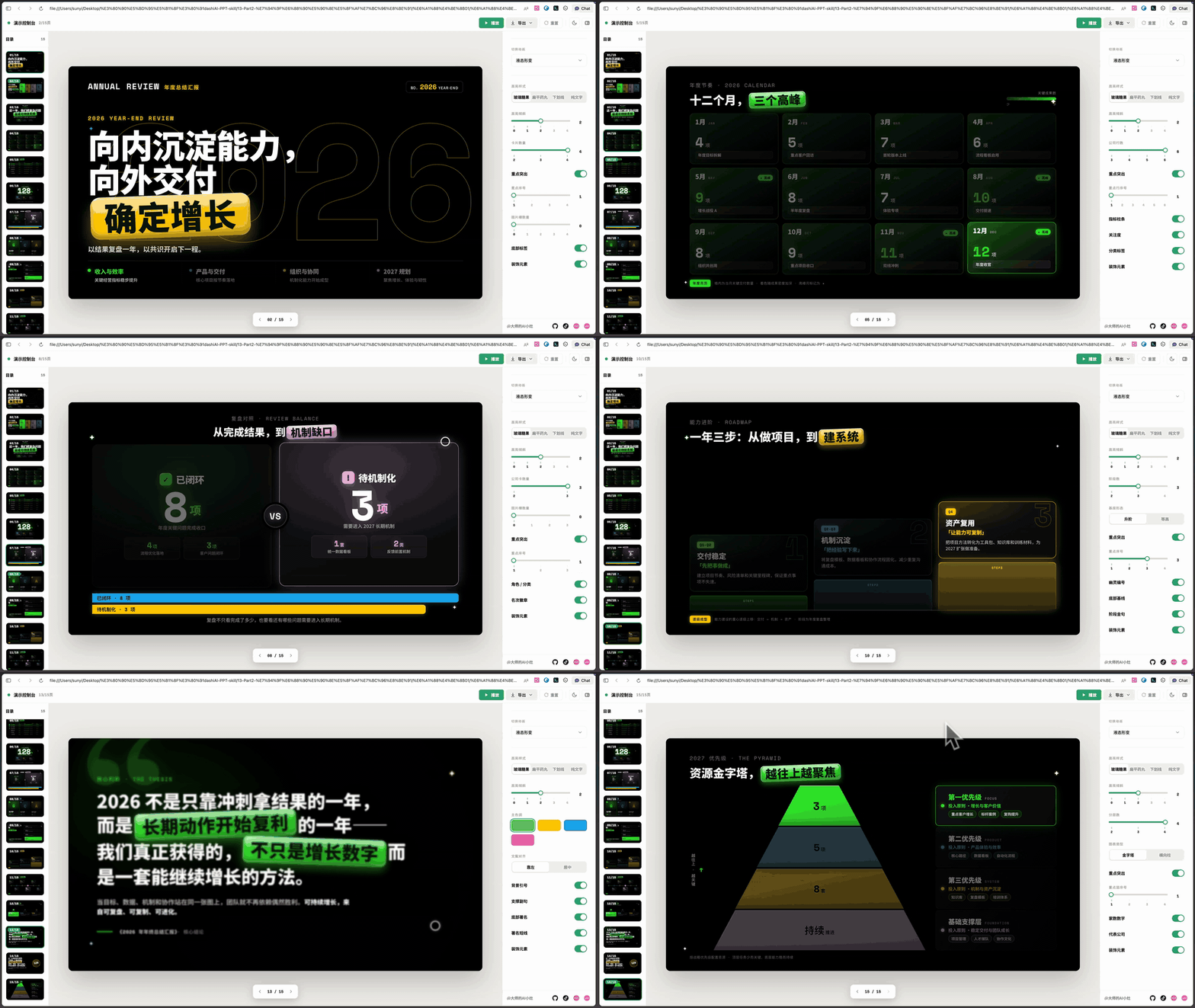
What's Under the Hood and How It Works
Essentially, this is a skill for AI agents. You can feed it to Claude Code, Codex, Cursor, or any other agent that can read files and run terminal commands.
The idea is simple. LLMs work well with structured text and code, but they handle precise positioning of shapes in proprietary formats terribly. That's why dashi-ppt-skill breaks the process down into clear steps:
- The agent analyzes your document or prompt and suggests one of 12 visual themes.
- Selects suitable layouts from the library (the database contains over a thousand layout variations for different slide types).
- Assembles a local HTML deck where each slide works as a mini-app with its own control panel.
- You open the browser, edit text right on the slide, adjust grid sliders, and then export the result to PPTX.
When exporting to PPTX, text remains text and doesn't turn into raster screenshots. You can open the final file in PowerPoint or Google Slides and continue editing there.
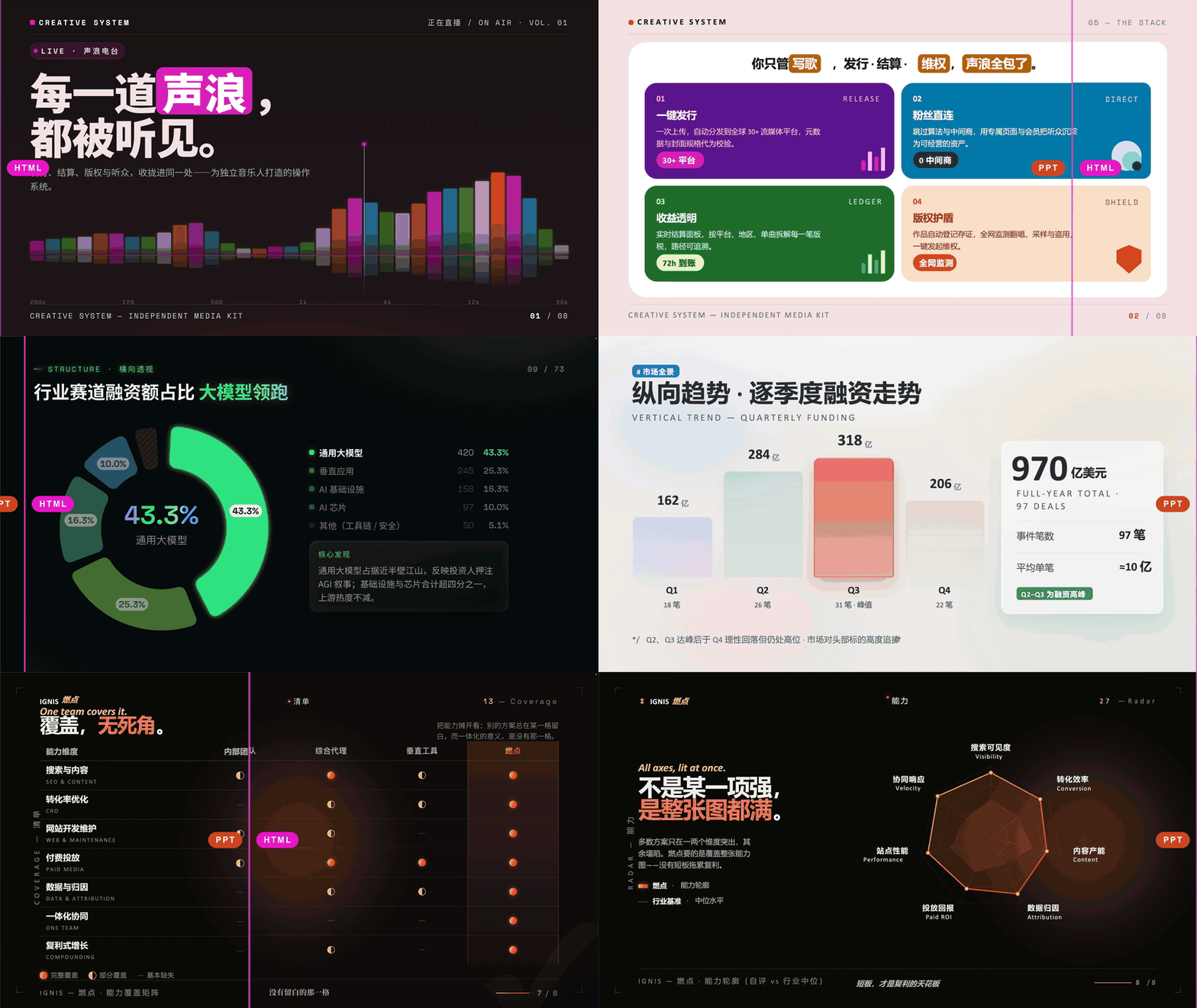
Available Themes and Layout
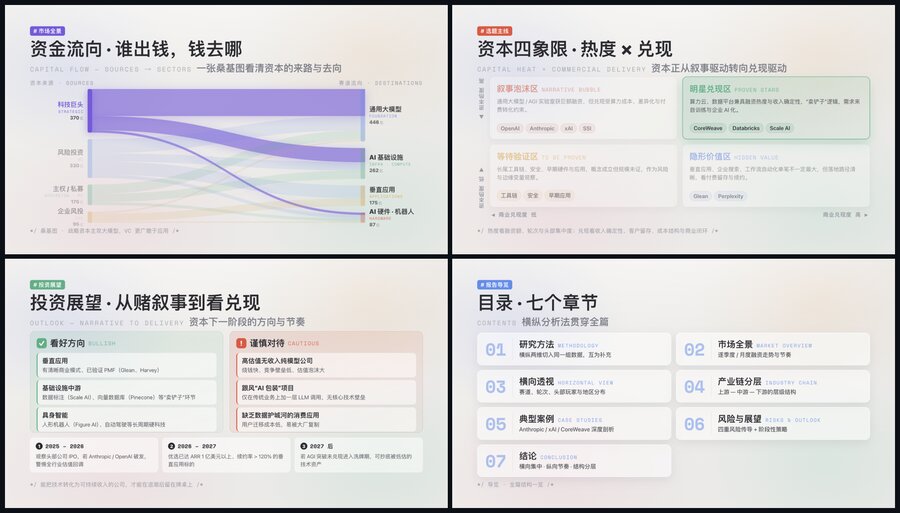
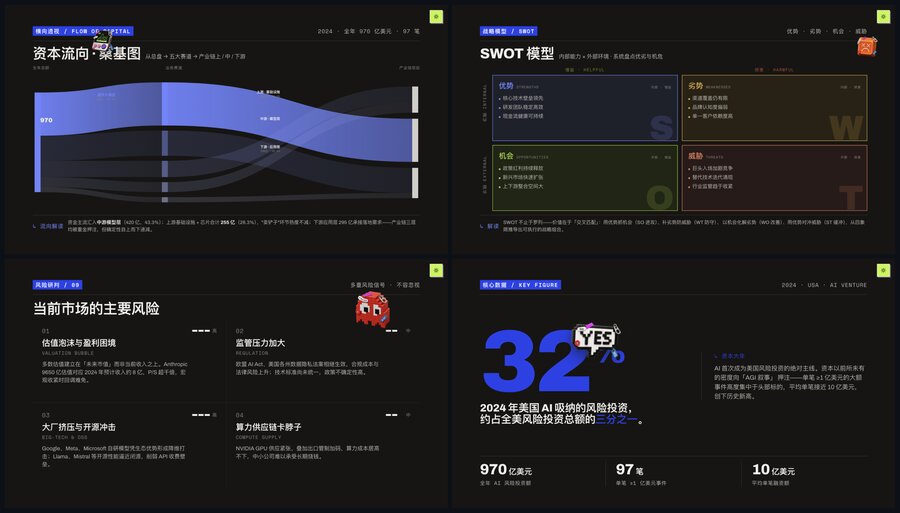
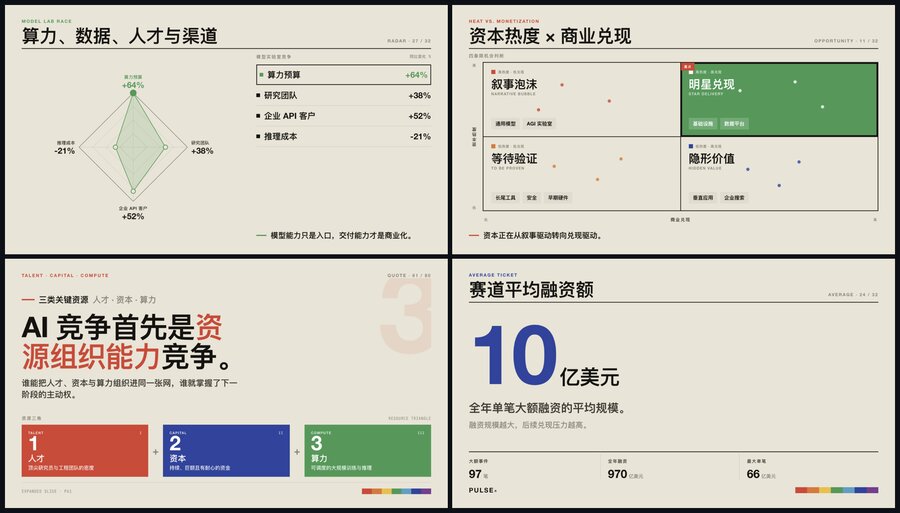
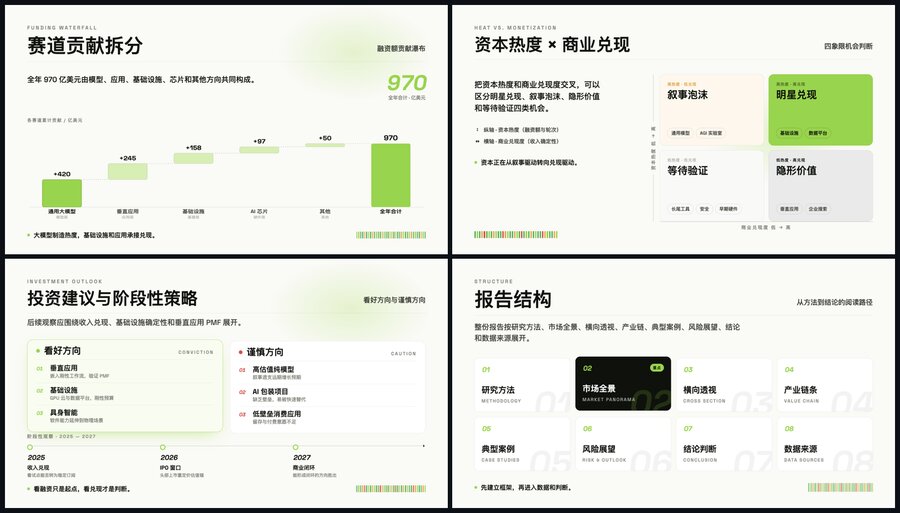
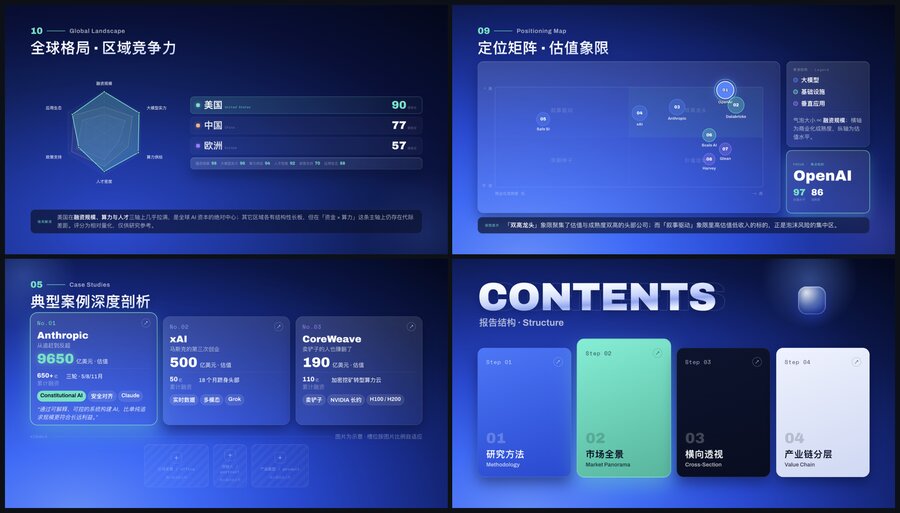
The repository has 12 built-in design themes: from strict code and dark analytical dashboards to neon gradients and magazine style.
| | |
|---|---|
| 
theme01 | 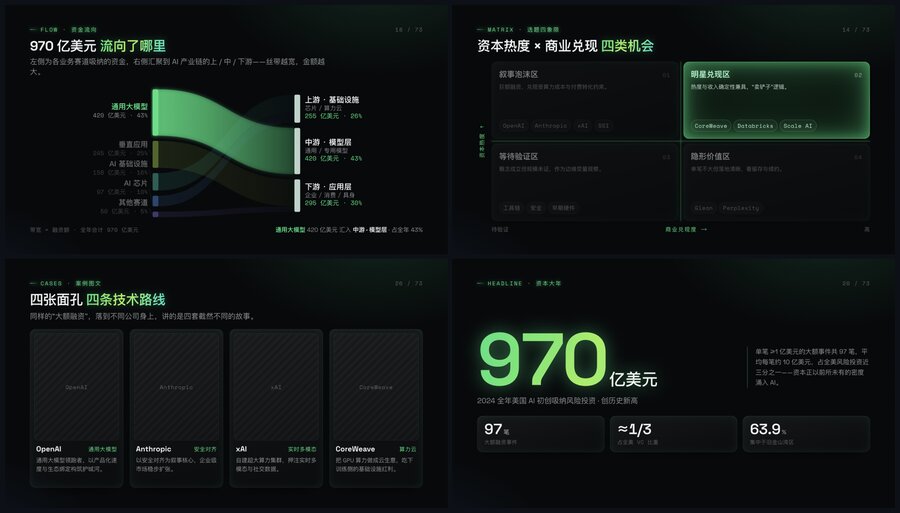
theme02 |
| 
theme03 | 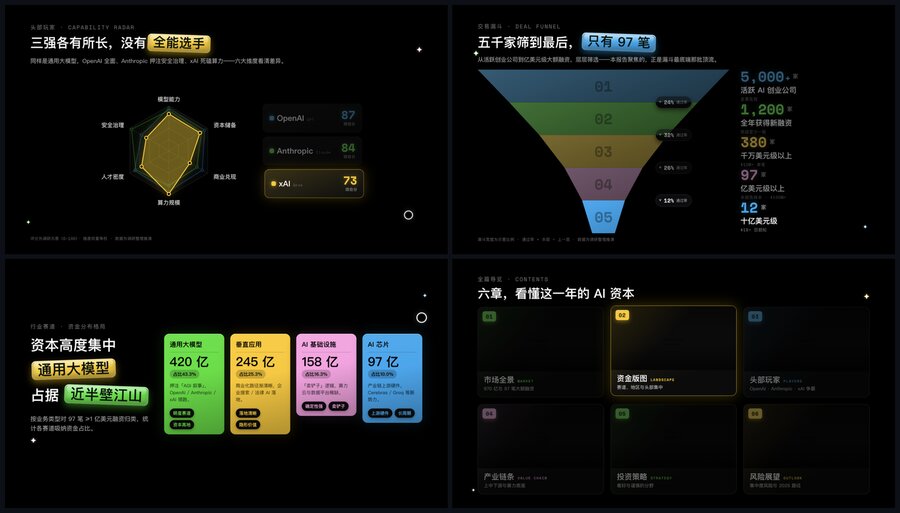
theme04 |
| 
theme05 | 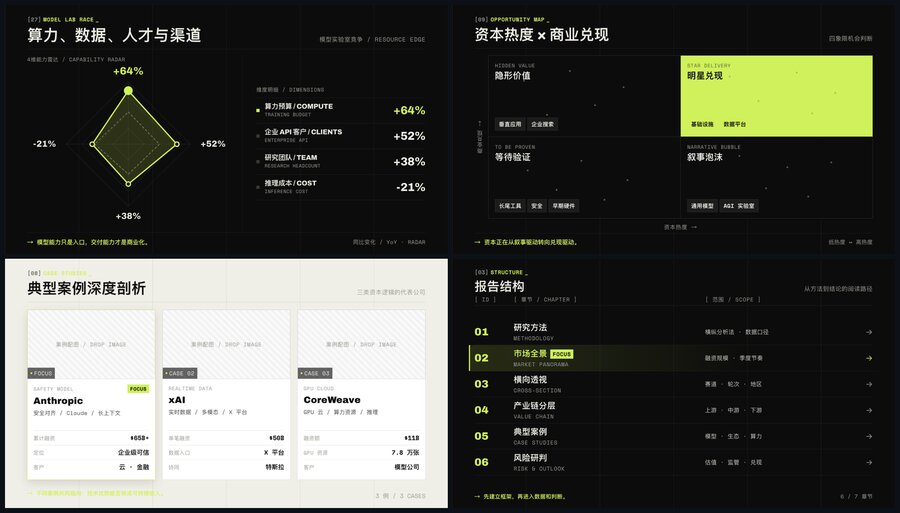
theme06 |
| 
theme07 | 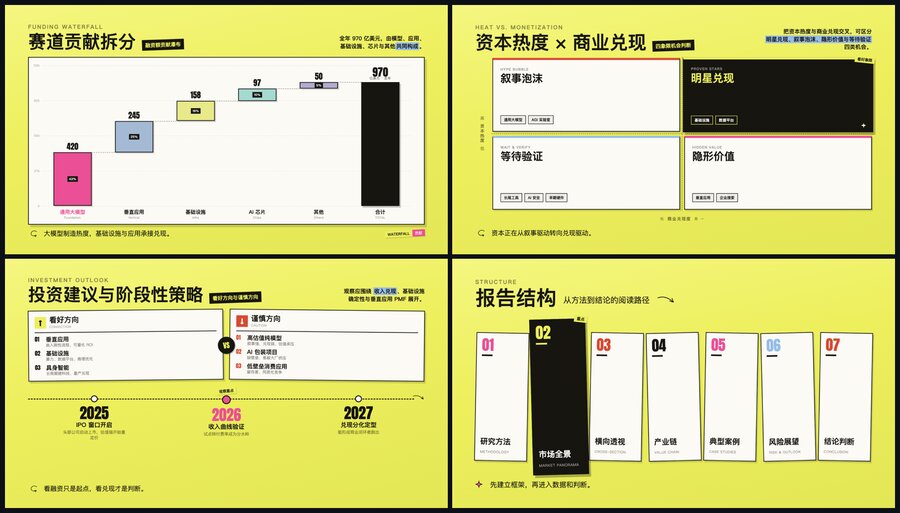
theme08 |
| 
theme09 | 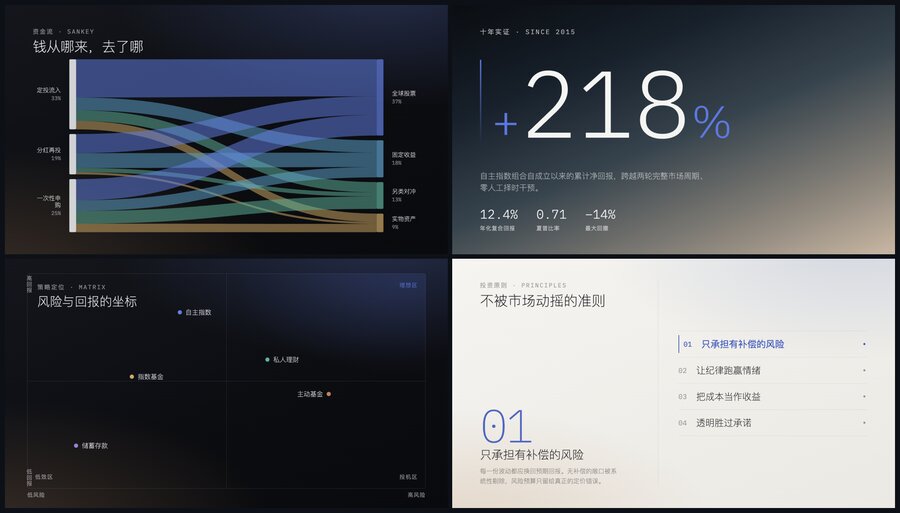
theme10 |
| 
theme11 | 
theme12 |
Each theme contains a set of ready-made patterns: timelines, funnels, SWOT matrices, Porter's Five Forces model, PEST matrices, and Gantt charts.


The Main Feature — Editing Right in the Browser
Most AI tools require asking the bot again: "Rewrite the third point shorter" or "Make four columns instead of three." Here, that's solved directly in the generated HTML interface.
Click on any heading or paragraph, edit the text on the fly, and neighboring elements adjust their height automatically.
| In-place text editing | Adding images |
|---|---|
|  |
|  |
|
For images, ready-made slots are created: you can simply drag a file from a folder, and the engine will compress it to the required resolution.

On the right side of each slide, a panel with sliders opens. Changed your mind about having three cards? Drag the slider — now there are four cards. Need to change the chart type from bar chart to pie chart? That's done with a single click without restarting the agent.
| Element count sliders | Layout switching |
|---|---|
|  |
|  |
|
| Chart type switching | Palette settings |
|---|---|
|  |
|  |
|
Slide transition animations are also configured there:


Quick Start and System Requirements
Node.js version 20 or higher is required.
Launch and installation are done with a single command:
npx dashi-ppt-skill@latest
If you're giving the command to your AI agent (for example, in Claude Code), it's enough to write:
Установи и используй скилл: npx dashi-ppt-skill@latest
When the agent assembles the presentation structure, you can export it via the console:
npm --prefix ./project run export:pptx -- ./output/presentation.pptx
npm --prefix ./project run export:pdf  -- ./output/presentation.pdf

For export, a headless browser is used under the hood, so Chrome, Chromium, or Edge must be installed on your machine. If needed, the path to the binary can be passed through the environment variable CHROME_PATH.
Privacy and Security
Many people are wary of feeding internal reports to third-party SaaS services. Here, all rendering and export run locally on your computer. The only network calls are the initial npm package download and a background check for a newer version number. No texts or images are sent outward.
As for the license: the main code is open under the copyleft AGPL-3.0 license. However, the conversion module html-deck-to-pptx is marked as the author's proprietary component, which is allowed to be used as part of this skill, but cannot be extracted into a separate closed product.
Who Will Benefit from This Project
If you frequently need to assemble project reports, competitor analysis, architecture reviews, or materials for meetups, dashi-ppt-skill will take care of the most tedious part of the work. You give the agent raw notes or a markdown document, get clean layout, and spend a couple of minutes polishing the text right in the browser window. For pixel-perfect design, the project probably won't fit, but as a quick tool for preparing working presentations, it looks excellent.
Related projects