Disky: Finding Storage Space Hogs on Android Devices

When Storage Is Running Low
Ever had your phone suddenly tell you there's no room left for new photos or apps, with no clear idea what's taking up all that space? Android's built-in tools often only show overall statistics without any breakdown. That's where Disky comes in — a specialized storage analyzer.
What Is Disky?
Disky is an open-source Android app that scans your file system and clearly shows which files and folders are consuming the most space. Built with Kotlin, this tool stands out for:
- Fast performance (even on large storage devices)
- Support for all local file systems
- Modern Material You interface
Key Features
1. Lightning-Fast Scanning
The developer promises that Disky handles even large storage devices in just seconds. In my test on a device with 128 GB of storage, a full scan took about 15 seconds.
2. Clear Visualization
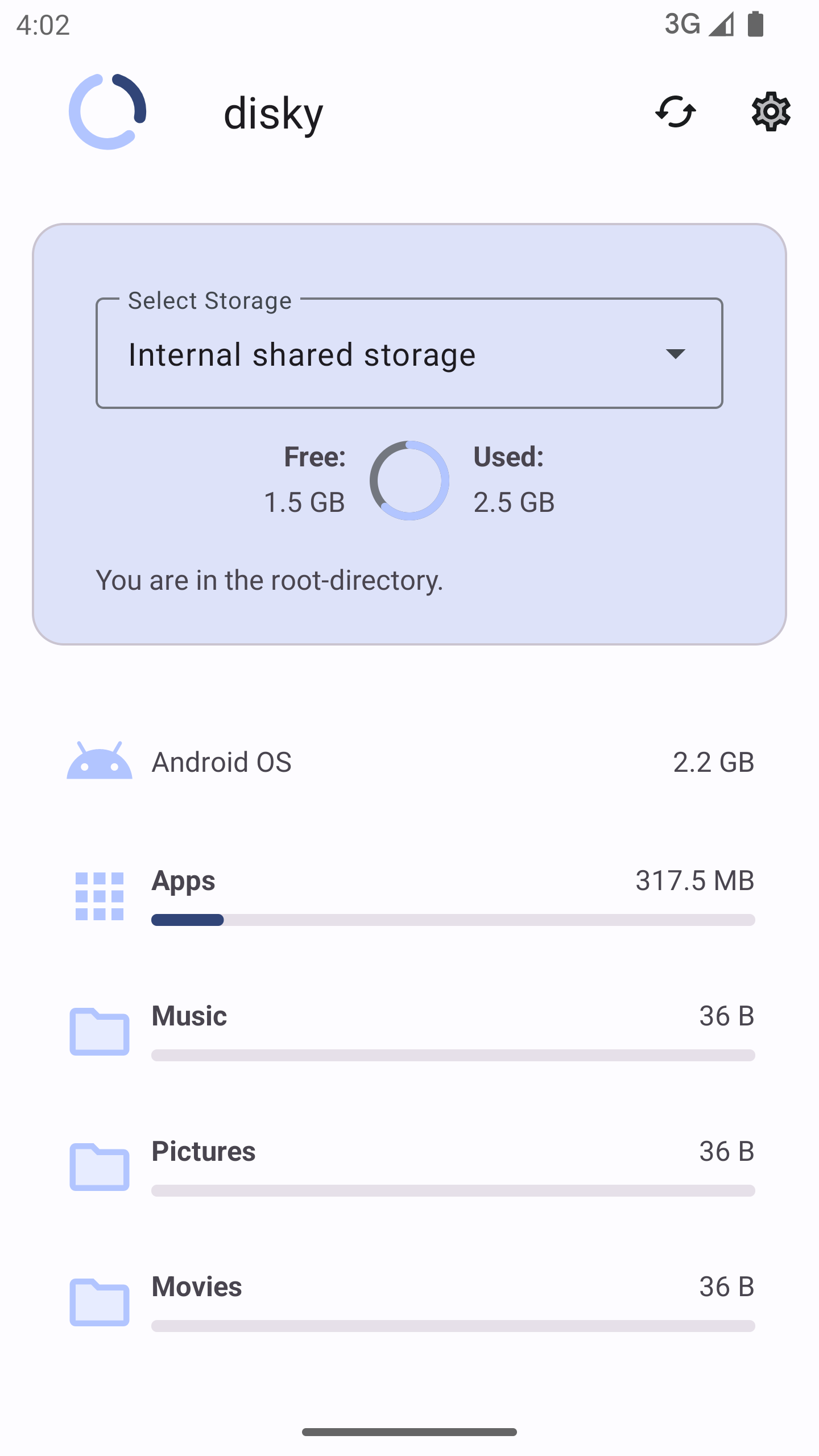
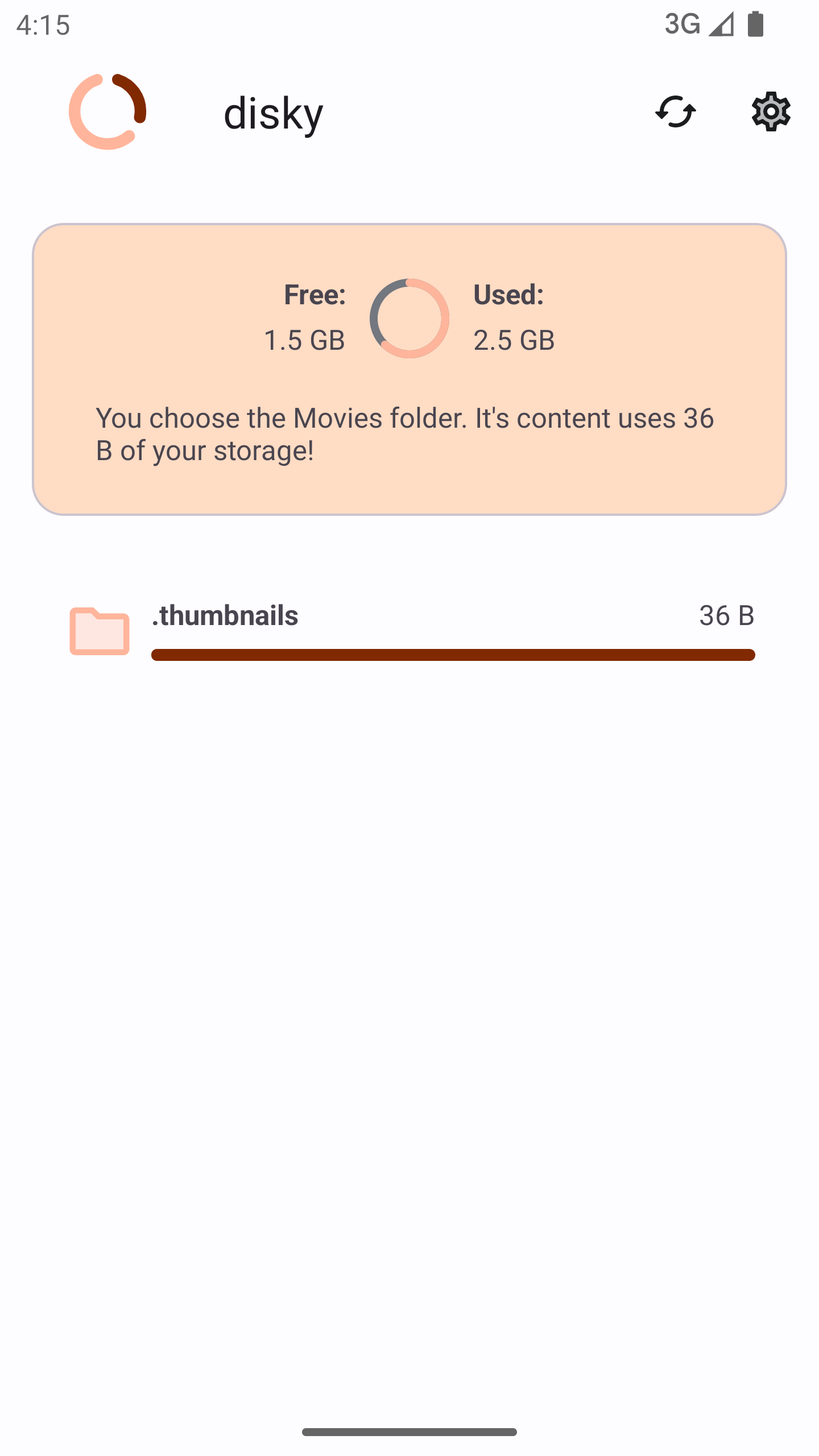
The app uses convenient pie charts and lists to display data. At a glance, you can see which file types (photos, videos, apps) are taking up the most space.
3. Support for All Storage Types
Disky works not only with internal storage but also with SD cards, USB drives — all connected file systems.
4. Modern Interface
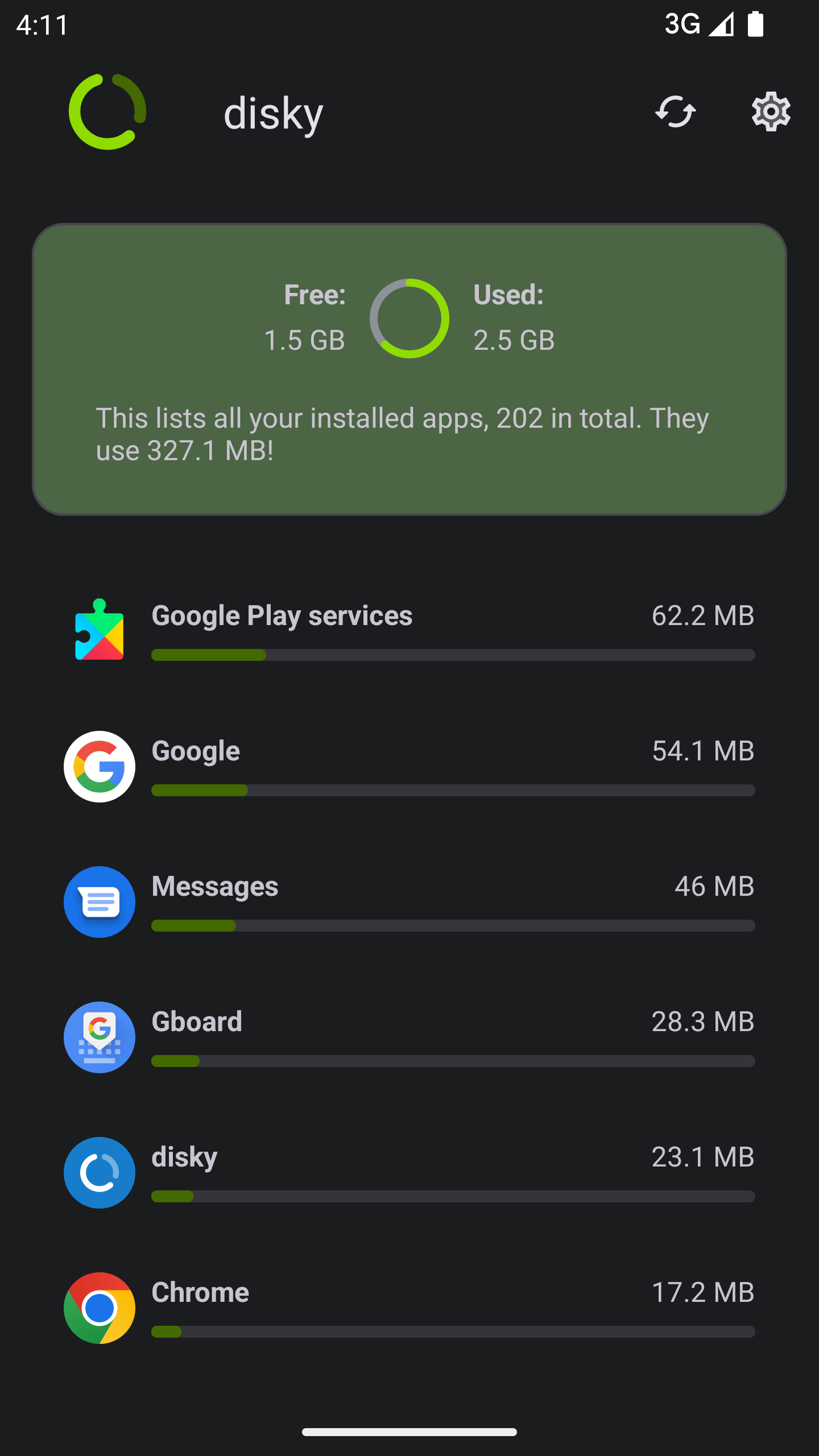
The app adapts to your system theme (Material You) and looks clean. Animations are implemented using the Lottie library, making interactions more enjoyable.
Technical Details
Disky is written in Kotlin and uses several popular libraries:
- AppIntro — for a beautiful onboarding screen on first launch
- Lottie — for smooth animations
- Illustrations from Undraw — make the interface more friendly
The project is distributed under the GPLv3 license, which means freedom to use, modify, and distribute.
Practical Use Cases
Here are several scenarios where Disky will be especially useful:
- Emergency cleanup — when you urgently need to free up space for an important file
- Regular audits — keeping track of unnecessary files "growing" over time
- Device optimization — finding forgotten large files and duplicates
- SD card analysis — what's actually taking up space on your external drive
How to Install
Disky is available in several options:
- Via F-Droid
- Download the APK from GitHub Releases
- Build from source (for developers)
To build from source code:
git clone https://github.com/newhinton/disky
cd disky
./gradlew assemble
Verdict: Is It Worth Trying?
Disky is an excellent tool for those who:
- Frequently run out of space on their Android device
- Want to better understand how their storage is being used
- Value open-source software with transparent development
The app does one thing — analyzing disk space — and does it well. The interface is intuitive, scanning is fast, and data visualization is clear. If you haven't done a "review" of files on your device in a while, Disky will help you do it efficiently.
The developer actively maintains the project and accepts pull requests. So if you're missing a feature — you can try adding it yourself!
P.S. The app's author accepts donations via PayPal, Liberapay, and GitHub Sponsors if you want to support the project's development.
Related projects