How to Set Up Working Software on a Fresh Linux Distribution in a Few Clicks with TuxMate
Every time I install a fresh Linux distribution or set up a workstation from scratch, the same routine quest begins. First, you have to remember the exact package names in a specific repository. In Arch it might be one name, in Debian the package is split into two parts with suffixes -bin or -common, in Fedora it's called differently, and in AUR there's a third build. As a result, the first two hours go to trying apt search, pacman -Ss and searching for the correct Flatpak identifiers.
In the Windows world, Ninite has been used for years to install software in bulk—you can select the programs you need and download a single ready-made installer. Linux is more complicated due to the variety of package managers. The TuxMate project aims to solve this elegantly and without hidden magic.
What TuxMate Is
TuxMate is a web-based generator of installation commands and shell scripts for various Linux distributions, macOS, and NixOS. The project author set a simple goal: provide developers with a software catalog where they can select their familiar tools once and immediately receive a ready-made, fully transparent script for their system.
The main difference between TuxMate and questionable installers from the web comes down to an architectural principle. The service doesn't install anything in the background on its own. It works exclusively as a configurator. You select utilities, view the generated bash script right in the browser, check the flags, and only then run the commands in your terminal.
Supported Ecosystems
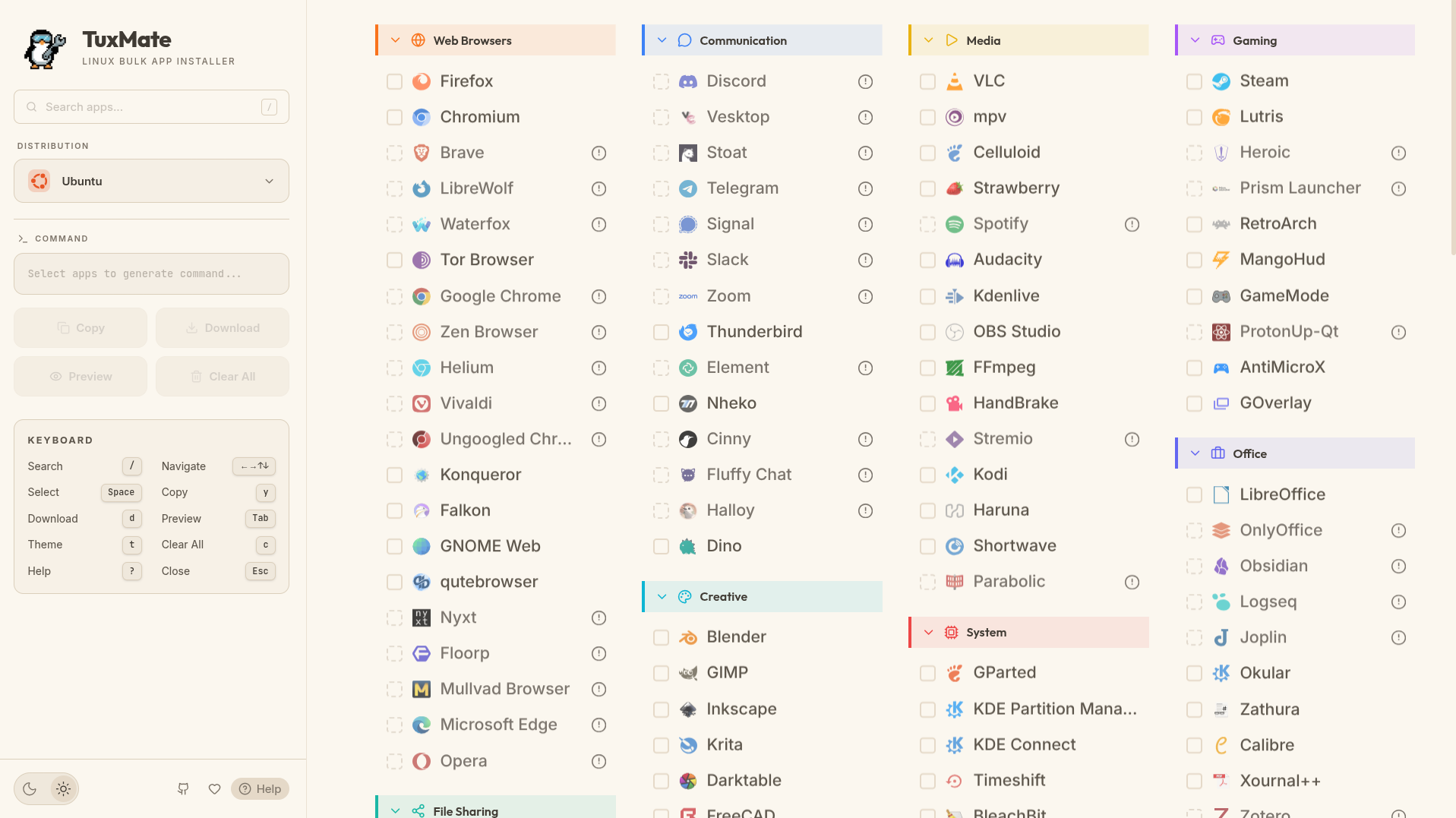
The project catalog is divided into categories: development, system utilities, browsers, media, security, and communication tools. At the time of this review, the database contains over 180 applications.
The generator can map packages for the following package managers:
- Debian and Ubuntu (
apt) - Arch Linux (
pacman, with AUR helper support foryayandparu) - Fedora (
dnf) - openSUSE (
zypper) - NixOS (generates a ready snippet for
configuration.nix) - Universal containerized formats Flatpak and Snap
- Homebrew (with CLI formulas and GUI casks separated)
Priority is given to native distribution packages. If a program is missing from the official repositories of a particular OS, the generator neatly pulls in a verified Flatpak, Snap, or the official installation script from the utility's authors.
What Makes the Project Interesting Under the Hood
From a technical standpoint, TuxMate is written on a fresh stack: Next.js 16 (App Router), React 19, and TypeScript. Styling uses Tailwind CSS 4, and smooth catalog animations are made with Framer Motion and GSAP.
Here are several interesting implementation details worth paying attention to when studying the source code:
Well-Designed Shell Scripts
When you download the generated .sh file, inside you'll find it's not just a dump of install commands. The script contains basic environment checks:
- Checks if a package is already installed in the system before downloading, so it doesn't waste traffic.
- Retry mechanism with exponential backoff for network failures.
- Parallel installation for Flatpak, which noticeably saves time on heavy software like browsers and IDEs.
- Color-formatted terminal output with a progress bar and final summary.
Working with Distribution-Specific Details
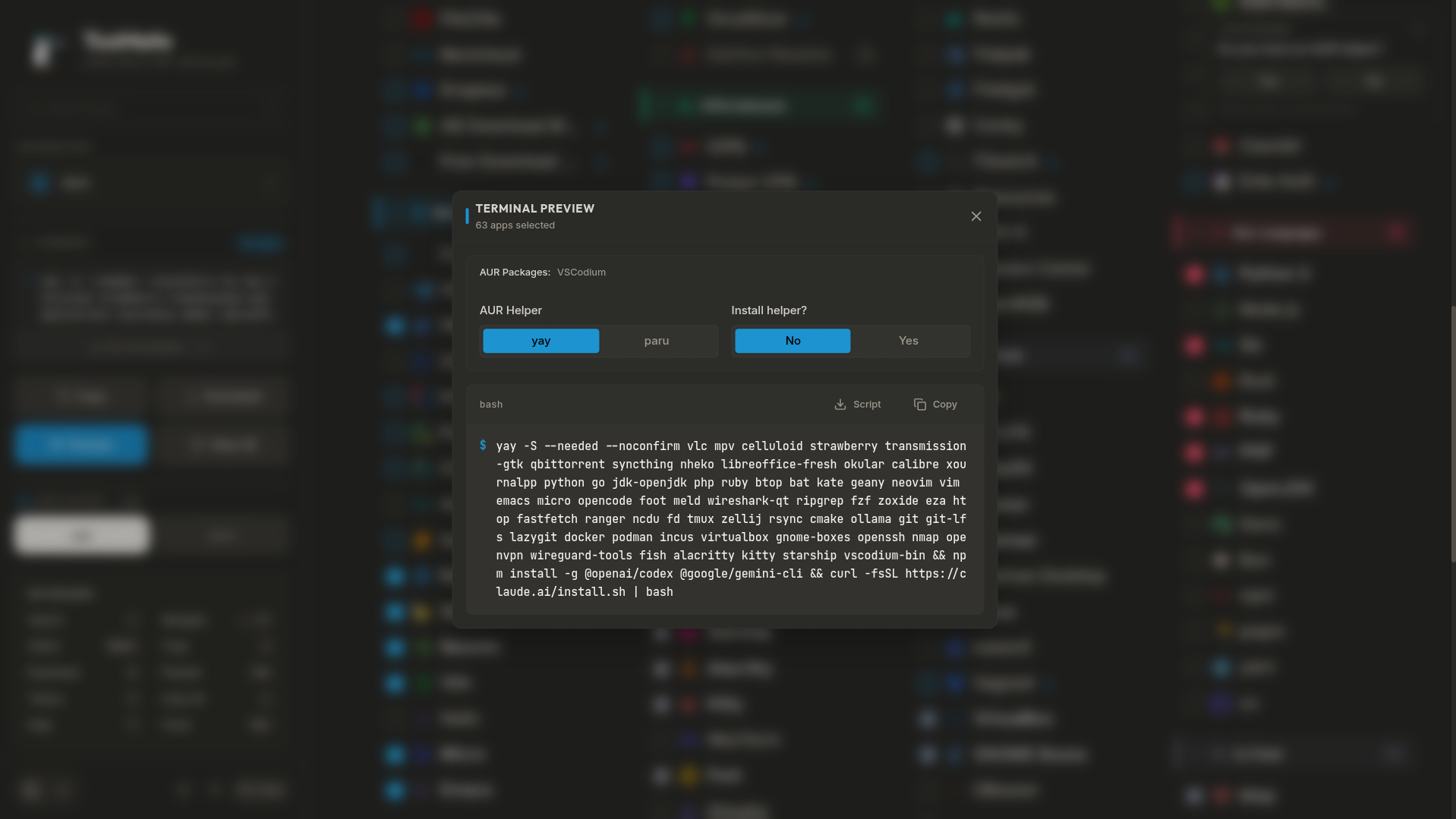
Developers have accounted for nuances of different operating systems. If you're building a script for Arch, the interface offers a toggle between yay and paru, and displays an explicit AUR badge next to unofficial packages.
For NixOS, the service generates a valid environment.systemPackages block and automatically checks for proprietary software, adding the permission nixpkgs.config.allowUnfree = true to the config if you selected Discord, VS Code, or Spotify.
Interface and Offline Operation
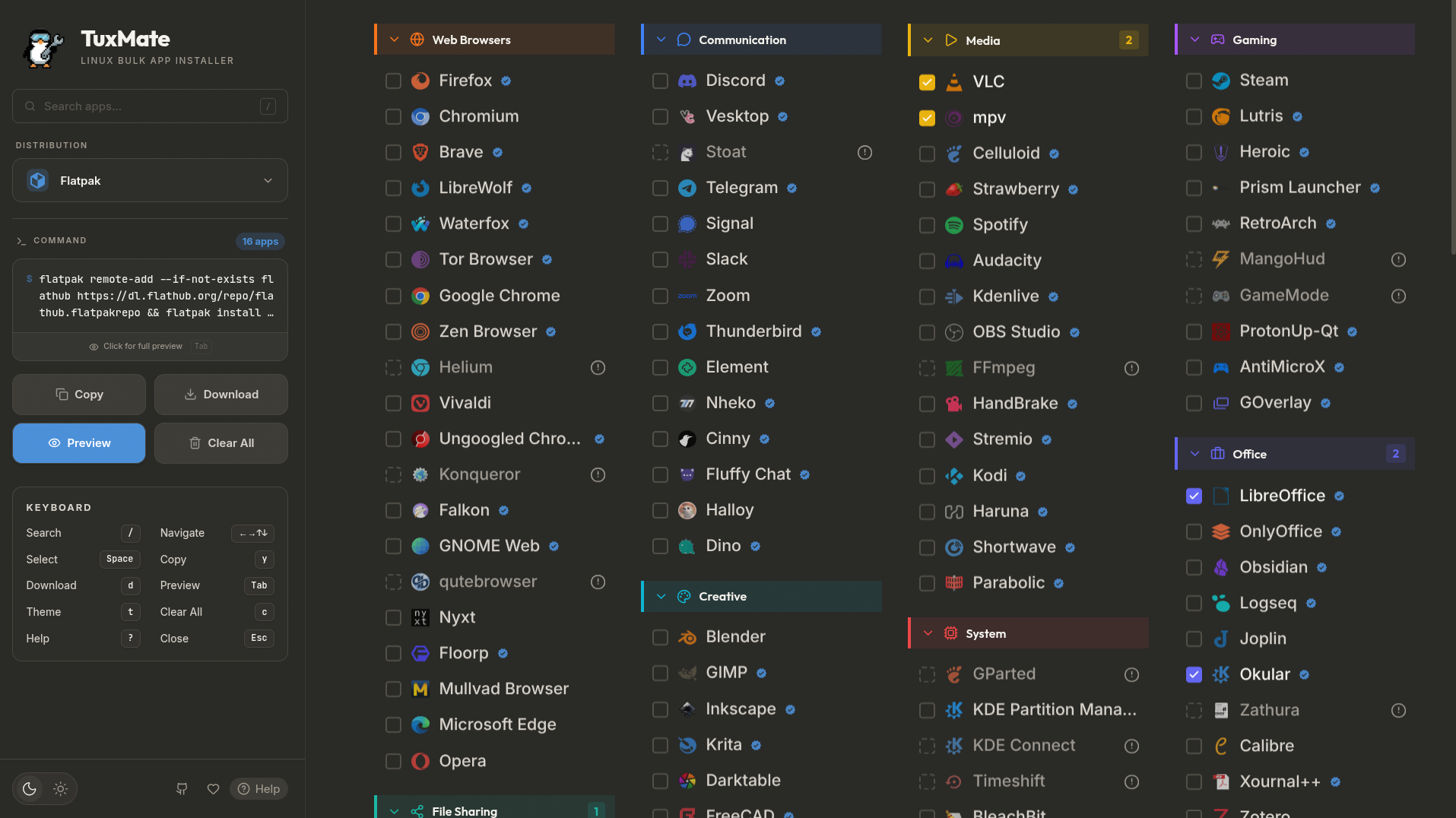
The web application works as a full-featured PWA with a caching service worker. The page will continue to work even if the internet on the machine being configured is temporarily lost.
For fans of working without a mouse, there's full keyboard navigation: Vim keys (hjkl), arrows, search field focus on slash /, and quick reset on Escape.
How to Run Locally or Deploy Your Own
If you don't want to depend on external hosting or you're setting up a closed environment, the project is easy to spin up in Docker.
You can grab the ready-made container from GitHub Container Registry:
docker run -d -p 3000:3000 --name tuxmate ghcr.io/abusoww/tuxmate:latest
If you plan to add your company's internal packages or custom repositories, the project builds with standard Node.js tools:
git clone https://github.com/abusoww/tuxmate.git
cd tuxmate
npm install
npm run dev
The entire application database lives in the src/lib/apps/ directory as regular JSON files, split by category. Adding a new utility with correct package names for all distributions is not difficult.
Practical Benefits and Limitations
TuxMate addresses a long-standing pain point for system administrators and developers who frequently need to spin up test virtual machines or prepare laptops for new employees.
Instead of maintaining scattered text notes with apt install ... commands, you get a visual storefront. Select Docker, Git, Alacritty, Neovim, the browsers you need, copy one line, and run it.
Limitations to keep in mind:
- The package database currently contains around two hundred applications, so specialized software will still need to be installed manually.
- Package names in repositories change over time, so reviewing the generated code before running it with
sudoprivileges remains essential.
Is It Worth Trying
TuxMate is a solid open-source tool with source code available under the GPL-3.0 license. It takes on the most boring part of setting up Linux systems and saves a bunch of time during migrations between distributions.
You can try the web version on the project's official website, and if you're missing a needed tool or found an inaccuracy in the package name for your distribution, the author is open to pull requests.
Related projects