How to Add Professional Beauty Filters to Your App in a Couple of Hours
Imagine you're building a messenger with video calls or a content creation app. At some point, users will inevitably ask: "Where are the filters? Why don't I look as fresh on camera as I do on social media?" And here's where the developer faces a dilemma: either spend months learning shaders and low-level graphics, or find a ready-made solution that won't eat up all the processor resources.
Today we'll explore GPUPixel — a cross-platform C++ library that handles all the heavy lifting of real-time video and photo processing using the power of the graphics processor (GPU).

What is GPUPixel and why it's not just another photo editor
GPUPixel is a high-performance filter rendering engine built on C++11 and OpenGL/ES. Its key advantage is broad compatibility — it runs on virtually any platform: iOS, Android, macOS, Windows, and Linux. If your device supports OpenGL (which is almost any modern gadget), GPUPixel will run on it.
The project grew out of ideas from the famous GPUImage, but with an important distinction — it was designed from the ground up as a cross-platform tool with a minimal memory footprint. This means your app won't balloon to enormous sizes and won't turn the user's smartphone into a space heater.
What GPUPixel can surprise developers with
The library offers far more than just "sepia" or "black and white" filters. It includes serious functionality for working with faces and video streams:
- Intelligent beauty filters. Skin smoothing, whitening, tone adjustment — all the features we've come to expect from top Asian selfie apps.
- Facial feature correction. Want to make the face a bit narrower or eyes more expressive? GPUPixel has built-in mechanisms for working with facial landmarks.
- Real-time video processing. The engine is optimized for processing camera streams without delays. This is critical for streaming or WebRTC calls.
- Cross-platform support out of the box. You don't need to write separate graphics processing code in Swift for iOS and Java for Android. The shared C++ logic allows you to maintain a single codebase.
Under the hood: how it works
Technically, GPUPixel relies on the OpenGL/ES standard, which provides hardware acceleration. Using C++11 delivers an excellent balance between performance and modern syntax.
Interestingly, the project was inspired by giants like GPUImage and CainCamera. The developers took the best ideas from chain processing (where one filter's output becomes the input for the next) and ported them to modern C++.
Example of what it looks like in code
Integrating the library is straightforward. Here's a typical scenario for creating a processing chain:
// Создаем источник (например, камеру)
auto sourceCamera = GPUPixel::SourceCamera::create();

// Создаем бьюти-фильтр
auto beautyFilter = GPUPixel::BeautyFilter::create();

// Создаем таргет для отображения (View)
auto targetView = GPUPixel::TargetView::create();

// Соединяем их в цепочку
sourceCamera->addTarget(beautyFilter);
beautyFilter->addTarget(targetView);

// Запускаем!
sourceCamera->start();
This declarative approach makes it easy to add new processing stages — for example, watermark overlay or color correction — simply by inserting new links into the chain.
Where to apply this in practice?
Beyond obvious camera apps, GPUPixel fits perfectly into:
- Video conferencing apps: so users feel more confident on camera.
- E-commerce: virtual "try-on" of cosmetics or accessories.
- Streaming platforms: applying real-time effects without CPU load, freeing up resources for video encoding.
- Educational platforms: where clear, high-quality images of the instructor matter.
Is it worth trying?
If your goal is to quickly implement quality video processing and you don't want to dive into the intricacies of writing shaders for each platform separately, then GPUPixel is an excellent choice. The project is actively developing, has an open Apache-2.0 license, and has already gained sponsor support from companies like Facebetter.
Of course, working with C++ in mobile development requires NDK setup or working with Objective-C++, but GPUPixel's clean architecture and ready-made demo apps for all platforms significantly lower the barrier to entry.
Verdict: This is a powerful, lightweight, and — importantly — free tool for those who want to squeeze maximum performance out of the graphics processor.
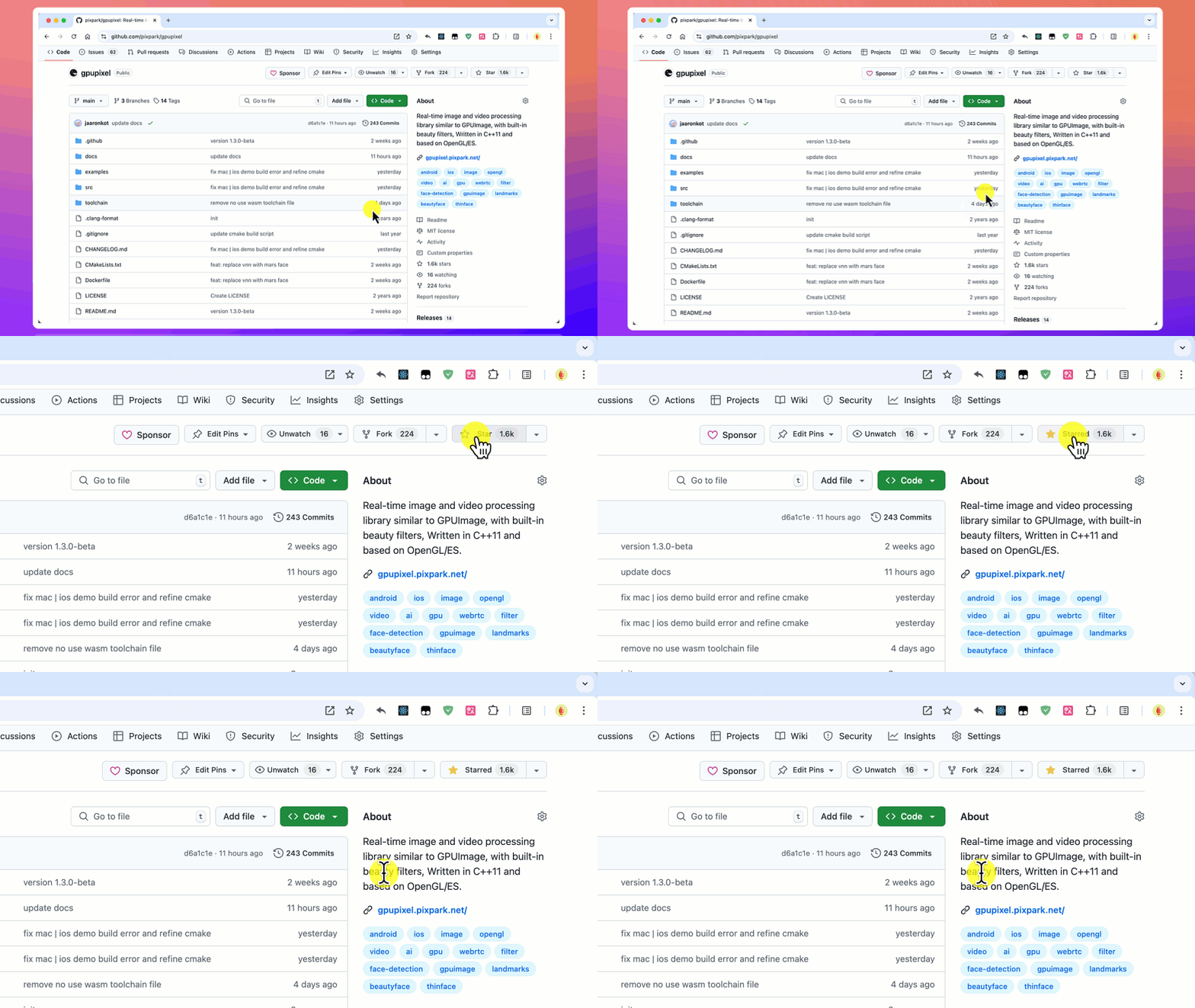
You can explore the documentation and examples in the official repository: pixpark/GPUpixel. Don't forget to star the project if you find it useful!
Related projects