How to Teach AI Agents to Design Without Templates and Assemble Video Presentations
Anyone who has asked Claude or Cursor to build a landing page knows this result. The generated code works technically, but visually it looks like a typical 2018 page with blue buttons and rounded cards. Models know CSS and React syntax, but they lack built-in design taste and understanding of project structure.
The garden-skills repository by Chinese developer ConardLi solves this problem through the Agent Skills format. This is a set of modules following specification SKILL.md that transform Claude Code, Cursor, Codex, and other terminal agents into specialized engineers.
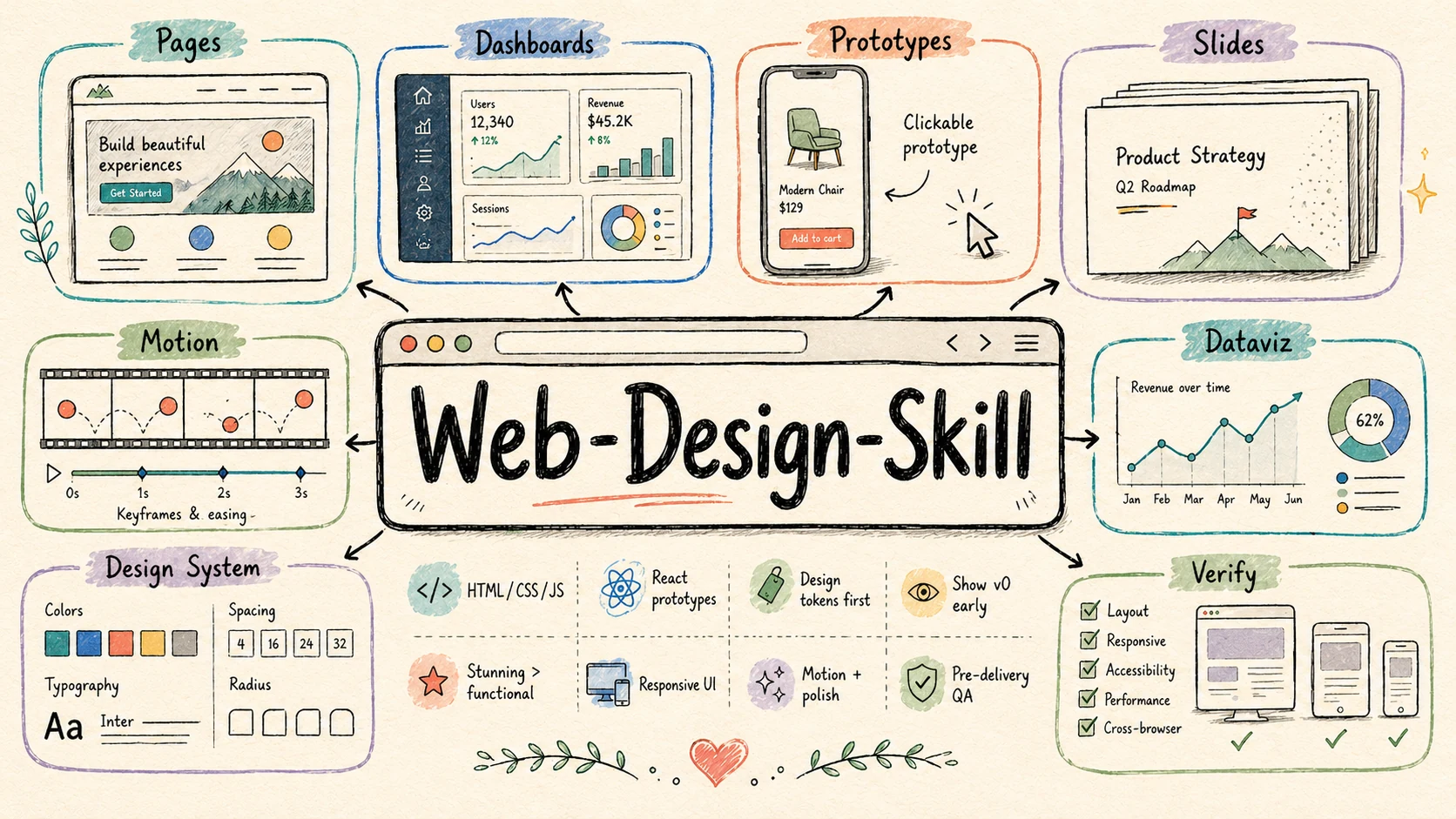
What Are Agent Skills and How They Work
Anthropic recently proposed an open standard for extending agent capabilities. Essentially, a skill is a separate folder in your project or home directory containing a manifest SKILL.md with a YAML header, text instructions, ready-made scripts, and reference guides.
The agent scans the description field in the manifest. When the user's task matches the description, the model loads the relevant context directly during the conversation. This eliminates the need to copy lengthy system prompts into every chat.
The garden-skills repository contains five ready-made modules for real-world work tasks.
Ready-Made Skills in the Repository
Each skill is tailored to a specific scenario and contains strict interaction rules to prevent the agent from hallucinating or skipping stage approvals.
1. web-design-engineer
The module focuses on laying out pages, dashboards, prototypes, and interactive components. Instead of generic templates, it uses a database of 25 ready-made visual styles. These include Linear's aesthetic, Bloomberg's terminal, Swiss style, neumorphism, retro-futurism, and minimalism inspired by Kenyan designer Kenya Hara (Muji).
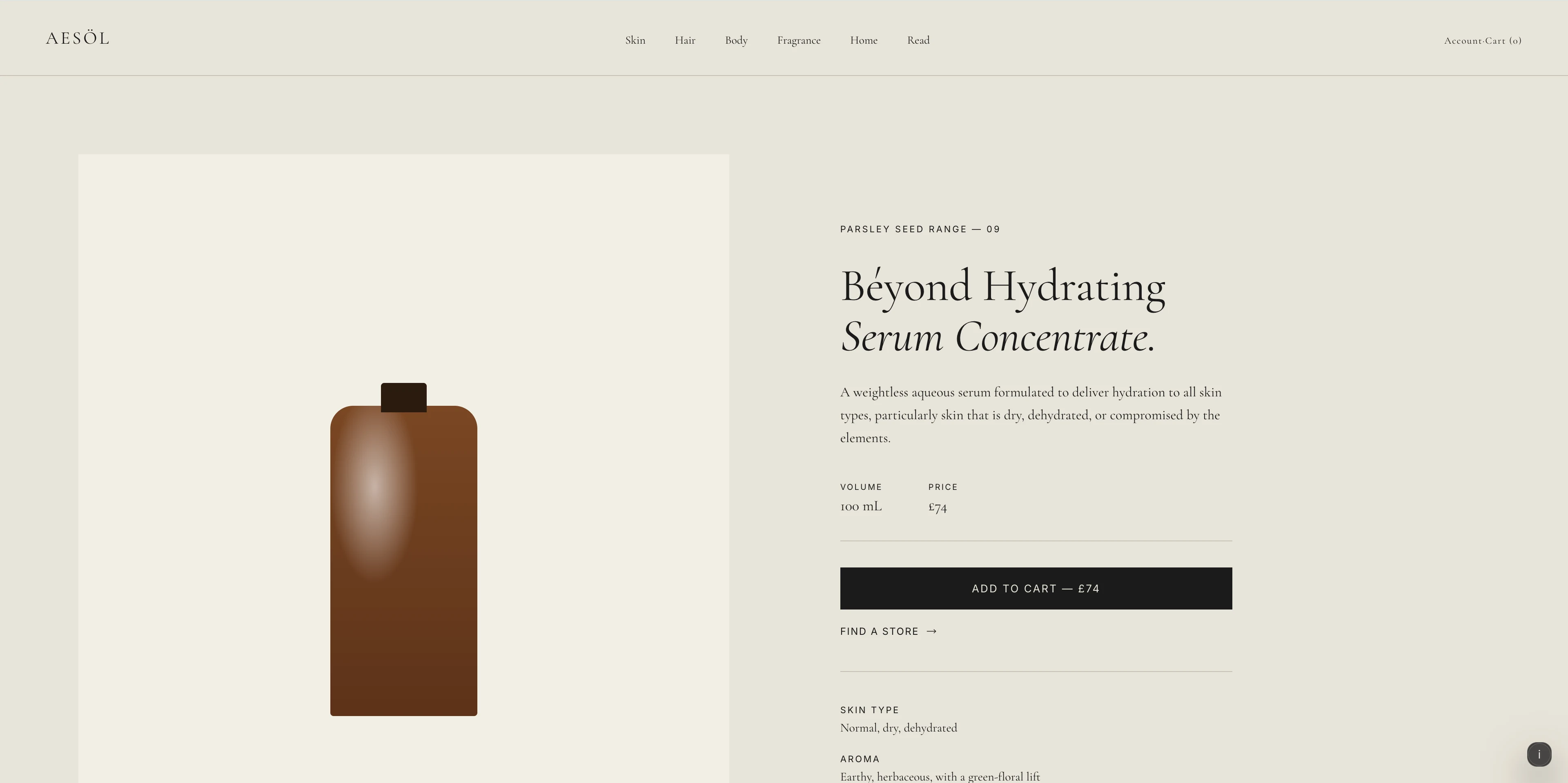

The skill forces the model to work across five parameters: element density, animation dynamics, asset dependency, brand alignment, and variability. The agent first validates the concept and palette in oklch(), then builds an early v0 prototype, and only writes the final React code after approval.
2. web-video-presentation
This skill takes source text, a technical article, or lesson notes and assembles an interactive web presentation at a fixed 1920×1080 resolution using the Vite, React, and TypeScript stack.
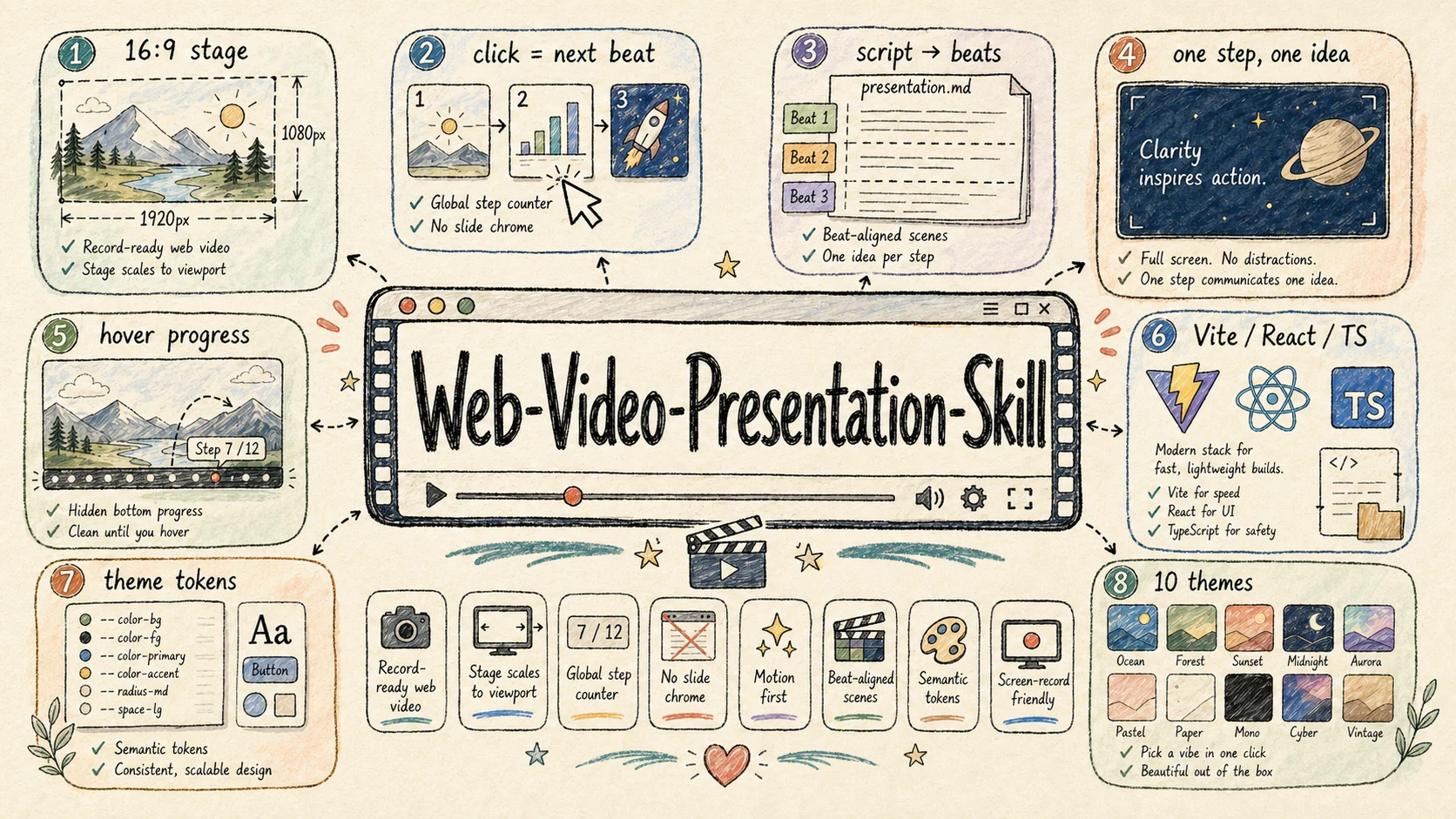
The presentation is controlled by steps and keyboard clicks, so each semantic emphasis is synchronized with the visual step on screen. UI elements hide on hover, allowing you to record a clean screen for video.
The module supports 23 built-in themes and integrates with voice generation via MiniMax CLI, OpenAI TTS, ElevenLabs, or the macOS system utility say.
3. beautiful-article
The tool converts raw data (links, PDFs, DOCX, notes, or chat dumps) into a readable article layout. The skill relies on the Reacticle component library and 11 designer profiles (Tufte, Bodoni, Vignelli, Knuth).
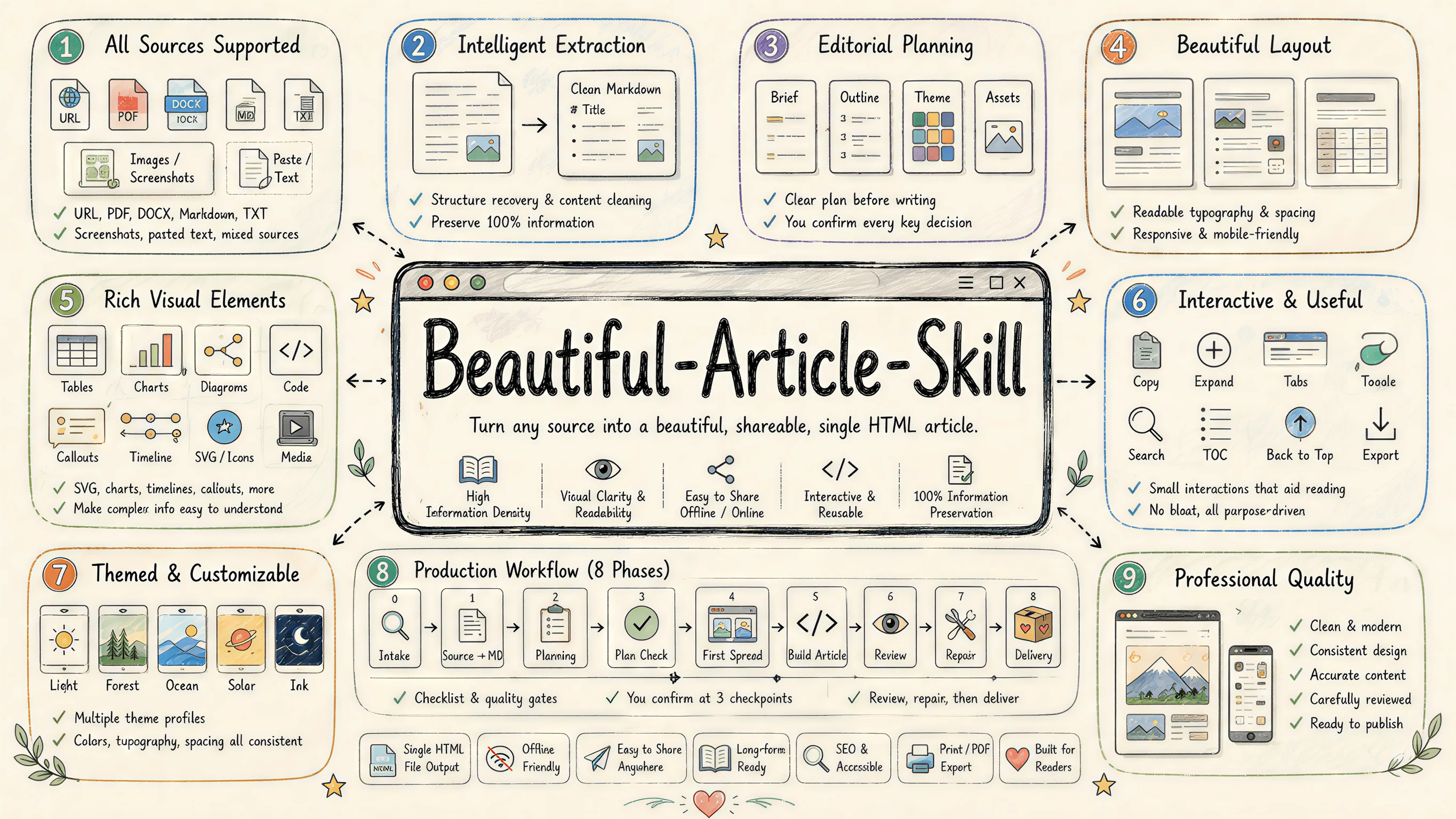
The module offers 10 publication formats, from detailed tutorials with 90% original text preservation to interactive explainers with deep content rework. During assembly, the agent обязательно делает паузы для подтверждения темы, структуры и стратегии иллюстраций.
4. gpt-image-2 and kb-retriever
Two other skills cover more narrow tasks:
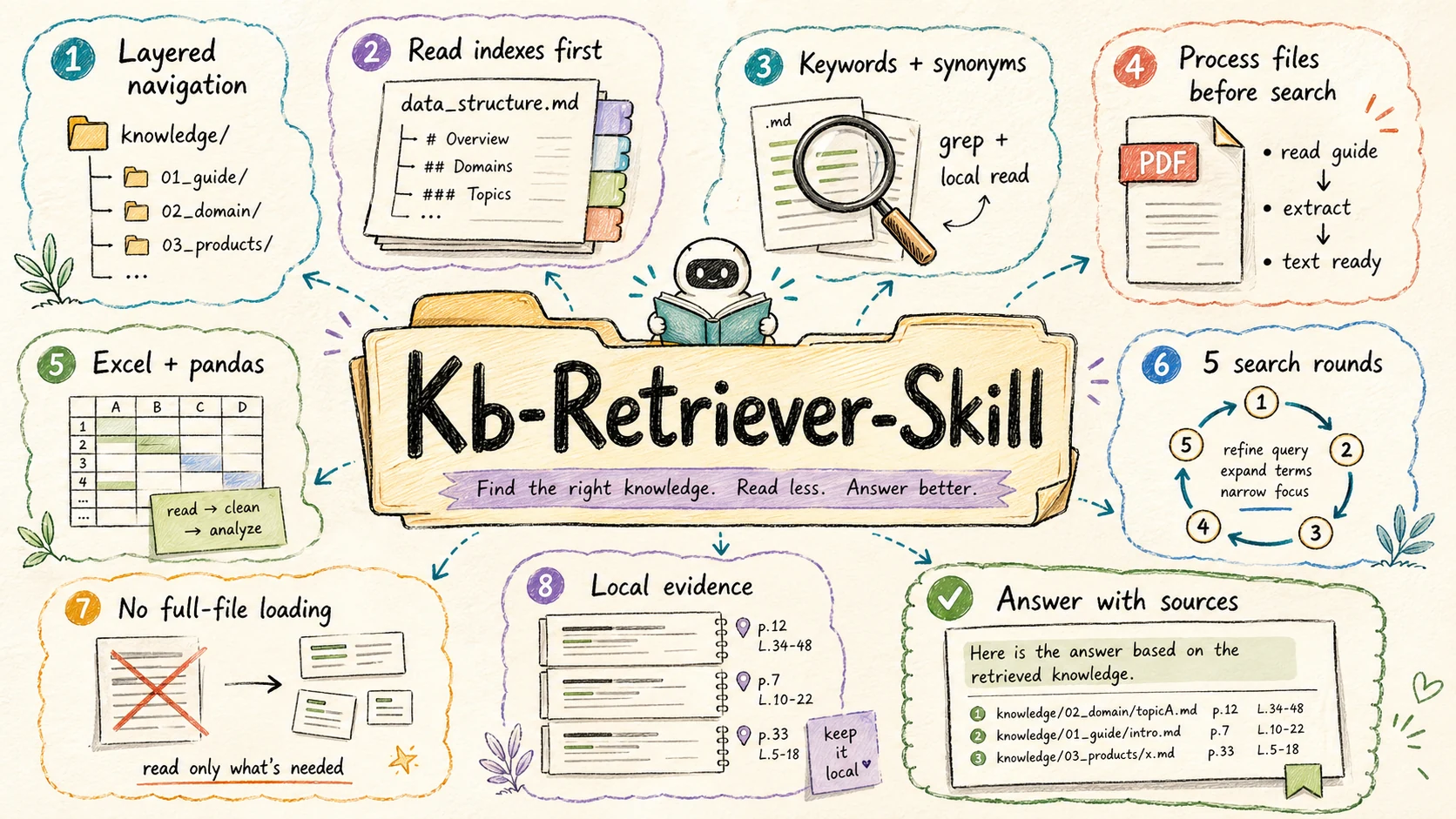
gpt-image-2contains 79 structured prompt templates for generating diagrams, architectural diagrams, banners, and UI mockups via OpenAI-compatible APIs. It can work in code generation mode or simply as an advisor for composing prompts.kb-retrieverorganizes local search across a structured folder with documents, PDFs, and Excel tables. Instead of feeding heavy files to the agent whole and clogging the context window, the skill reads tree indexesdata_structure.md, uses utilities likegreporpdftotext, and finds precise extracts in a maximum of 5 iterations.
Ways to Install in a Project
The fastest way to add skills to your working environment is to use the package manager npx skills. The utility automatically detects which AI assistant is running in the directory and places files in the correct folder.
Installing all modules at once:
npx skills add ConardLi/garden-skills
Installing a specific skill to global configuration:
npx skills add ConardLi/garden-skills -s web-design-engineer --global
If you use Claude Code, you can connect plugins directly through the built-in marketplace:
/plugin marketplace add ConardLi/garden-skills
/plugin install web-design-skills@garden-skills
For fixed versions in CI/CD or projects with strict dependency requirements in releases, the repository provides signed .zip archives with SHA-256 checksums. Simply unpack the archive to .claude/skills/ or .agents/skills/.
Compatibility with Agents
The format is open, so skills work not only with the Anthropic ecosystem. The project has been tested with the following tools:
- Claude Code and the Claude.ai web interface (via the Capabilities section)
- Cursor (folder
.agents/skills/<name>/) - Codex CLI
- Gemini CLI
- OpenCode
Who Will Find This Project Useful
ConardLi's collection saves time for those who use AI agents daily in the terminal or code editor. Instead of manually setting up context and fixing childish layout errors, you get a predictable pipeline with checkpoints and quality design tokens.
The easiest way to start is with web-design-engineer or beautiful-article. They give visible results on the very first request and show how to properly compose your own instructions for specification SKILL.md.
Related projects