How I Stopped Struggling with DNS Settings on Android
Familiar situation: you decide to set up a personal DNS server to get rid of ads in apps and browser. You go to Android settings, dig through connection menu depths, look for "Private DNS" option, enter the host address... And this every time you need to check if some site or app "broke" because of DNS. On Android this setting is hidden so deep, as if Google is intentionally protecting ad revenues.
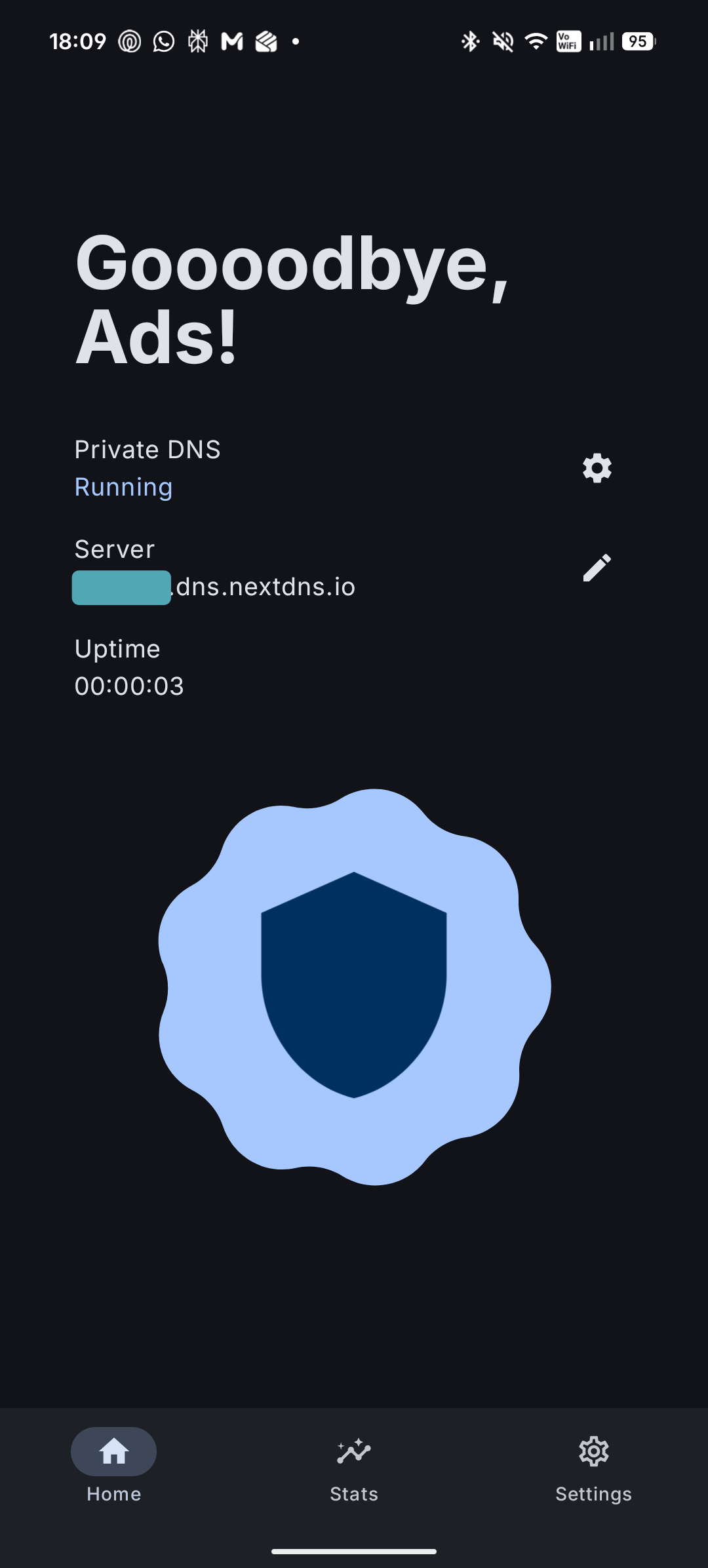
Recently stumbled upon a tiny utility called adns by developer eyalm2000. It's an open-source tool that does one simple thing: puts the system DNS toggle right on the home screen or in the notification shade.
What's the benefit
The problem with most ad blockers on Android is that they work either as a local VPN service or as a background service. This inevitably "drains" battery, takes up space in notifications, and sometimes conflicts with real VPN clients.
adns works differently. It doesn't run any background processes. Essentially, it's a lightweight GUI for the system Private DNS setting that appeared back in Android 9. The app simply toggles a global system variable.
Who this is useful for:
- NextDNS users (for them it's basically paradise with direct integration)
- Those who use AdGuard DNS, Cloudflare, or their own Pi-hole/AdGuard Home servers
- Developers who need to quickly switch DNS for testing sites
A few clicks and clean internet
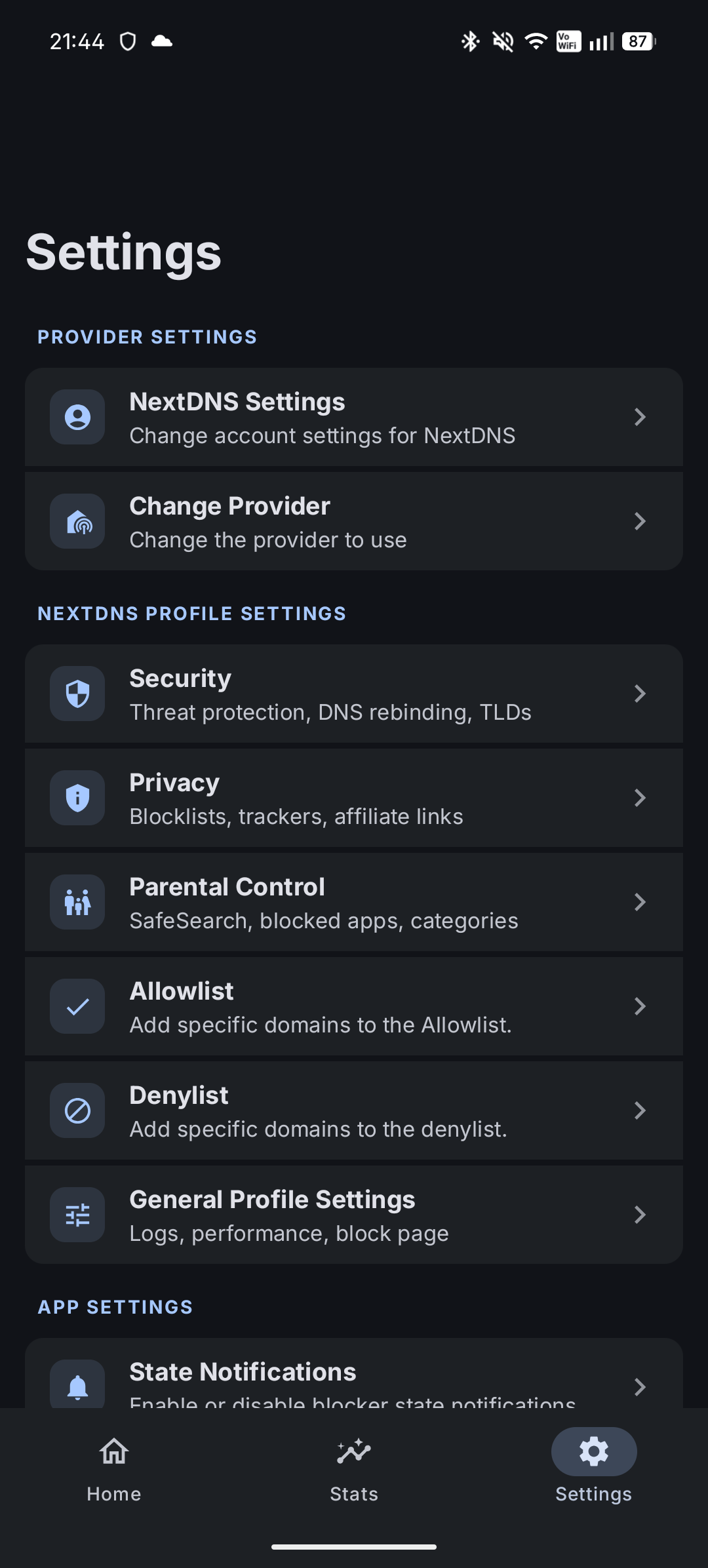
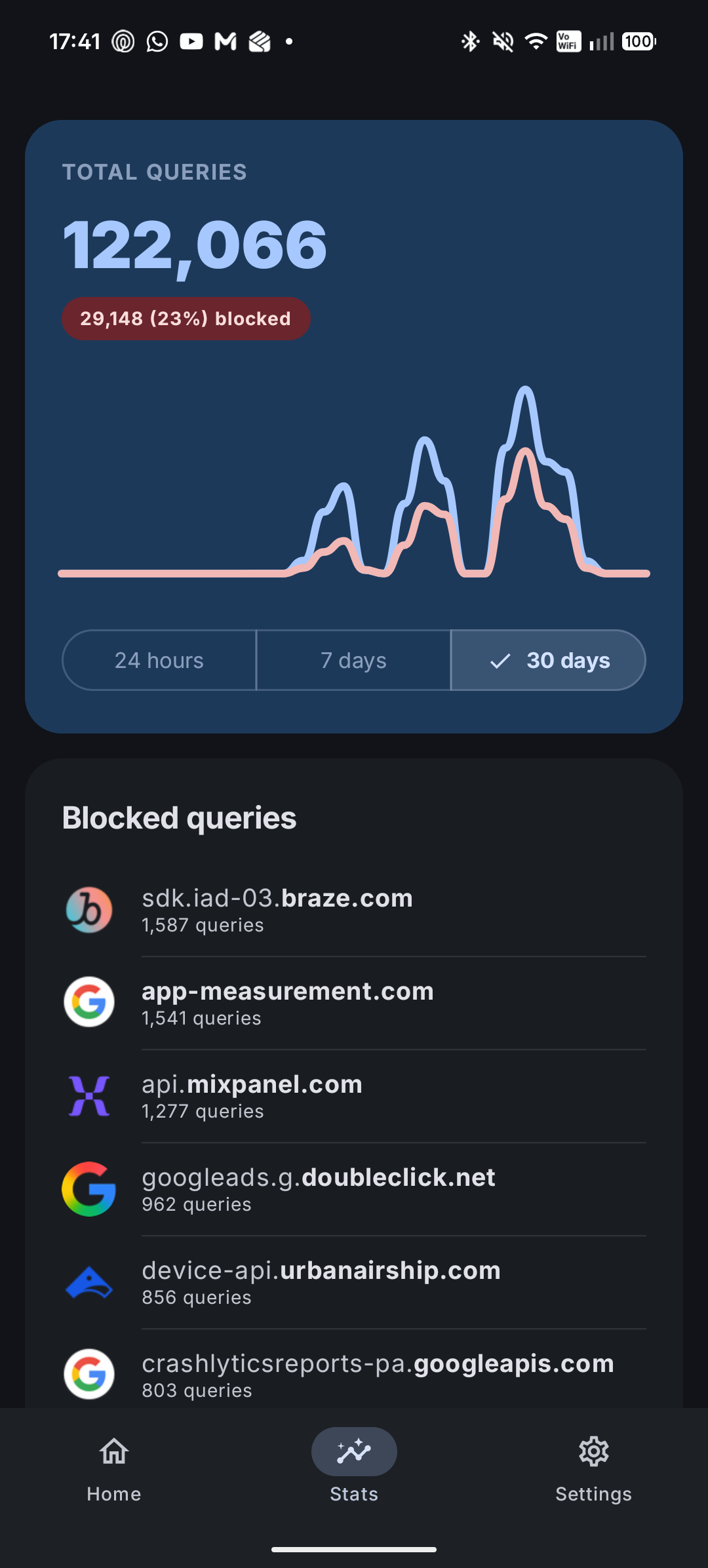
The most convenient thing about the app is the NextDNS integration. If you have an account, you can log in directly in the app, select the profile you need, and change its settings on the fly. If you're using a different service, you just specify the hostname (for example, dns.adguard.com).
Features I liked:
- Quick Settings tile. Now you can disable filtering in a second without minimizing the current app.
- No battery drain. The app "sleeps" 99% of the time and only wakes up when you press the button.
- Material 3 design. Looks like a native part of the system, not a hack from the Android Gingerbread era.
How to get it running
Since Android guards its settings like the apple of its eye, no app is allowed to change system DNS just like that. For adns to work, you need to grant it permission WRITE_SECURE_SETTINGS.
There are two paths. The easiest for those who don't want to mess with the console is to use Shizuku. This app bridges ADB permissions to other programs. If Shizuku is already configured, you just press one button in the adns interface.
The second option is classic ADB. Connect your phone to your computer and run the command:
adb shell pm grant com.eyalm.adns android.permission.WRITE_SECURE_SETTINGS
After this, the magic starts working.
Technical side
The project is written in Kotlin using Jetpack Compose. The code is surprisingly clean and compact. If you do mobile development, I recommend checking out the repository — it's a great example of working with Android system settings using modern methods. The app is lightweight and doesn't require unnecessary permissions (except those needed for DNS).
Is it worth trying
If you actively use custom DNS and are tired of navigating through settings menus — definitely yes. This is one of those cases where a small utility solves one specific "pain point" and does it elegantly.
The only downside I found: installation requires a one-time setup with ADB or Shizuku. But that's Android's security policy, the developer can't do anything about it. But once you set it up — you forget about ads forever.
You can grab the APK in the Releases section on GitHub or in the IzzyOnDroid catalog.
Related projects