How to Turn Console AI Agents into a Pixel Office from The Office
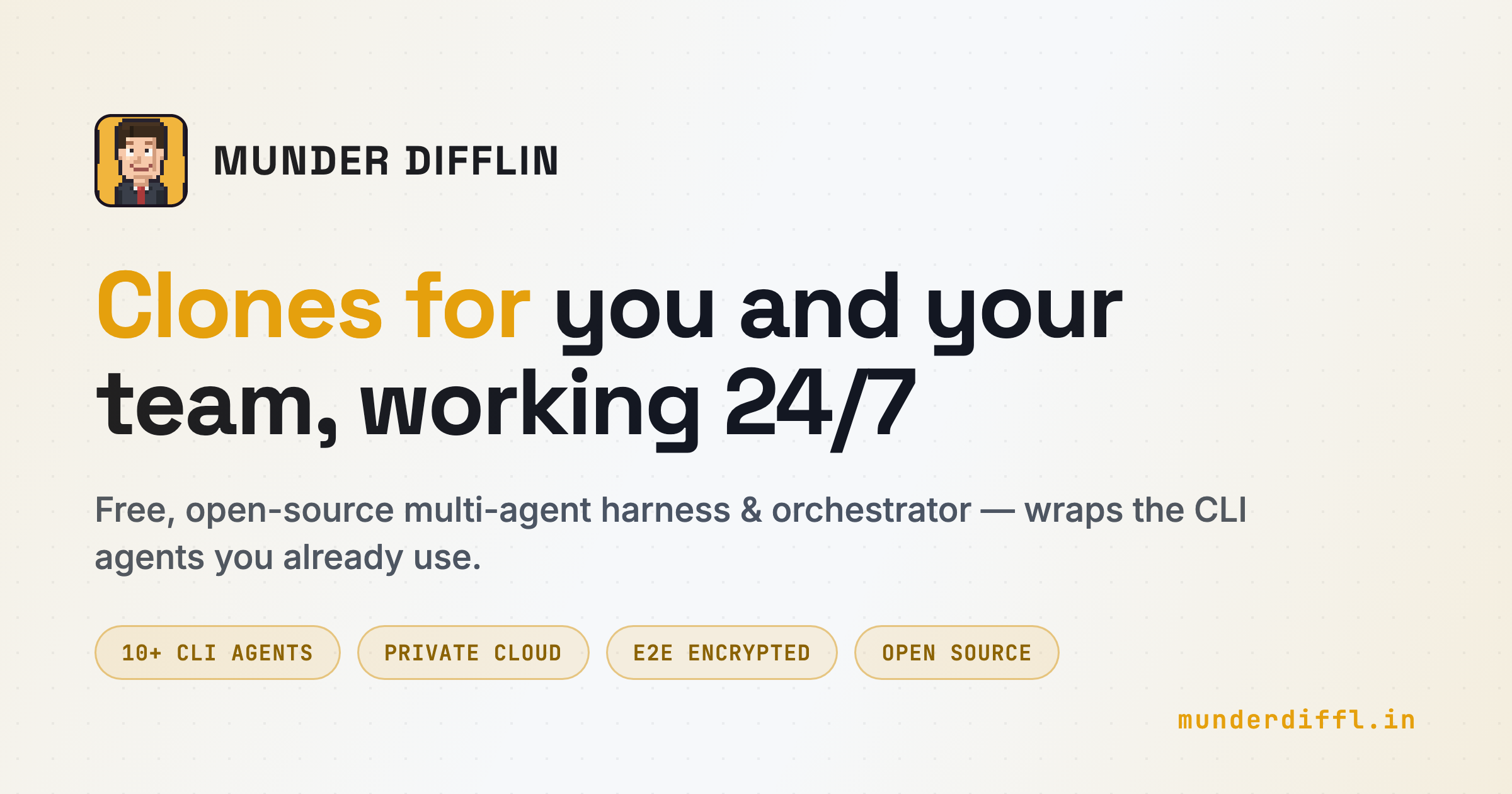
Recently stumbled upon a repository that's hard to walk past if you've ever run autonomous console utilities like Claude Code and caught yourself thinking that managing dozens of open terminal tabs is incredibly inconvenient. The project is called Munder Difflin.

The authors approached terminal agent orchestration with unexpected humor. They wrapped console processes into a desktop application built with Electron and Pixi.js, where each running agent walks around a pixel office, carries virtual envelopes, and communicates with colleagues through the local file system. Overseeing it all is your clone named Michael, sitting in a separate office.
Sounds like a joke toy, but under the hood there's serious scaffolding for running Claude Code, Antigravity, OpenAI Codex, Kimi, Qwen, and local models in parallel via Ollama.
What is this anyway
Instead of inventing a custom API client for each model, Munder Difflin takes the ready-made CLI tools you already run in the terminal. The application spins up a real pseudo-terminal for each agent via node-pty and renders it in the interface using xterm.js.
As a result, the agent works in its native environment. It retains access to local files, runs tests, makes commits, and reads build output exactly as if you had launched it manually in a regular iTerm or Alacritty tab.
The main difference is that processes are united into a shared network. You give a high-level task to the main orchestrator agent (GOD agent), which distributes subtasks among specialized agents, monitors their status, and asks for your permission only before dangerous operations.
How agent interaction works
The entire architecture is built on local files and the Git protocol, with no external cloud databases.
Mailboxes and shared memory
When agents need to pass context or work results, they don't call complex remote RPCs. The system uses a mailbox architecture right on disk:
- The agent writes a message or artifact to its local directory
outbox/. - An internal router moves the file to the recipient's folder
inbox/. - The recipient wakes up via a file system event, reads the message, and picks up the task.
- Long-term memory is stored in plain Markdown and indexed by local semantic search for quick context retrieval between sessions.
To prevent parallel processes from blocking index.lock in the repository, writes to the commit history go through a single committer process.
Protection against infinite loops and budget overruns
One of the main problems with autonomous CLI agents is the risk of looping, when a script starts repeatedly fixing the same test or bombarding the API with hundreds of requests.
Munder Difflin has a built-in Circuit Breaker mechanism:
- Each agent has a hard token limit and real-time cost monitoring of requests from logs.
- The system tracks cascading errors and retry attempts of failed commands.
- When exceeding the budget or exhibiting abnormal behavior, the agent first receives a warning and context limitation, and if failures continue, it's forcibly stopped.
- Destructive actions, scope changes, and spending money require confirmation through the Approvals panel.
What's inside: technical stack
Architecturally, the application is divided into two isolated planes that converge in Electron:
┌───────────────────────────────────────────────────────────────┐
│                     Electron Renderer (React)                 │
│   ┌──────────────────┐    ┌──────────────────────────────┐    │
│   │ Office Floor     │    │ Terminal + Command Bar       │    │
│   │ (Pixi.js)        │    │ Files + Git tabs (xterm.js)  │    │
│   └─────────▲────────┘    └────────────▲─────────────────┘    │
│             │ avatar state             │ pty bytes / fs / git │
└─────────────┼──────────────────────────┼──────────────────────┘
              │ IPC (contextBridge: window.cth)
       ┌──────┴──────────┐        ┌──────┴─────────────┐
       │  Event Plane    │        │  Terminal Plane    │
       │  hooks / hive   │        │  node-pty PTYs     │
       │  router + GOD   │        │  + fs + git        │
       └────────▲────────┘        └──────▲─────────────┘
                │ hook payloads          │ stdin / stdout
                └─────────┬──────────────┘
                   ┌──────┴──────────────┐
                   │ claude / agy / codex│
                   └─────────────────────┘
The main Node.js process manages the terminal lifecycle, file routing, and an SQLite database for session history persistence. The renderer on React and Pixi.js receives data through a typed IPC bridge window.cth.
Beyond the visual office, the desktop client includes a built-in Monaco editor, a task kanban board with dependencies, a Git diff viewer, and Slack webhook integration. You can send a task to a work chat, Michael will create a temporary agent in the background, solve the problem, and return the answer to the thread.
How to deploy and try it
To run it, you'll need Node.js 18+, a C/C++ compiler for building the native module node-pty (on macOS, Xcode Command Line Tools is sufficient), and at least one installed console agent.
Clone the repository and run the project in development mode:
git clone https://github.com/chaitanyagiri/munder-difflin.git
cd munder-difflin
npm install
npm run dev
On first launch, a setup wizard will open. There you can specify paths to the binaries claude, codex, copilot or set addresses for local LM Studio / Ollama / vLLM servers.
If the required binary isn't in the system, the application can run auto-installation right in the built-in terminal window.
Who will benefit from this project
Munder Difflin is hard to call a lightweight everyday utility—Electron and sprite rendering via Pixi.js predictably require resources. But if you frequently experiment with multi-agent scenarios, write complex refactorings powered by multiple models, or are tired of manually controlling parallel Claude Code launches in tmux, there's plenty to learn here.
The concept of managing processes through Markdown files, branch isolation via git worktrees, and human-friendly visual control of what's happening make this project one of the most original open-source hacks around local AI agents. The repository is actively committed to, the code is written in clean TypeScript, so digging into the internal hooks and PTY handlers is definitely worth it.
Related projects