How to Turn a Paper Menu into Appetizing Food Photos with Llama 3.2 and Flux
A familiar situation: you walk into a restaurant abroad or order from a delivery service with authentic cuisine, and there's a long list of incomprehensible dish names without a single photo. You end up googling each dish blindly or hoping for the best.
Developer Hassan El Mghari (Nutlope) put together a small open-source project called PicMenu that solves this problem in a couple of seconds. You upload a photo of a paper menu, and the service recognizes all the items and generates a realistic image for each dish.
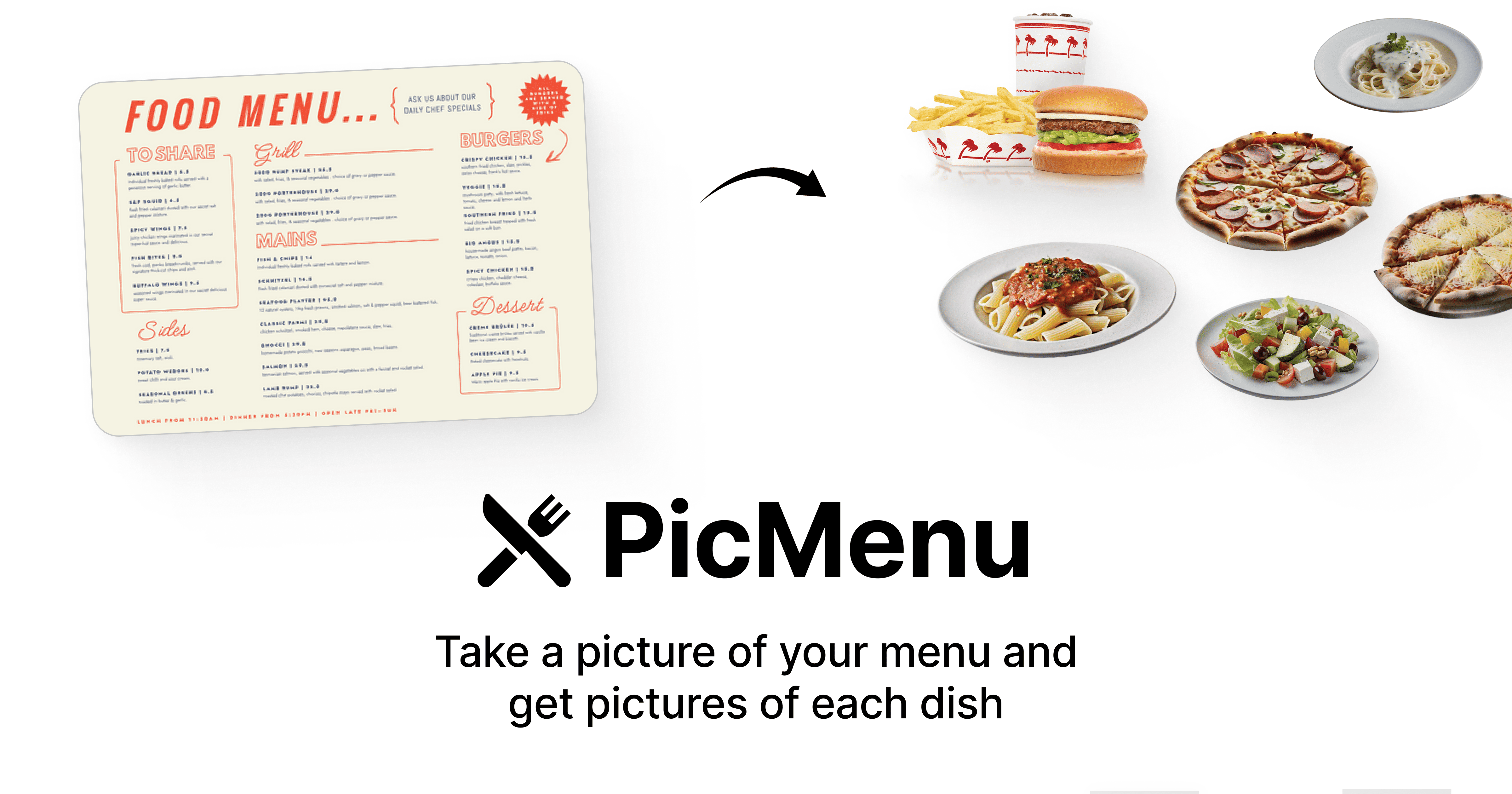
How it works under the hood
There are no bulky microservices or custom ML models running on GPU farms here. The project is built with Next.js and TypeScript, with all the computational magic handled by a combination of open models through the Together AI API service.
The processing pipeline is quite elegant:
- Menu recognition: the photo is sent to the Llama 3.2 Vision 90B model. It extracts dish names even from crumpled or complex designed forms.
- Data structuring: the fast text model Llama 3.1 8B converts the extracted text into clean JSON with dish names and descriptions.
- Photo generation: the generative model Flux Schnell creates an image for each found dish directly based on its description.
- Storage and visualization: generated images are stored in AWS S3 (or compatible storage), and the interface based on Tailwind and Shadcn UI displays the menu as neat cards.
The idea of splitting recognition and structuring into two Llama models looks practical. The large 90B model handles the heavy optical part, while the lightweight 8B model quickly formats the result into JSON, saving response time and tokens.
How to deploy the project locally
You can spin up the repository on your machine in literally five minutes. You'll need an API key from Together AI and any S3-compatible storage for uploading images.
Clone the repository:
git clone https://github.com/Nutlope/picmenu
cd picmenu
Create a .env file based on the example .env.example and fill in the variables:
TOGETHER_API_KEY=your_together_api_key
# Настройки AWS S3 для загрузки картинок
NEXT_PUBLIC_S3_BUCKET_NAME=your_bucket
S3_UPLOAD_KEY=your_access_key
S3_UPLOAD_SECRET=your_secret_key
S3_UPLOAD_BUCKET=your_bucket_name
S3_UPLOAD_REGION=your_region
Install dependencies and start the dev server:
npm install
npm run dev
After that, the application is available at http://localhost:3000.
What's already working, and what needs improvement
Right now, PicMenu is a solid working prototype (MVP). The interface looks tidy thanks to Shadcn components, and the combination of the Vision model with Flux works surprisingly fast.
However, the project has a few limitations that the author honestly lists in the todo section:
- If the menu is too large, generating all items can take up to a minute. The app lacks a warning about long response times or smooth loading animations.
- Flux Schnell is fast, but sometimes falls short on realism compared to the older Flux Dev version.
- The current version lacks dietary restriction tags (vegan, gluten-free, spicy) and filtering by them.
- There's no modal window with detailed dish information yet: calories, ingredients, and flavor profile.
Who will find this project useful
If you're planning a service for tourists, a restaurant menu aggregator, or just want to see how to practically connect vision models, JSON mode in LLMs, and image generation through Flux, this repository will serve as an excellent template. The codebase is straightforward, dependencies are standard, and the architecture isn't overloaded with unnecessary abstractions.
Related projects